Laser Cutting MDF Masterclass: Clean Cuts, Airflow & Premium Finishes

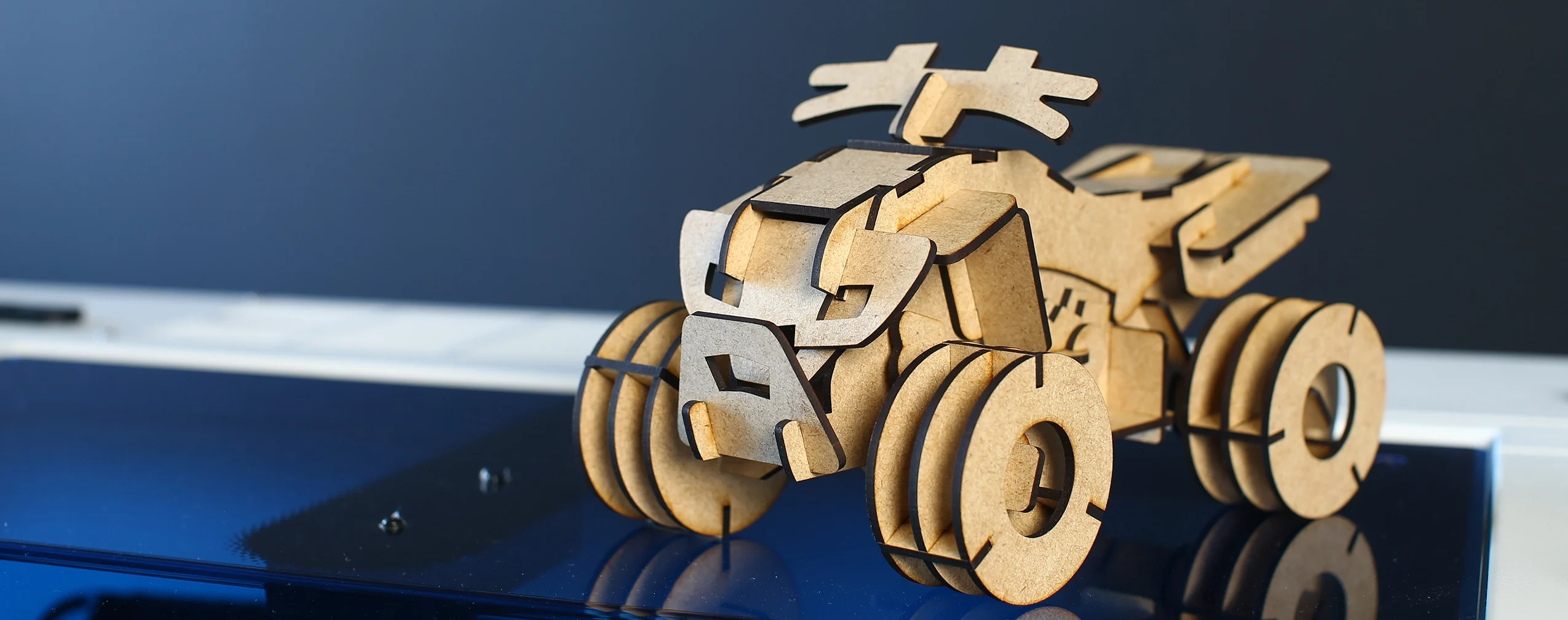
Laser cutting MDF board is one of the most popular starting points for signage, décor, craft products, branded items, and small business production. This guide explains how to achieve cleaner cuts, reduce burning, choose the right MDF, and select the best CO2 laser machine for reliable results.
What is MDF and Understanding Its Composition

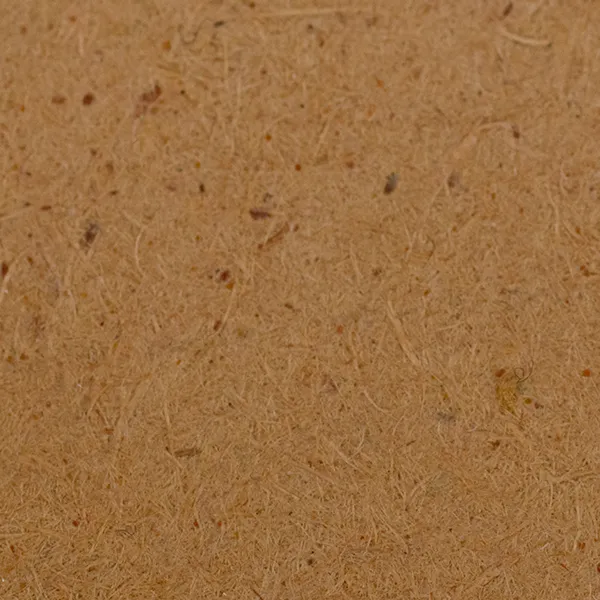
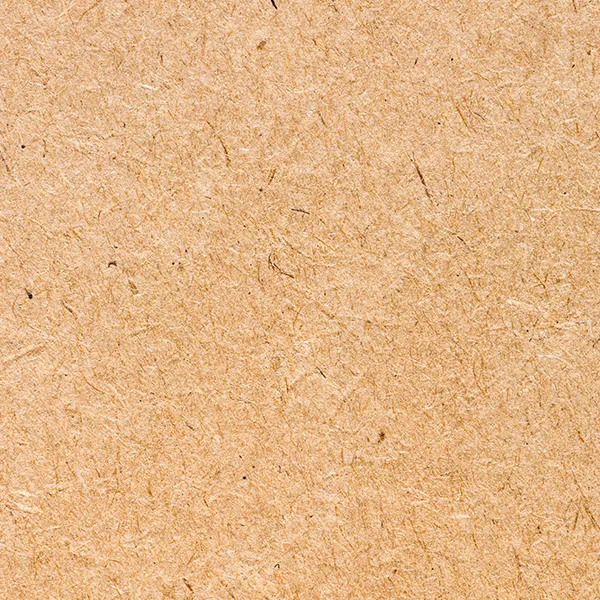
MDF (Medium Density Fibreboard) is a manufactured wood product made from fine wood fibres combined with resin and compressed under heat and pressure. Unlike plywood, MDF has no grain direction, knots, or voids, which makes it predictable and consistent when cutting or engraving.

  • higher pine MDF,
  • low soot,
  • cleaner edges,
  • finger soot test,
  • darker MDF vs lighter MDF,
  • glue/resin differences.

MDF With Higher Pine Content (Yellow MDF Boards)

Some MDF boards have a noticeably lighter or yellow appearance. These boards typically contain a higher percentage of pine fibres.

Characteristics:

  • Lighter yellow colour
  • Higher pine content in the fibre mix
  • Generally easier to cut through

Laser cutting behaviour:

  • Cuts more cleanly
  • Produces less soot on the cut edges
  • When you run your finger along the cut edge, your finger stays relatively clean

This makes yellow MDF very appealing for cut-heavy applications, such as:

  • Puzzle pieces
  • Decorative cut-outs
  • Layered products
  • High-volume cutting jobs

Trade-off: engraving contrast

The downside of high-pine MDF is engraving quality. Because the board is lighter in colour:

  • Engraved areas appear lighter
  • Contrast is weaker
  • Fine engraved detail is less pronounced

This can be a limitation for photo engraving or designs that rely on strong contrast.

MDF With Lower Pine Content (Darker / Brown MDF Boards)

Other MDF boards appear darker brown. These boards usually contain less pine and more mixed hardwood fibres.

Characteristics:

  • Darker overall colour
  • Produces higher contrast when engraved

Laser cutting behaviour:

  • Engraved areas appear darker and more defined
  • Better contrast for text, logos, and images
  • Preferred for engraving-heavy applications

Trade-off: edge cleanliness

The downside is cutting cleanliness:

  • More soot and debris on cut edges
  • When rubbing the edge, your finger may get dirty
  • Edges often require cleaning, sealing, or sanding

This type of MDF is ideal when engraving quality is the priority, even if post-processing is required.

Choosing MDF Based on Your Goal

The choice between MDF types should be intentional:

Higher pine content MDF board for cleaner laser cutting edges

If clean cutting and minimal mess are more important → higher pine MDF

Darker MDF board for stronger laser engraving contrast

If engraving contrast and visual depth matter more → darker MDF

Understanding this difference saves time, reduces waste, and avoids frustration.

Start Cutting MDF with Confidence: Understanding Its Popularity for Laser Cutting

MDF is one of the most widely used materials in laser cutting because it is affordable, easy to machine, and capable of producing professional results. From signage and wall art to educational products, packaging, and branded items, laser-cut MDF is used by hobbyists, startups, and production businesses every day.

However, not all MDF cuts or engraves the same.

Glue content, board density, moisture, airflow, machine power, optics, and extraction can dramatically affect results. In this guide, we walk through MDF laser cutting settings, engraving techniques, veneered MDF, common mistakes, machine selection, safety, profitable product ideas, and more.

Why MDF Works Well With CO₂ Laser Cutters

MDF responds well to CO₂ laser cutting machines because:

  • It cuts evenly without grain resistance
  • It produces clean, precise edges when correctly set up
  • It engraves smoothly with consistent depth
  • It is available in many thicknesses suitable for both desktop and cabinet laser machines

CO₂ lasers cutters are particularly effective for MDF because they interact well with organic materials such as wood fibres and resins.

Cost vs Versatility

One of the biggest reasons MDF is so popular is the balance between cost and flexibility:

  • MDF is cheaper than solid wood and veneered boards
  • It can be painted, sealed, laminated, or left raw
  • It works well for prototyping, production, and custom jobs

For many laser businesses, MDF becomes the core material they start with before moving into premium finishes.

Why MDF Is Widely Used in South Africa

MDF is popular in South Africa because it is affordable, easy to source, and available in practical thicknesses for signage, decor, school projects, packaging, and small business production.

For new laser businesses, MDF keeps material costs low while allowing operators to test designs, build product ranges, and quote custom jobs without the high cost of premium timber or acrylic.

Key Techniques For Laser Cutting MDF

Professional MDF laser cutting results are influenced by far more than just power and speed. Material composition, airflow, table setup, cutting direction, optics condition, and workflow planning all affect edge quality, soot buildup, engraving contrast, and production speed.

Compressor vs Standard Air Pump

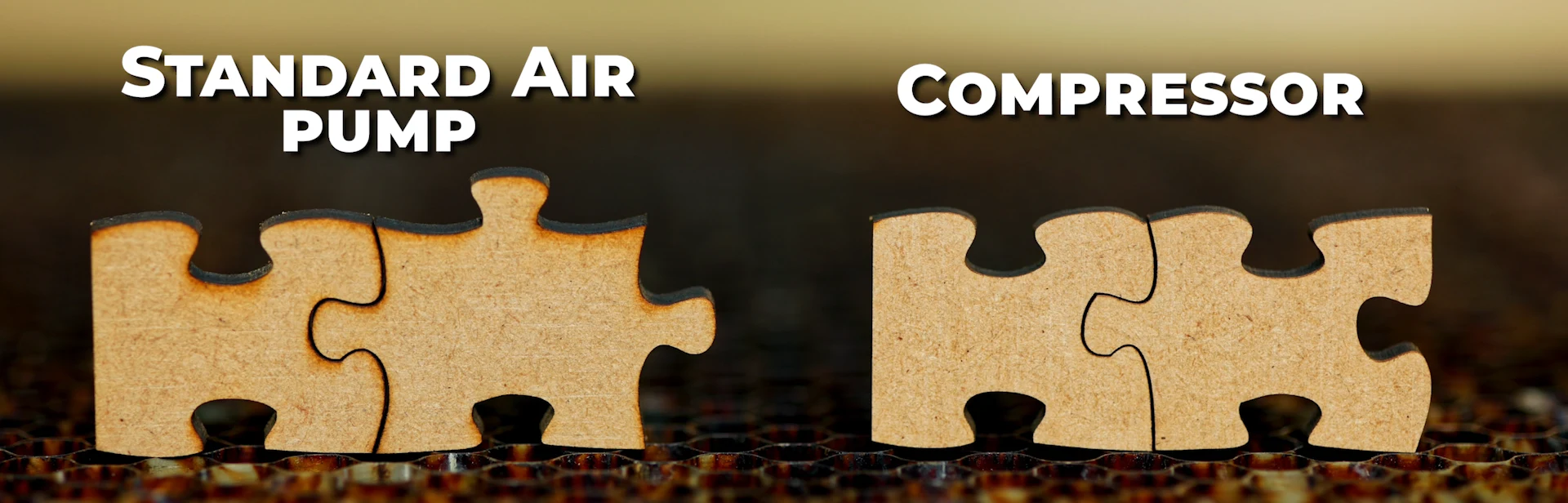
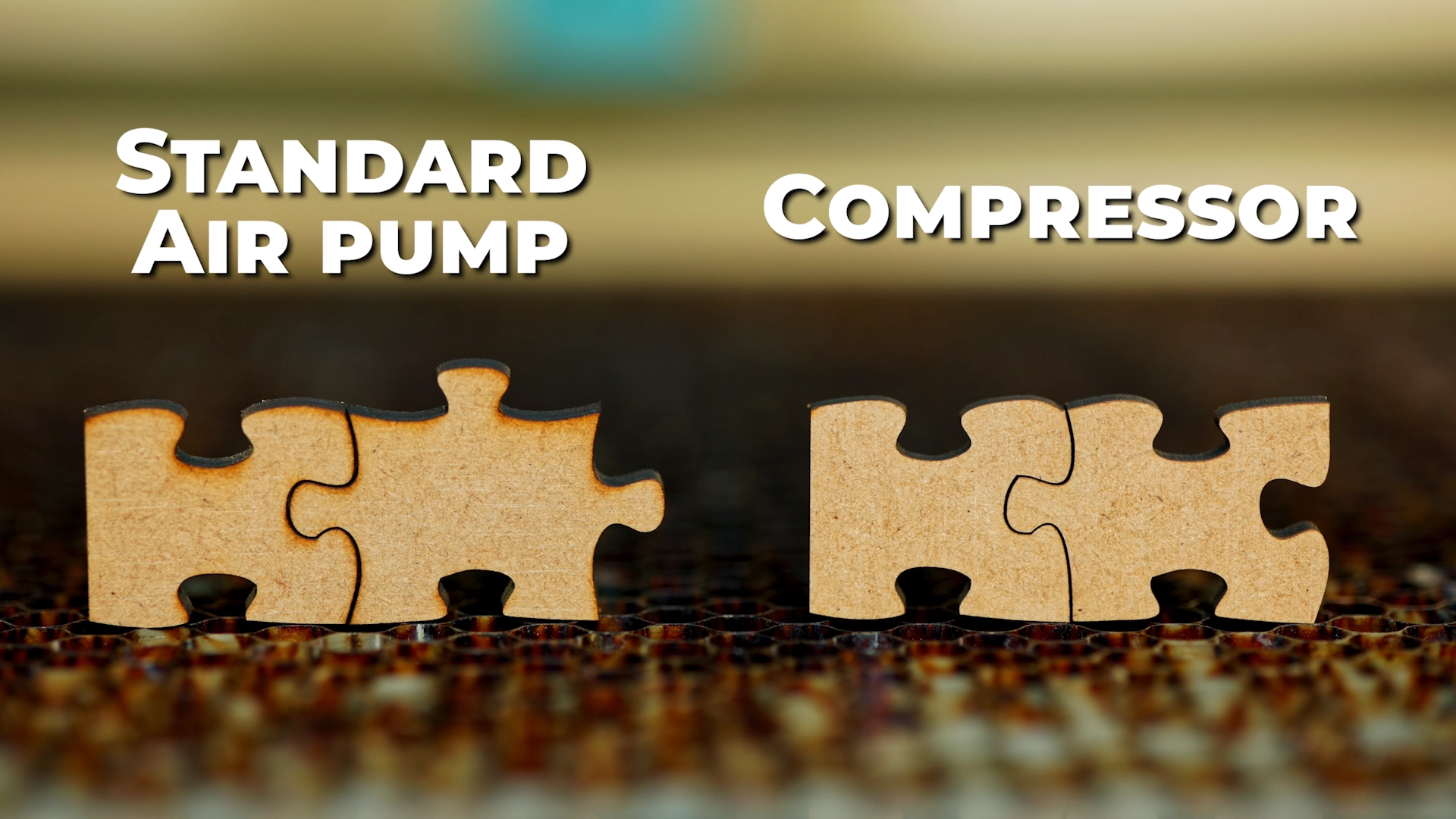
Airflow plays a major role in MDF laser cutting quality. During testing, we found that using a proper air compressor with stronger airflow produced significantly cleaner cuts compared to a standard air pump.
 
The stronger airflow helps clear smoke, heat, and burnt particles away from the cutting area much faster. This reduces the dark burnt edge marks often seen on MDF after cutting and helps create cleaner, more professional finishes.
 
In our testing, the compressor setup consistently produced:
  • Cleaner cut edges
  • Less visible burning
  • Reduced soot buildup
  • Better overall finish quality
  • Cleaner MDF parts straight off the laser bed
Laser cutting mdf results using a Standard air pump vs a compressor

Honeycomb Bed vs Blade Table

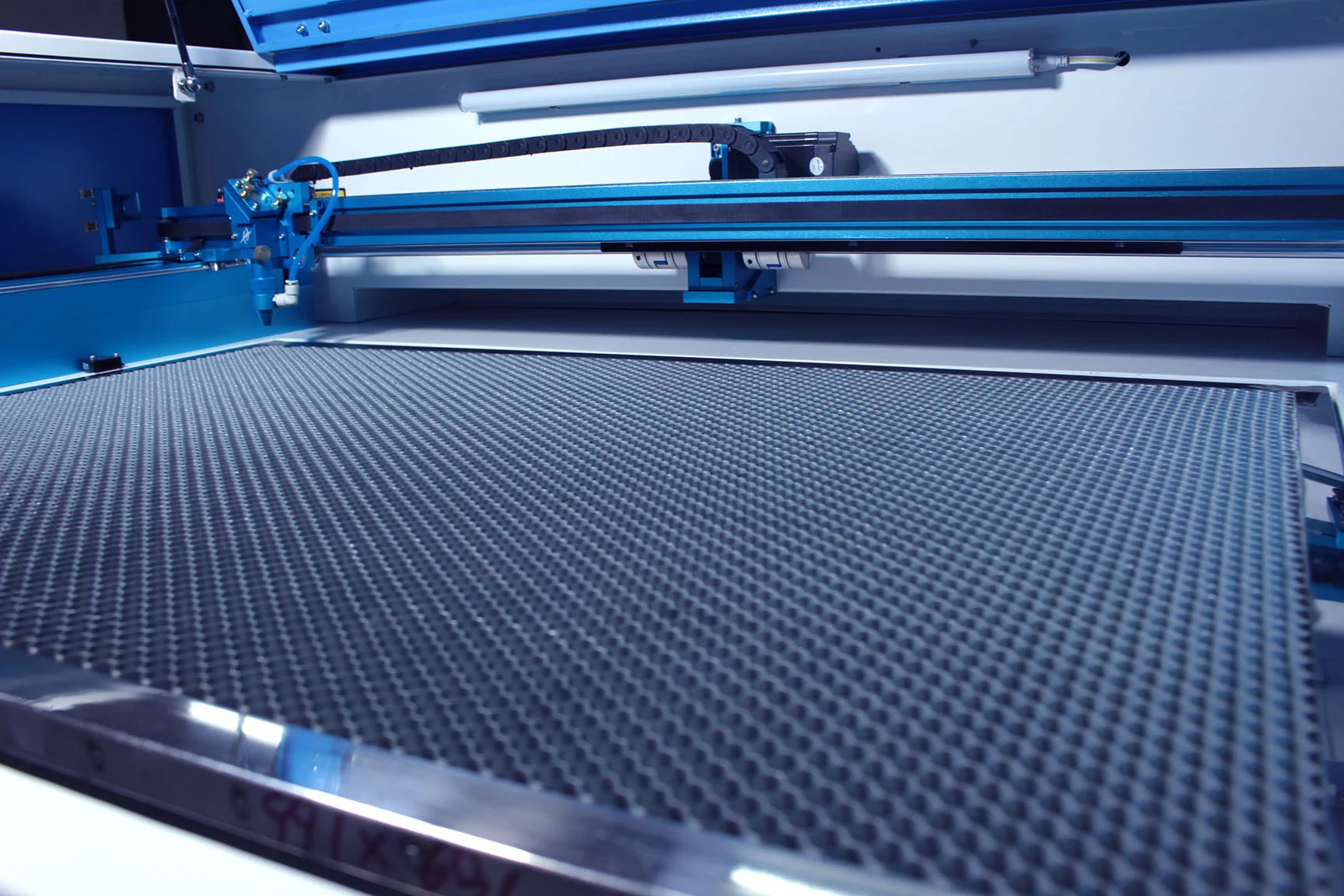
The table setup underneath your MDF can affect the final cut quality. During testing, we found that a blade table produced cleaner results underneath the material compared to a honeycomb bed.
 
When cutting on a honeycomb table, heat and reflections can sometimes bounce back underneath the MDF, leaving visible marks or honeycomb patterns on the underside of the material. This is more noticeable on lighter MDF boards and premium finished products.
 
A blade table allows more heat and smoke to escape downward during cutting, helping reduce underside marking and producing a cleaner finish underneath the MDF. This can be especially important for double-sided products or projects where both sides of the material remain visible.
 

Power, Speed & Airflow Balance

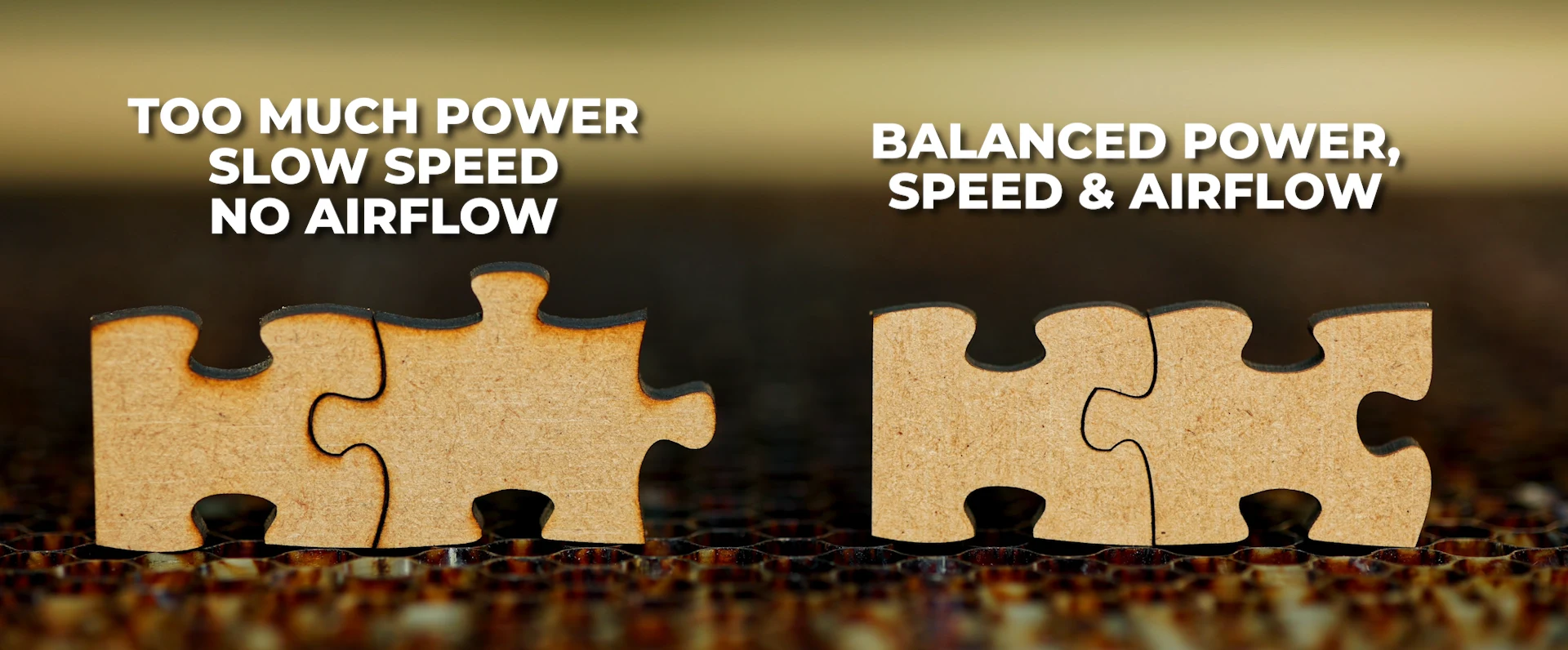
Clean MDF laser cutting is achieved by balancing power, speed, and airflow correctly. Too much power or cutting too slowly can create excessive burning and dark edges, while too little power or moving too fast may prevent the laser from cutting through the material properly.
 
Stronger airflow helps remove heat and smoke from the cut path, reducing burning and improving edge quality. Higher-powered laser machines can also cut MDF faster, reducing heat buildup on the material and helping produce cleaner finishes. Finding the correct balance between power, speed, airflow, and machine capability is one of the most important factors in achieving professional MDF cutting results.

Focus Height, Clean Lenses & Mirror Maintenance

 
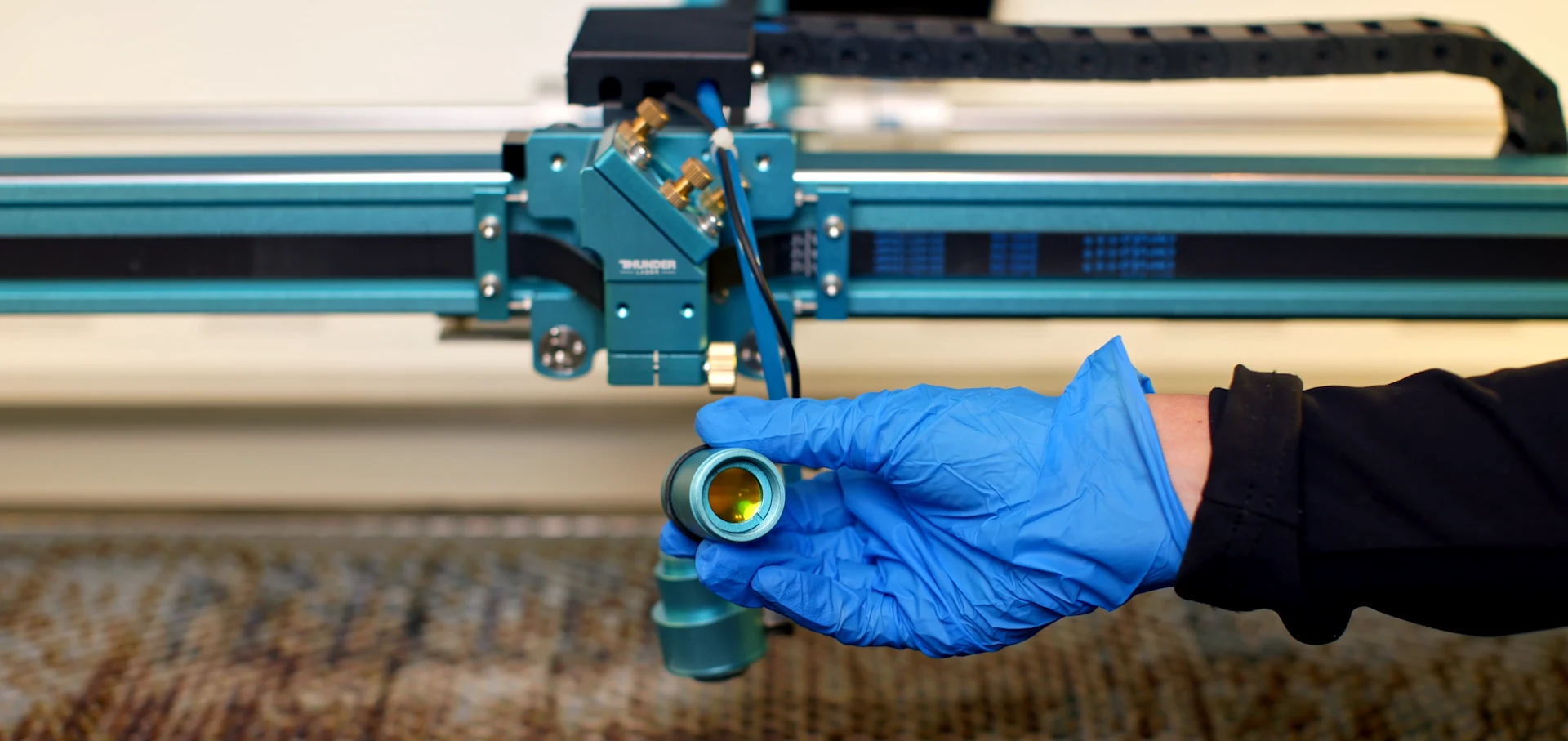
Correct focus height is essential for clean MDF laser cutting. If the laser is out of focus, the beam becomes less concentrated, which can lead to wider cut lines, excessive burning, inconsistent cutting, or difficulty cutting through the material properly.
Clean lenses and mirrors also play a major role in cutting performance. Dust, smoke residue, and buildup on the optics can reduce laser power and affect cut quality. Regularly cleaning your lenses and mirrors helps maintain a strong, consistent beam for cleaner cuts, better efficiency, and more reliable production results.

Cutting Direction & Pulse Marks

Cutting direction can affect the final finish quality of MDF laser-cut parts. During production, the initial laser pulse can sometimes leave a small visible mark where the cut starts.
 
By strategically cutting from inside to outside — or outside to inside — depending on which section of the MDF will be used as the final product, you can help reduce visible pulse marks on important surfaces. This is especially useful for premium products, visible edges, and finished parts where clean presentation is important.

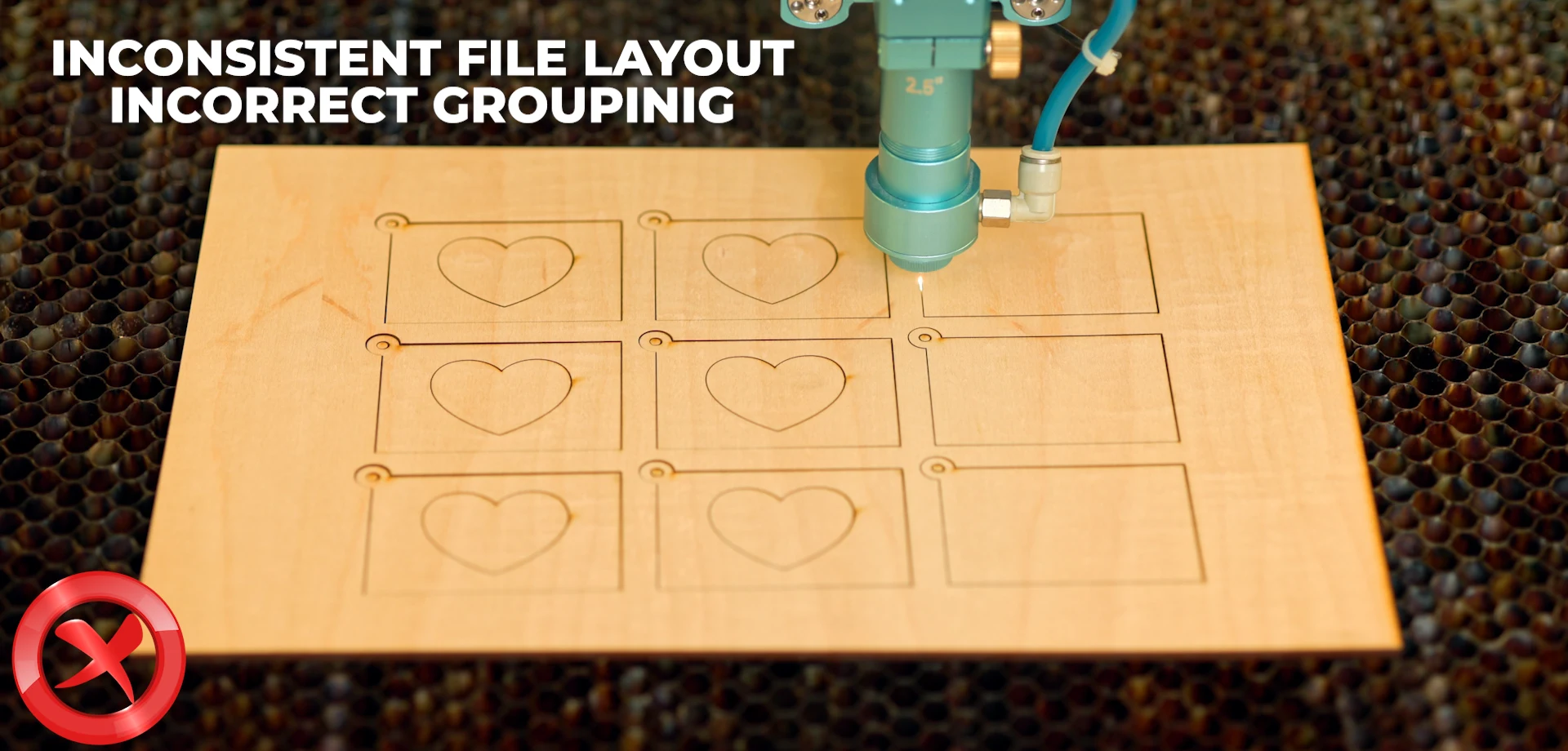
Travel Time & Smart File Layouts

 
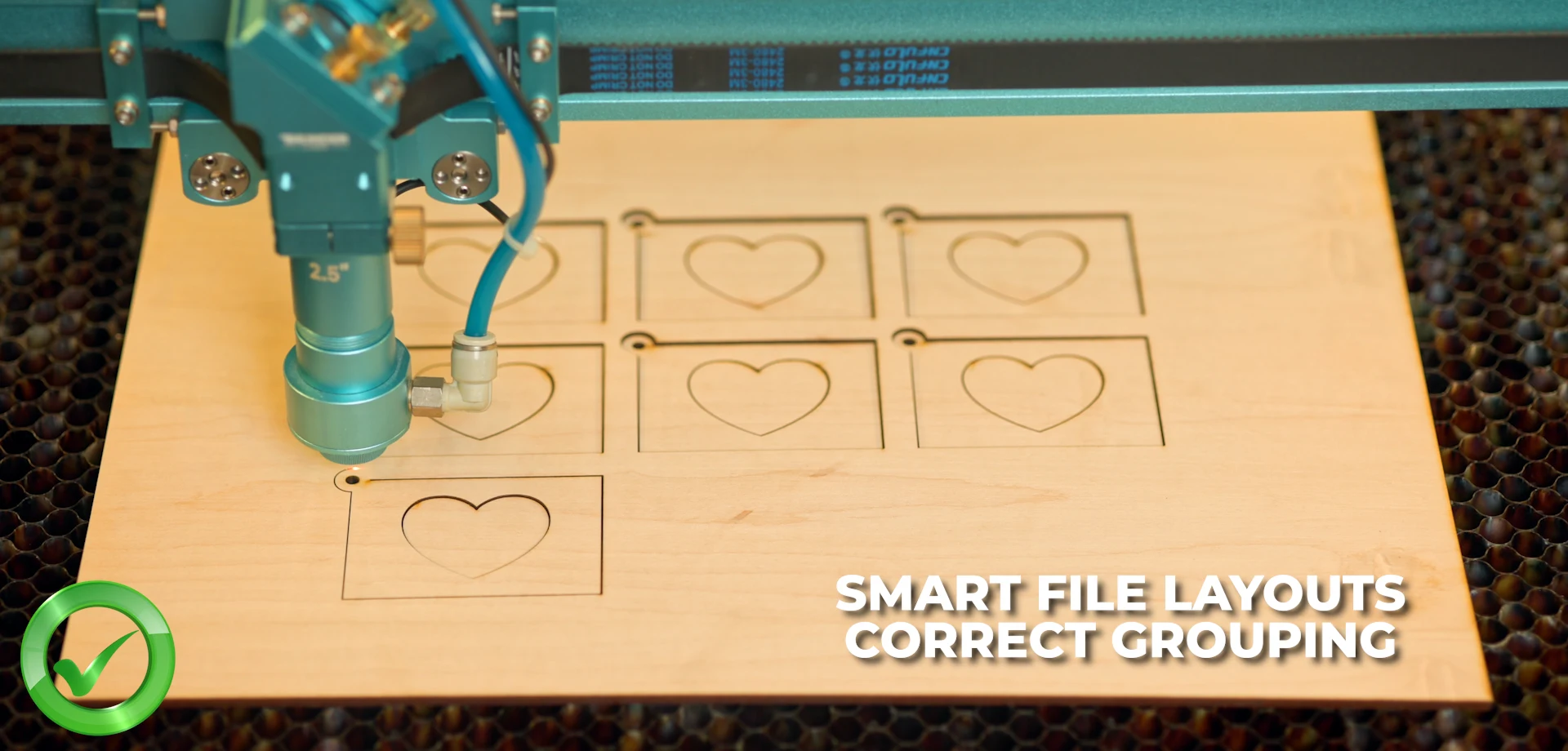
Smart file layouts can significantly improve MDF laser cutting efficiency and overall production speed. Reducing unnecessary travel time between cut paths helps the laser complete jobs faster and minimizes wasted machine movement.
Grouping parts strategically and organizing cut paths correctly allows the laser to cut more efficiently, especially during larger production runs. Optimized layouts not only reduce production time, but can also help maintain more consistent cutting quality by reducing unnecessary heat buildup across the MDF sheet.

Veneered MDF for Premium Products

Veneered MDF combines the stability of MDF with the premium appearance of real wood finishes. It is often used for higher-end signage, décor, branded products, and interior applications where a more natural or luxury finish is required.
When laser cutting veneered MDF, correct airflow, power, and speed settings become even more important to help reduce burning and protect the veneer surface. Veneered MDF can help businesses create more premium-looking products with higher perceived value and stronger selling potential.

What Is Veneered MDF?

Veneered MDF consists of:

  • An MDF core
  • A thin layer of real wood veneer bonded to the surface

This veneer creates the appearance of solid wood at a lower cost and with better stability.

When Standard MDF Is Perfectly Fine

Standard MDF is ideal when:

  • Products will be painted or sealed
  • Cost sensitivity matters
  • High volumes are produced
  • The finish does not rely on natural wood grain

Painted MDF signage and décor can still command strong prices when well designed.

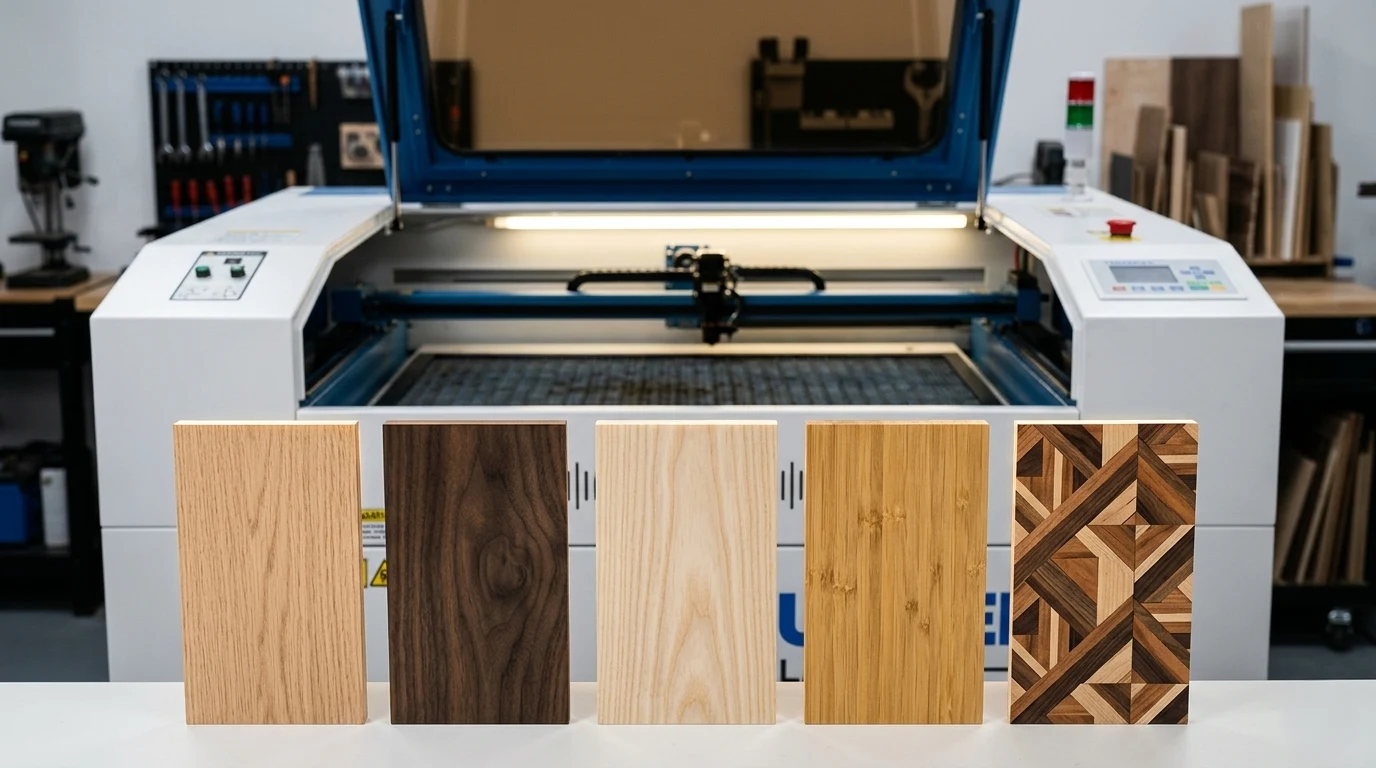
Popular Veneer Finishes

Common veneer options include:

  • Oak
  • Walnut
  • Ash
  • Bamboo
  • Decorative and engineered veneers

Each veneer changes the look, feel, and pricing potential of the final product.

Cutting vs Engraving Veneered MDF

Veneered MDF requires more care:

Considerations:

    • Veneer layers are thin
    • Aggressive engraving can burn through the veneer
    • Masking is often recommended
    • Light engraving works better than deep engraving

Best use cases:

    • Cut shapes
    • Logos with light engraving
    • High-end signage and décor

Why Veneered MDF Commands Higher Prices

Veneered MDF:

  • Has higher perceived value
  • Appeals to interior décor and corporate markets
  • Allows laser businesses to move into premium pricing tiers

It is best seen as an upgrade path, not a requirement.

Who This MDF Laser Cutting Guide Is For:

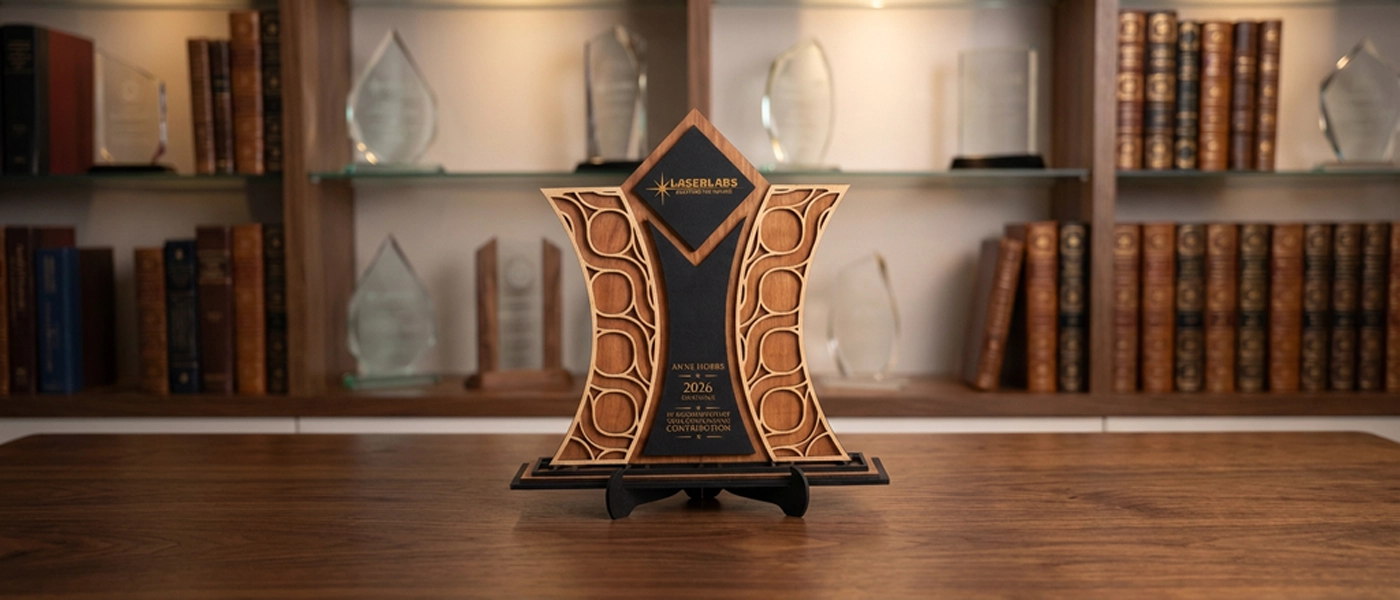
Custom laser cut MDF award trophy for corporate recognition
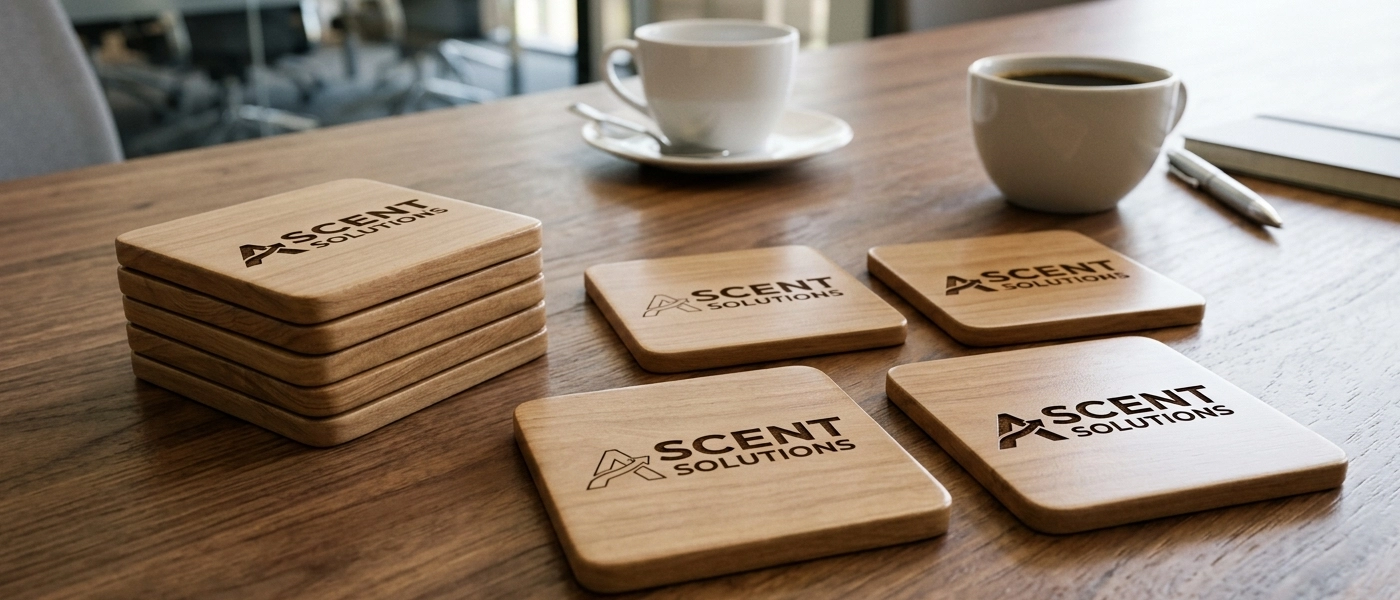
Custom branded MDF coasters for corporate gifts and promotions
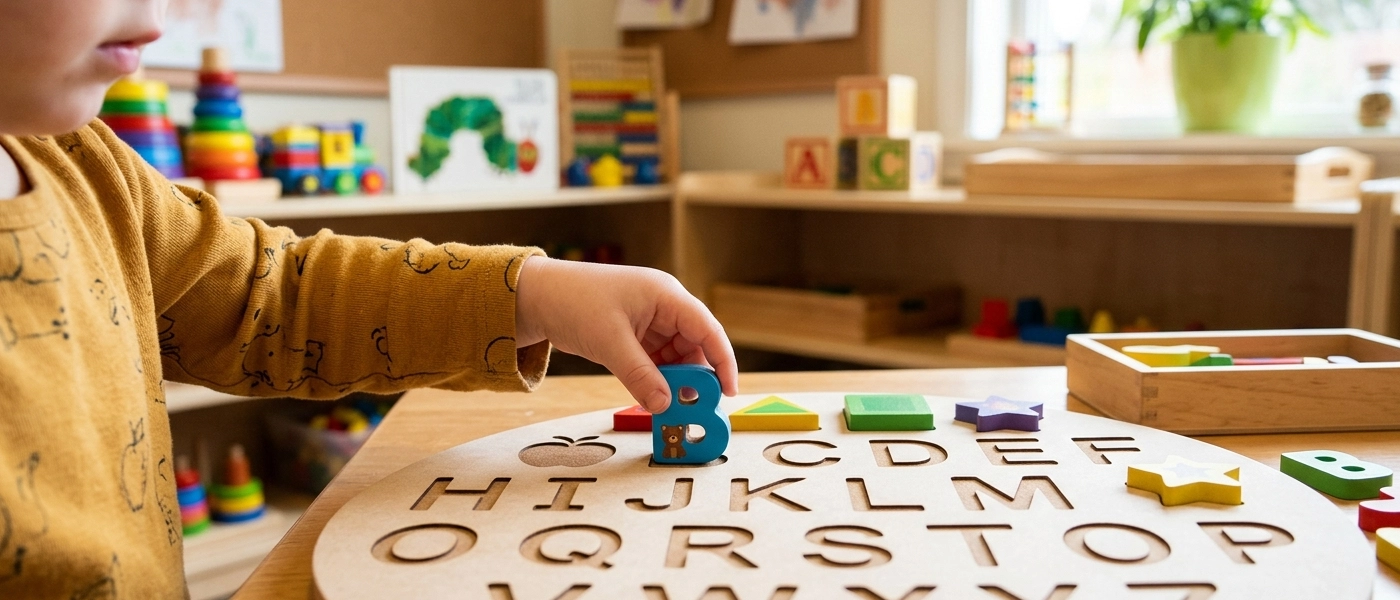
Educational MDF alphabet board created with a laser cutting machine
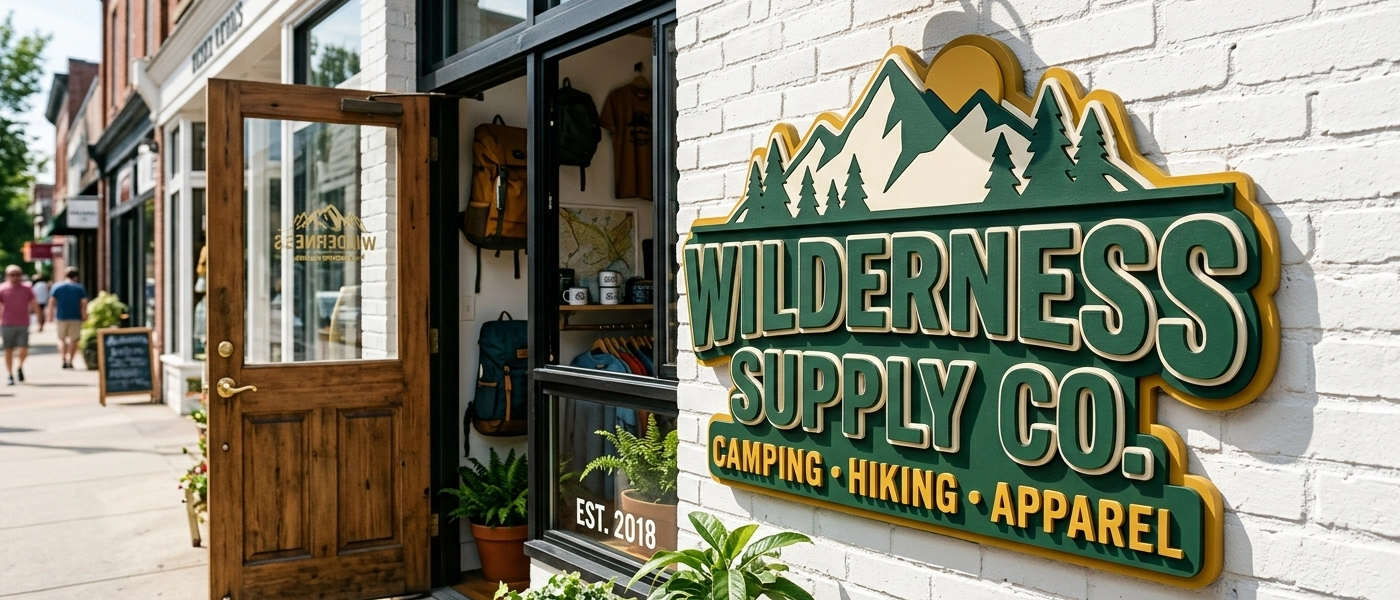
Custom laser cut MDF business sign mounted outside a retail store
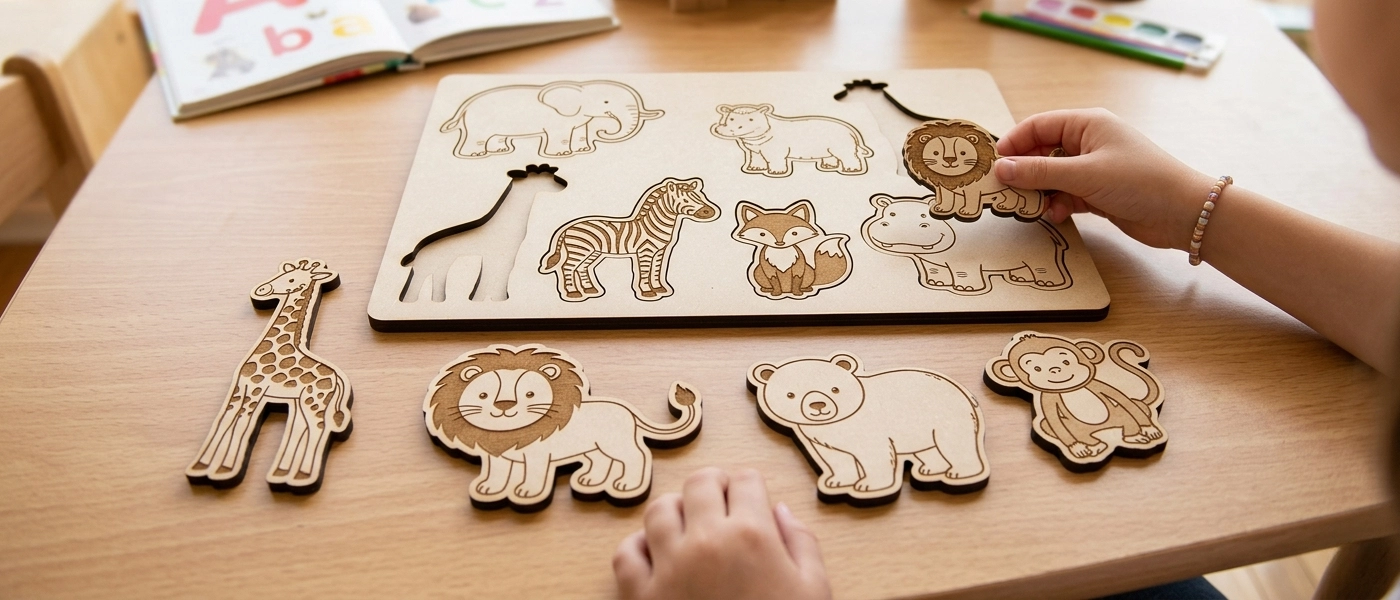
Educational MDF animal puzzle created with laser cutting machine
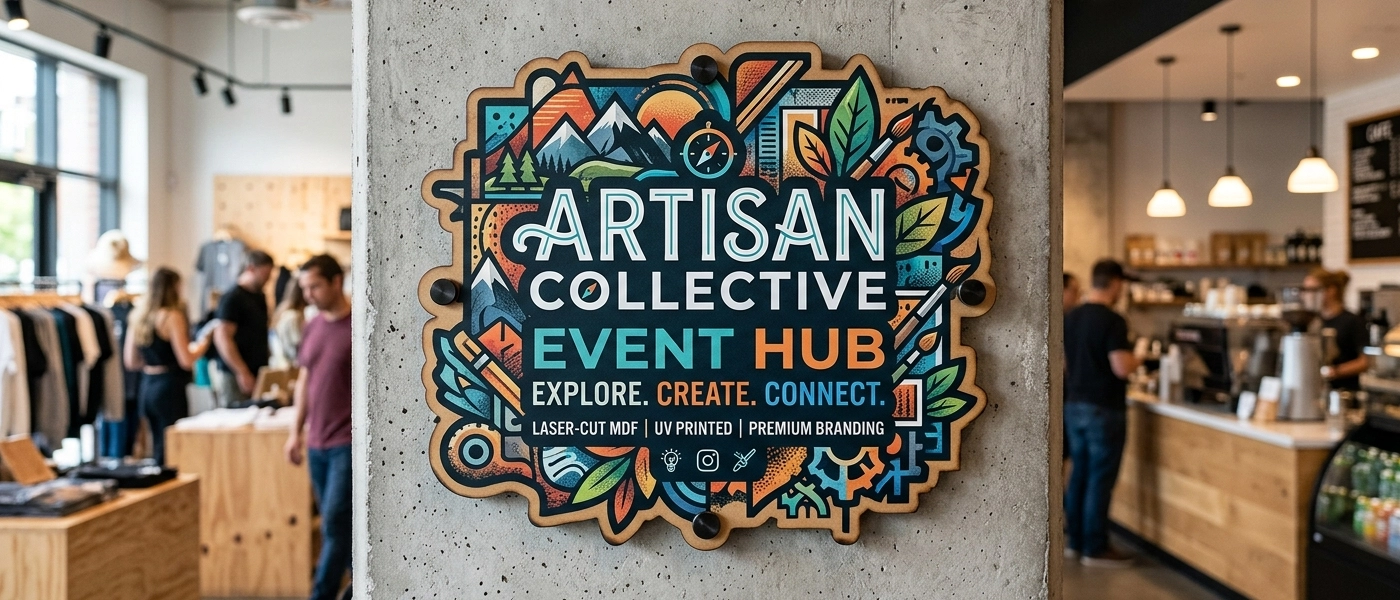
Custom laser-cut and UV printed MDF event sign
Laser cut MDF mechanical owl kit for DIY assembly projects
Custom laser cut MDF name sign for a children’s bedroom
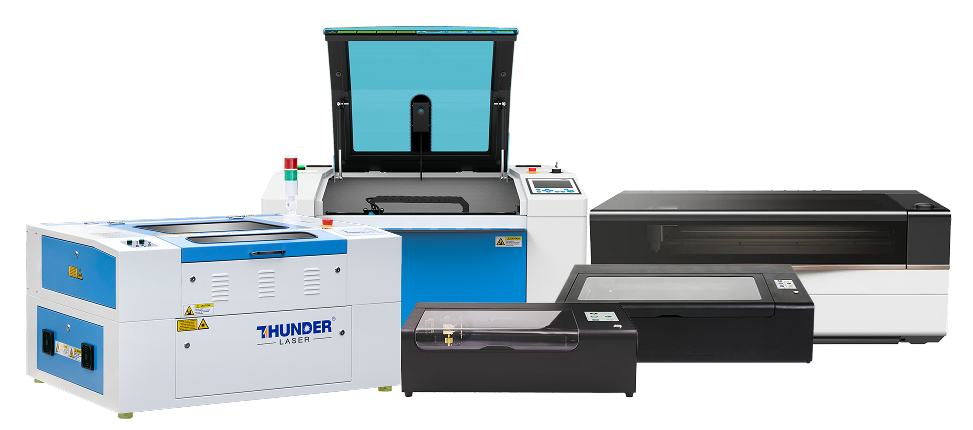
Laser cutting machines suitable for cutting MDF board

Best CO2 Laser Machines for Laser Cutting MDF

The right MDF laser machine depends on the thickness you want to cut, the size of your products, and how often you plan to produce. Beginners cutting thin MDF for craft or decor have different needs from a business producing signage batches or a workshop cutting structural panels.

Once you understand how MDF composition, airflow, extraction, machine power, and workflow setup affect cut quality, choosing the right laser machine becomes much easier.

Beginners & Hobbyist

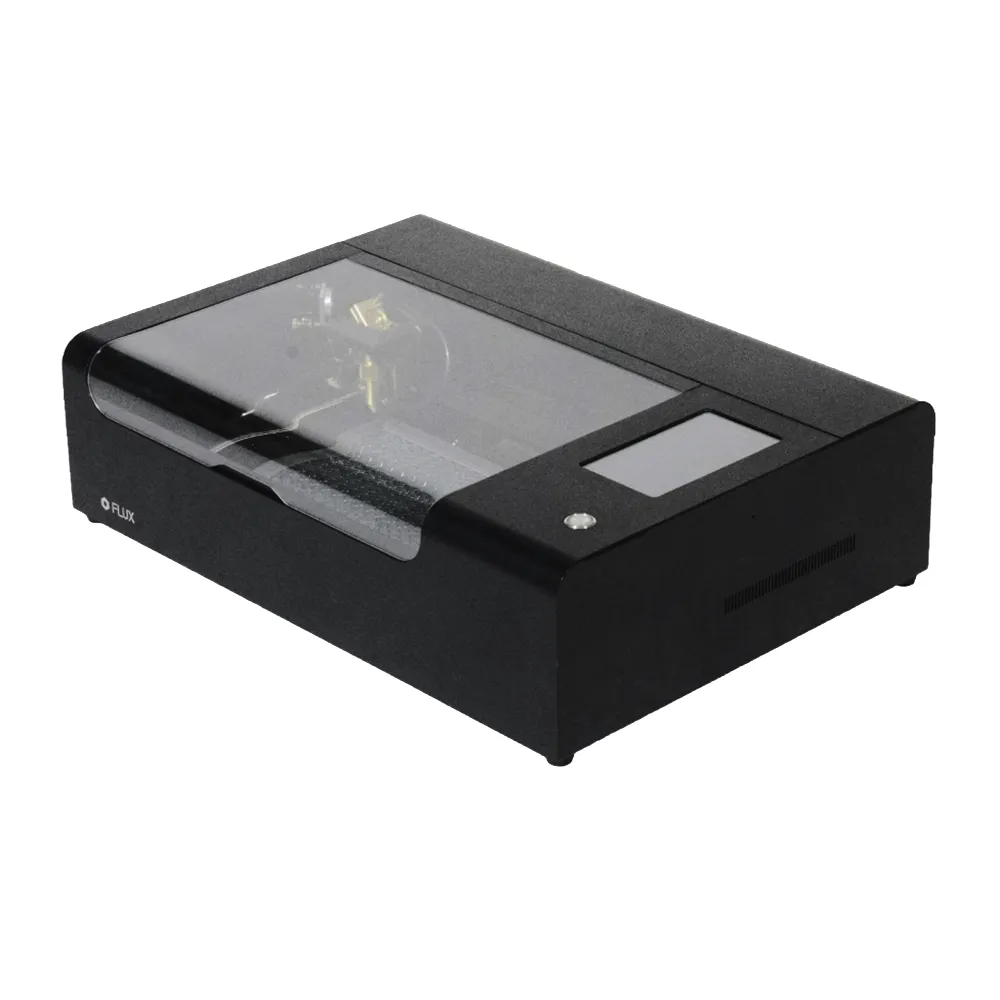
Flux Beambox

Best for beginners
Small décor, testing,
Compact footprint

View Machine

Arts & Crafts

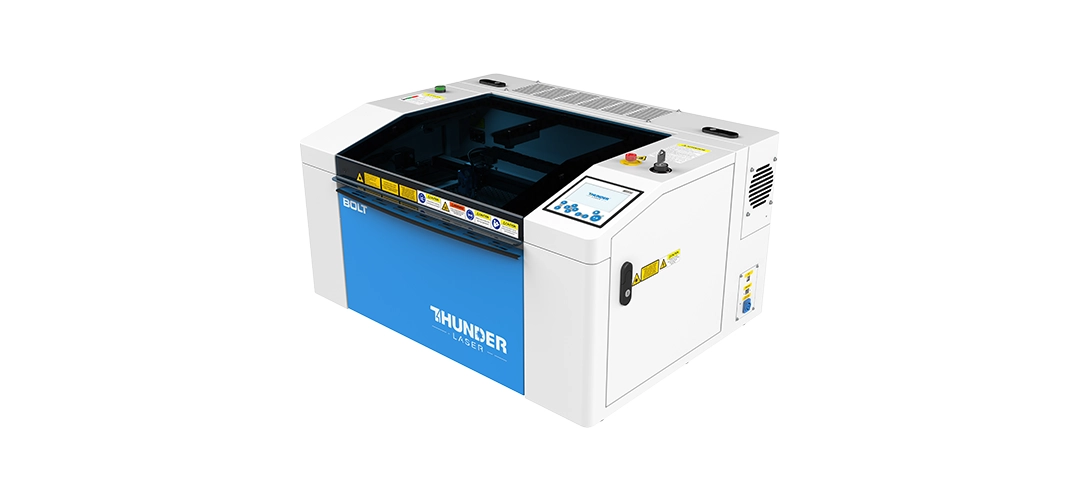
Thunder Bolt Product shot: Thunder Bolt CO2 laser cutting machine for acrylic and engraving — MaxLaser South Africa Action shot: Thunder Bolt CO2 laser cutting acrylic sheet in a small workshop — MaxLaser South Africa

Thunder Bolt

Best for beginners
Small décor, testing,
Compact footprint

View Machine

Small Businesses

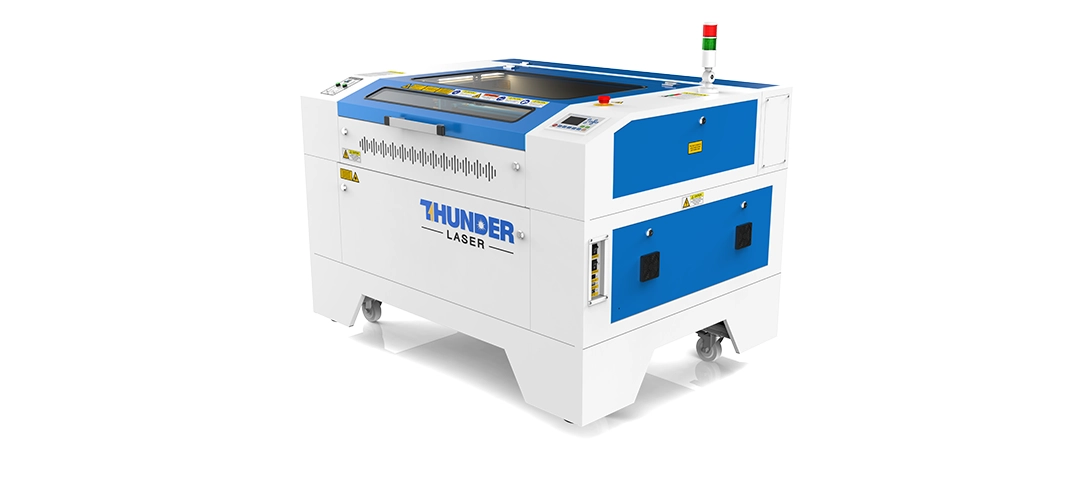
Thunder Nova 35 Product shot: Thunder Nova 35 CO2 laser cutting machine for acrylic signage and décor — MaxLaser South Africa Action shot: Thunder Nova 35 CO2 laser cutting acrylic for signage production — MaxLaser South Africa

Thunder Nova 35

Faster workflow
Better extraction
Signage and production

View Machine

Signage and décor companies

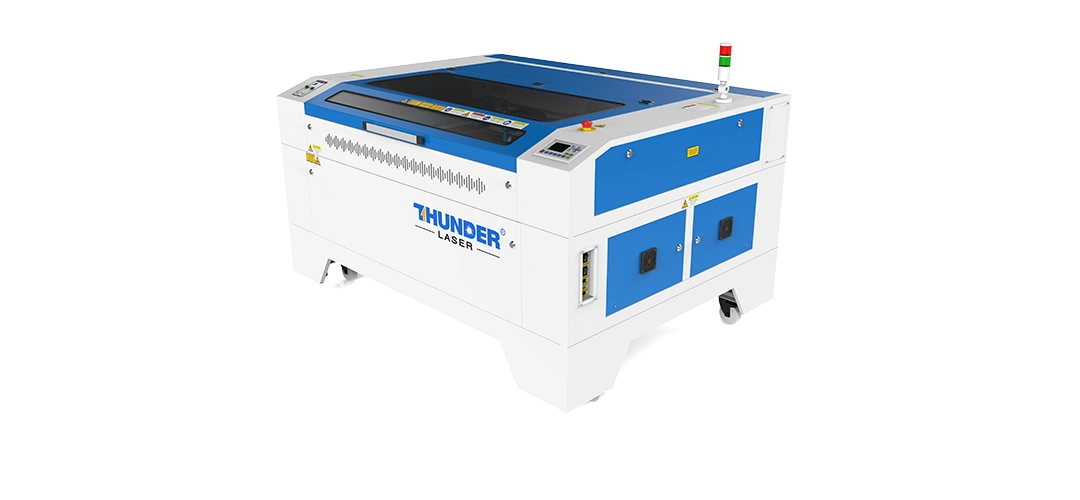
Thunder Nova 51 Product shot: Thunder Nova 51 CO2 laser cutting machine for acrylic production and batch work — MaxLaser South Africa Action shot: Thunder Nova 51 CO2 laser cutting thick acrylic sheet for retail display production — MaxLaser South Africa

Thunder Nova 51

Thick MDF workflow
Larger sheets
Repeat production

View Machine

Not Sure Which MDF Laser Machine Fits Your Workflow?

Bring your MDF samples, product ideas, or production goals to MaxLaser and see how different CO2 laser machines handle real cutting, engraving, airflow, and extraction demands.

Whether you are starting with small craft products or planning repeat MDF production, our team can help you compare machine size, bed format, cutting speed, airflow setup, training, and
long-term workflow needs before you invest.

Book a live MDF cutting demo and choose your machine with confidence.

book a live demo with MaxLaser
laser cutting results using a Standard air pump vs a compressor

Common MDF Laser Cutting Mistakes (and How to Fix Them)

Problem

Likely Cause

Fix

Burnt edges

Too much power, too slow, poor airflow

Increase speed, reduce power, and tune air assist

Incomplete cuts

Poor focus, warped board, too fast

Refocus, flatten material, slow down, test on offcuts

Heavy smoke

Poor extraction or high-resin MDF

Improve extraction, test a different MDF board type

Weak engraving contrast

Light MDF, excessive airflow, high speed

Use darker MDF, adjust airflow, test DPI and speed

Dirty edges

Board composition or excess residue

Try higher-pine MDF, clean, seal, or sand edges

Veneer burn-through

Engraving too deep

Use lighter engraving and masking

Flare-ups during cutting

Resin buildup or debris on bed

Clean honeycomb regularly, check air assist direction

Soot on underside

Insufficient airflow or dirty bed

Improve extraction, raise material on pins or honeycomb

Warped MDF

Moisture in board or uneven bed

Store MDF flat and dry, use clamps or hold-downs

MDF & Veneered MDF Products You Can Make and Sell

MaxLaser Academy

Learn MDF Faster.  Cut Cleaner. Build With Confidence.

Buying a CO2 laser machine is only the beginning. MaxLaser Academy helps you test MDF, prepare files, adjust settings, and create cleaner products faster.

Get practical training, material guidance, product ideas, and support for hobby projects, side hustles, and growing laser businesses.

Get Started with MaxLaser Academy

Maxlaser installation and training

Delivery & Remote Training

Lifetime technical support

Lifetime Technical Support

Local South African Stock & Spares

Hands-On Demo Facility

Real Business Setup Guidance

MaxLaser warranty and after-sales

Warranty & After-Sales Backup

Frequently Asked Questions About Laser Cutting MDF Board

Most standard MDF boards can be laser cut, but results vary depending on fibre composition, glue content, and density. Standard MDF and high-density MDF work best. Moisture-resistant MDF is generally not recommended due to excessive smoke, poor cut quality, and safety concerns.

Engraving contrast depends largely on MDF composition. Darker or grey MDF boards (with lower pine content) tend to engrave with higher contrast. Lighter or yellow MDF boards engrave lighter and with less definition, even when using the same laser settings.

MDF boards with higher pine content usually cut cleaner and produce less soot on the edge. Boards with lower pine content often leave darker residue on cut edges, which may require cleaning, sealing, or sanding after cutting.

Veneered MDF is not better in all cases — it is simply different. Standard MDF is ideal for painted, sealed, or cost-sensitive products. Veneered MDF is a premium option that creates a natural wood look and allows for higher-priced products, but it requires more care when engraving.

Deep engraving on veneered MDF is not recommended. Veneer layers are thin, and aggressive engraving can burn through the veneer and expose the MDF core. Veneered MDF works best for light engraving, logos, and surface detail.

For beginners, 3mm to 6mm MDF is ideal. These thicknesses cut reliably on most entry-level and mid-range CO₂ laser machines and allow for faster testing, less material waste, and easier handling.

No. MDF laser cutting settings can vary significantly between suppliers due to differences in fibre composition, glue, density, and moisture content. Always test new MDF batches on offcuts before production.

MDF can be laser cut indoors only if proper extraction and ventilation are installed. MDF contains resins and adhesives that produce harmful fumes when burned. MDF should never be cut without active extraction, and the machine should never be left unattended.

Incomplete cuts are usually caused by:

  • Incorrect focus
  • Cutting too fast
  • Insufficient laser power

Variations in MDF density or flatness
Slowing down slightly and ensuring correct focus often solves the issue.

CO₂ laser cutting machines are the best choice for MDF. Desktop machines work well for thin MDF and small products, while cabinet machines are better suited for thicker MDF and higher production volumes.

MDF safety is non-negotiable.

Key risks:

  • Glue and resin fumes
  • Fire hazards
  • Fine particulate smoke

Best practices:

  • Proper extraction and ventilation
  • Never leave MDF unattended
  • Keep a fire extinguisher nearby
  • Clean honeycomb beds and scrap regularly

Ready to Start Cutting MDF Professionally?

MDF remains one of the most versatile and profitable starting materials for laser businesses. From personalised products and signage to décor, educational items, and corporate branding, the range of what you can produce grows as your skill and client base develop. The machine is the beginning. What you build with it is the business.

Book a Live demo