Laser Cutting MDF Board: A Practical Guide to Clean Cuts, Engraving Quality & Profitable Products

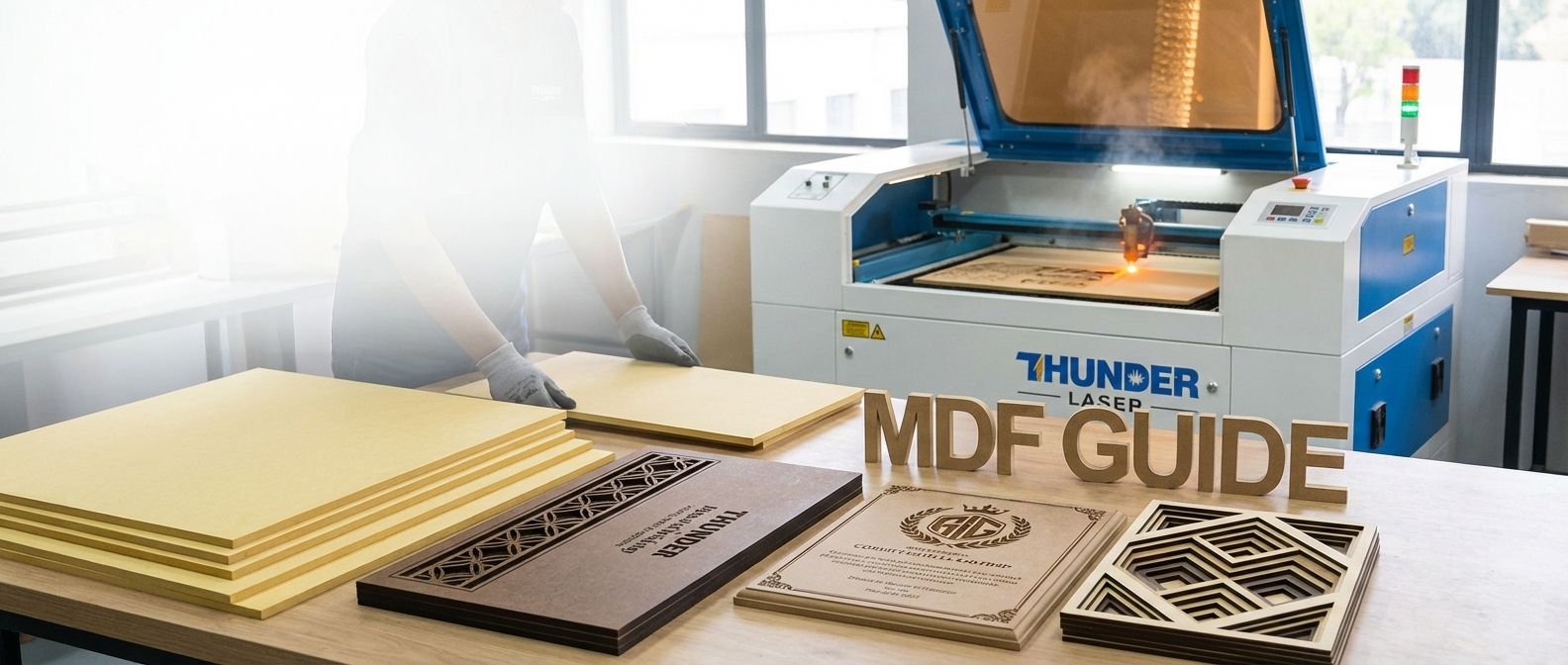
Laser cutting MDF board is one of the most common starting points for anyone entering the laser cutting and engraving space. MDF is affordable, widely available in South Africa, easy to work with, and versatile enough to produce everything from signage and décor to craft products and branded items.

However, not all MDF behaves the same on a laser machine. Differences in composition, thickness, glue content, and surface finish can dramatically affect cut quality, engraving contrast, edge cleanliness, and even safety.

This guide is written from real workshop experience. It is designed to help beginners and small business owners understand how MDF actually behaves when laser cut or engraved, so you can choose the right material, settings, and machine for consistent, profitable results.
What Is MDF and Why It’s Popular for Laser Cutting

MDF (Medium Density Fibreboard) is a manufactured wood product made from fine wood fibres combined with resin and compressed under heat and pressure. Unlike plywood, MDF has no grain direction, knots, or voids, which makes it predictable and consistent when cutting or engraving.

Why MDF Works Well With CO₂ Laser Cutters

MDF responds well to CO₂ laser cutting because:

  • It cuts evenly without grain resistance
  • It produces clean, precise edges when correctly set up
  • It engraves smoothly with consistent depth
  • It is available in many thicknesses suitable for both desktop and cabinet laser machines

CO₂ lasers are particularly effective for MDF because they interact well with organic materials such as wood fibres and resins.

Cost vs Versatility

One of the biggest reasons MDF is so popular is the balance between cost and flexibility:

  • MDF is cheaper than solid wood and veneered boards
  • It can be painted, sealed, laminated, or left raw
  • It works well for prototyping, production, and custom jobs

For many laser businesses, MDF becomes the core material they start with before moving into premium finishes.

Why MDF Is Widely Used in South Africa

MDF responds well to CO₂ laser cutting because:

  • It cuts evenly without grain resistance
  • It produces clean, precise edges when correctly set up
  • It engraves smoothly with consistent depth
  • It is available in many thicknesses suitable for both desktop and cabinet laser machines

CO₂ lasers are particularly effective for MDF because they interact well with organic materials such as wood fibres and resins.

Understanding MDF Composition and Why Results Differ

MDF (Medium Density Fibreboard) is a manufactured wood product made from fine wood fibres combined with resin and compressed under heat and pressure. Unlike plywood, MDF has no grain direction, knots, or voids, which makes it predictable and consistent when cutting or engraving.

MDF With Higher Pine Content (Yellow MDF Boards)

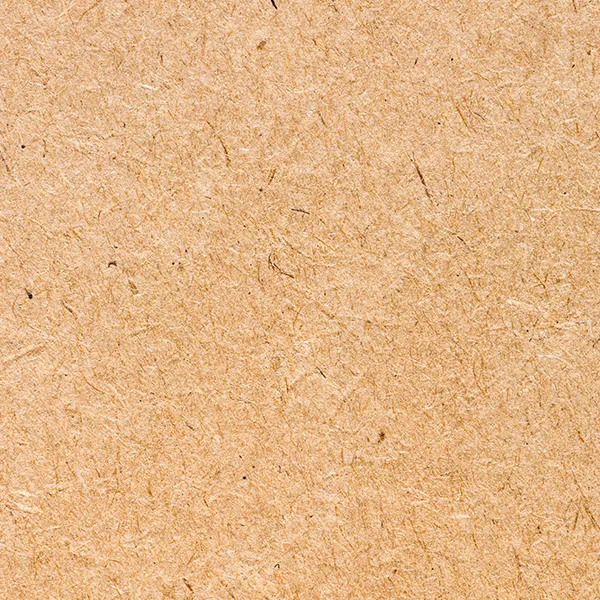
Some MDF boards have a noticeably lighter or yellow appearance. These boards typically contain a higher percentage of pine fibres.

Characteristics:

  • Lighter yellow colour
  • Higher pine content in the fibre mix
  • Generally easier to cut through

Laser cutting behaviour:

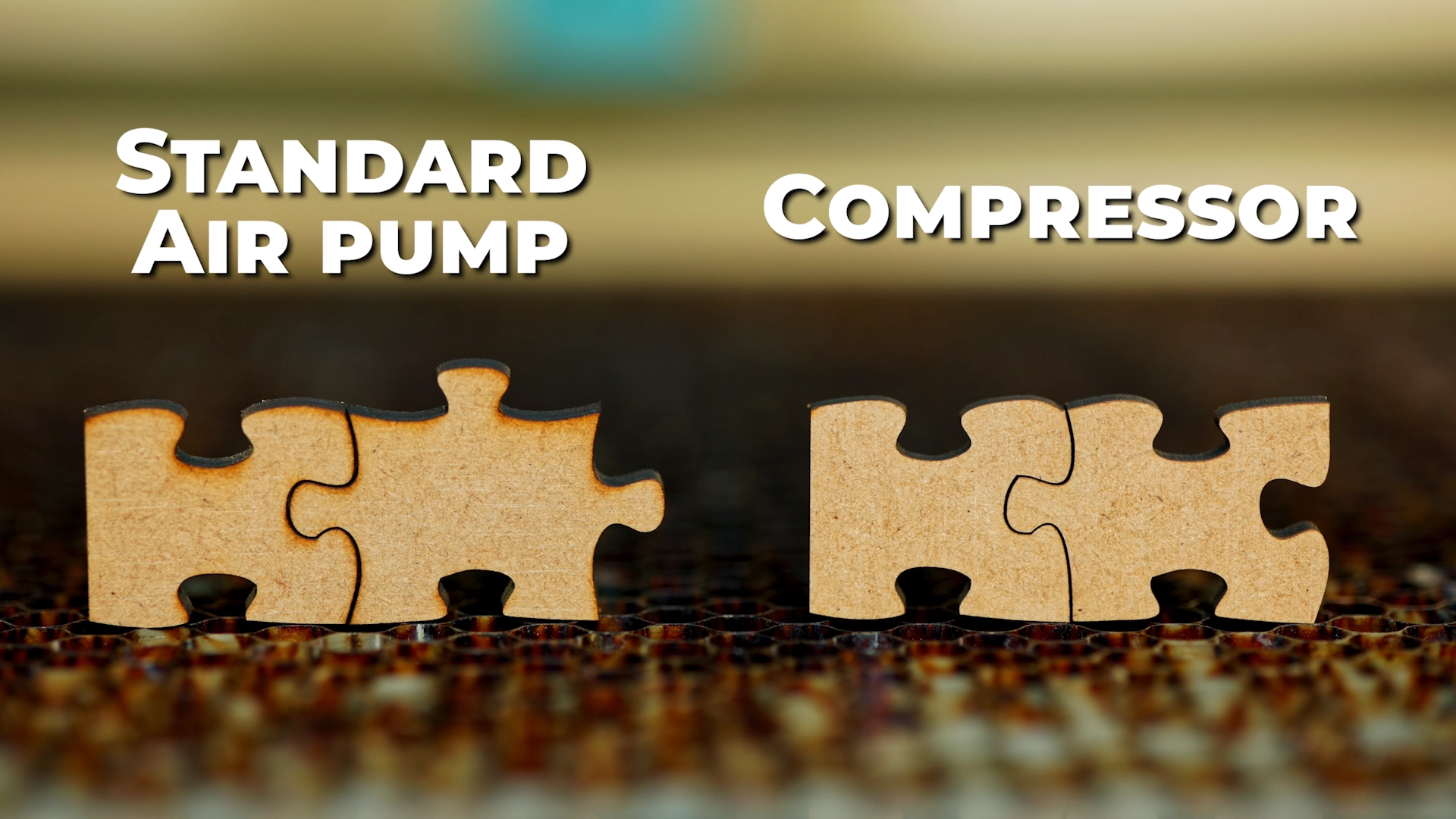
  • Cuts more cleanly
  • Produces less soot on the cut edges
  • When you run your finger along the cut edge, your finger stays relatively clean

This makes yellow MDF very appealing for cut-heavy applications, such as:

  • Puzzle pieces
  • Decorative cut-outs
  • Layered products
  • High-volume cutting jobs

Trade-off: engraving contrast

The downside of high-pine MDF is engraving quality. Because the board is lighter in colour:

  • Engraved areas appear lighter
  • Contrast is weaker
  • Fine engraved detail is less pronounced

This can be a limitation for photo engraving or designs that rely on strong contrast.

MDF With Lower Pine Content (Darker / Brown MDF Boards)

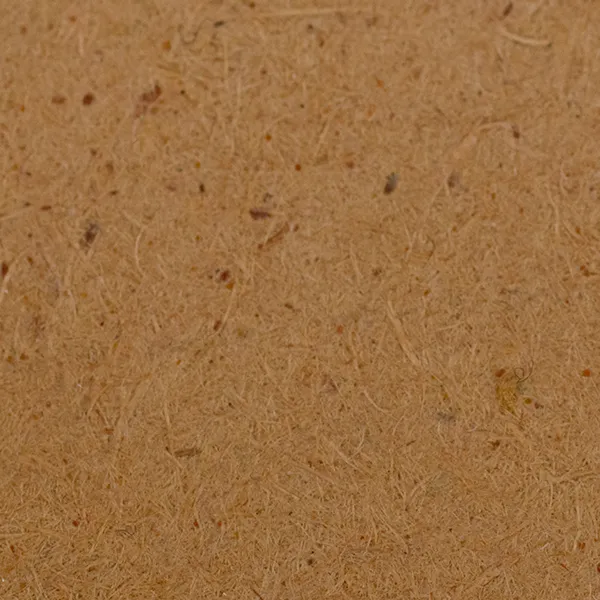
Other MDF boards appear darker brown. These boards usually contain less pine and more mixed hardwood fibres.

Characteristics:

  • Darker overall colour
  • Produces higher contrast when engraved

Laser cutting behaviour:

  • Engraved areas appear darker and more defined
  • Better contrast for text, logos, and images
  • Preferred for engraving-heavy applications

Trade-off: edge cleanliness

The downside is cutting cleanliness:

  • More soot and debris on cut edges
  • When rubbing the edge, your finger may get dirty
  • Edges often require cleaning, sealing, or sanding

This type of MDF is ideal when engraving quality is the priority, even if post-processing is required.

Choosing Based on Your Goal

The choice between MDF types should be intentional:

If clean cutting and minimal mess are more important → higher pine MDF

If engraving contrast and visual depth matter more → darker MDF

Understanding this difference saves time, reduces waste, and avoids frustration.

Types of MDF Used for Laser Cutting

Beyond fibre composition, MDF also varies by density and additives.

Standard MDF

Standard MDF is the most commonly used type.

Pros:

  • Affordable
  • Widely available
  • Predictable cutting and engraving behaviour

Best used for:

  • Painted décor
  • Craft products
  • Prototypes
  • Entry-level laser businesses

Supawood / High-Density MDF

Supawood (or similar high-density MDF products) has a finer fibre structure and higher density.

Pros:

  • Cleaner engraving detail
  • Slightly smoother edges
  • Better for premium finishes

Cons:

  • Requires more laser power
  • Can produce more smoke

Best used for:

  • Detailed engraving
  • Branded products
  • Higher-end décor

Moisture-Resistant MDF (Why It’s Usually Not Ideal)

Standard MDF is the most commonly used type.

Pros:

  • Affordable
  • Widely available
  • Predictable cutting and engraving behaviour

Best used for:

  • Painted décor
  • Craft products
  • Prototypes
  • Entry-level laser businesses

Veneered MDF Board for Laser Cutting (Optional Premium Upgrade)

Veneered MDF is often seen as the “luxury” version of MDF, but it is important to understand that it is optional, not mandatory.

Many profitable products are made from standard MDF alone.

When Standard MDF Is Perfectly Fine

Standard MDF is ideal when:

  • Products will be painted or sealed
  • Cost sensitivity matters
  • High volumes are produced
  • The finish does not rely on natural wood grain

Painted MDF signage and décor can still command strong prices when well designed.

What Is Veneered MDF?

Veneered MDF consists of:

  • An MDF core
  • A thin layer of real wood veneer bonded to the surface

This veneer creates the appearance of solid wood at a lower cost and with better stability.

Popular Veneer Finishes

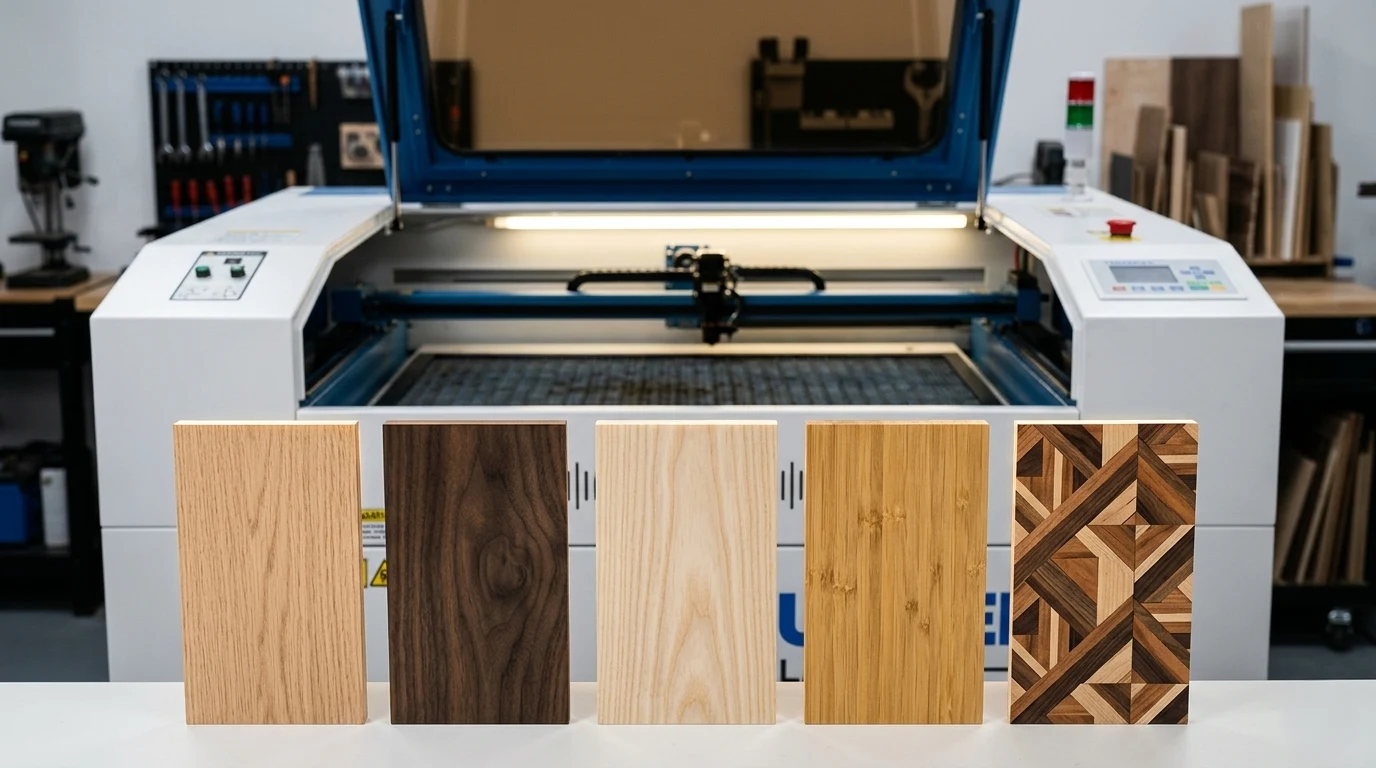
Common veneer options include:

  • Oak
  • Walnut
  • Ash
  • Bamboo
  • Decorative and engineered veneers

Each veneer changes the look, feel, and pricing potential of the final product.

Cutting vs Engraving Veneered MDF

Veneered MDF requires more care:

Considerations:

    • Veneer layers are thin
    • Aggressive engraving can burn through the veneer
    • Masking is often recommended
    • Light engraving works better than deep engraving

Best use cases:

    • Cut shapes
    • Logos with light engraving
    • High-end signage and décor

Why Veneered MDF Commands Higher Prices

Veneered MDF:

  • Has higher perceived value
  • Appeals to interior décor and corporate markets
  • Allows laser businesses to move into premium pricing tiers

It is best seen as an upgrade path, not a requirement.

MDF Thickness Guide for Laser Cutting

Thickness selection plays a major role in cut quality and machine choice.

Common thicknesses:

  • 3mm
  • 4mm
  • 6mm
  • 9mm
  • 12mm

Best Thickness by Application

Décor and wall art

  • 3mm – 6mm
  • Easy to cut and mount

Signage

  • 6mm – 9mm
  • More rigidity and presence

Craft products

  • 3mm – 4mm
  • Lightweight and cost-effective

Structural components

  • 9mm – 12mm
  • Requires higher laser power and slower speeds

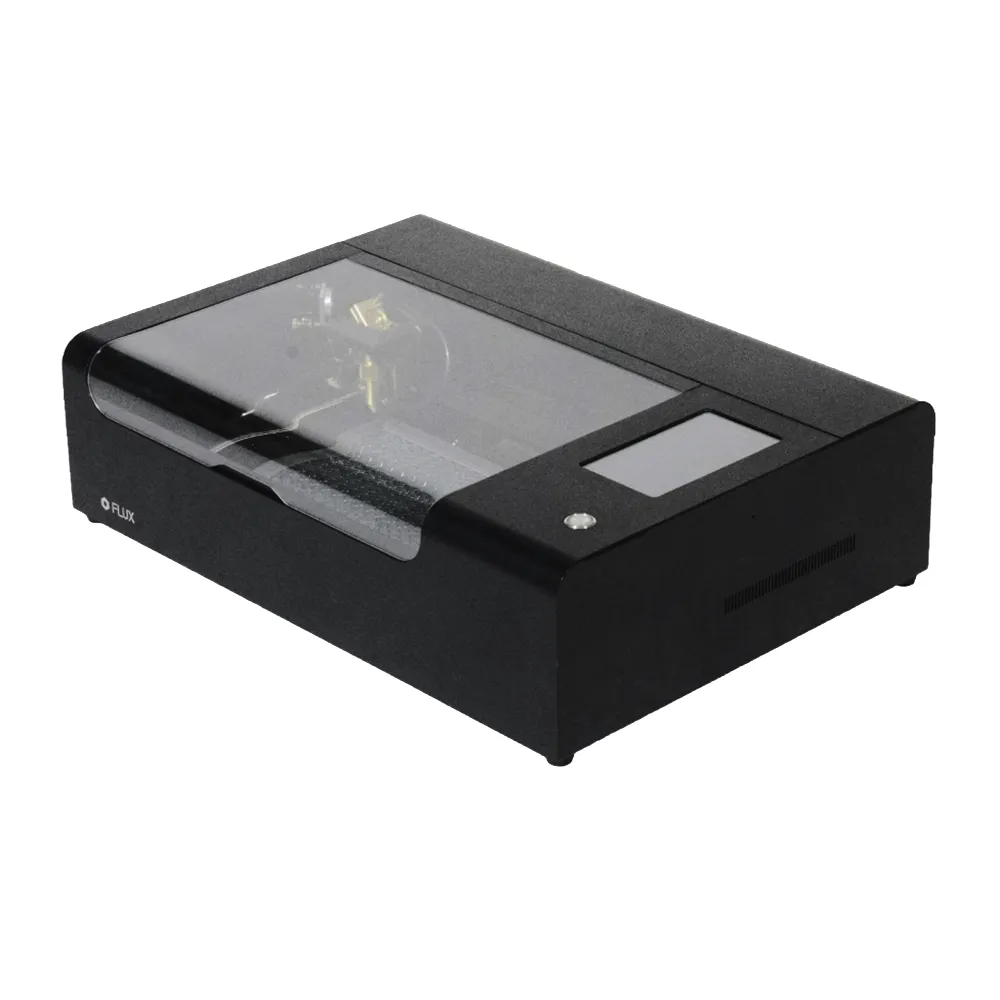
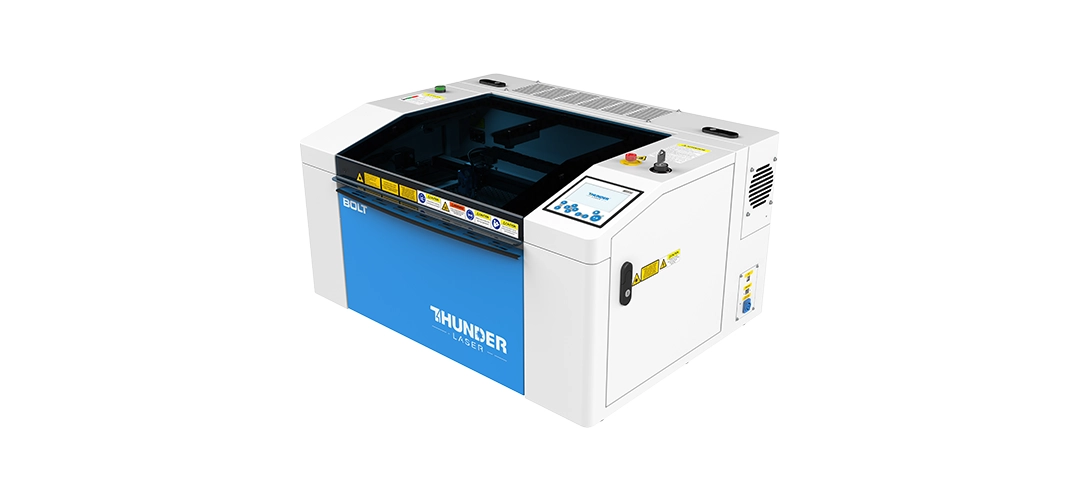
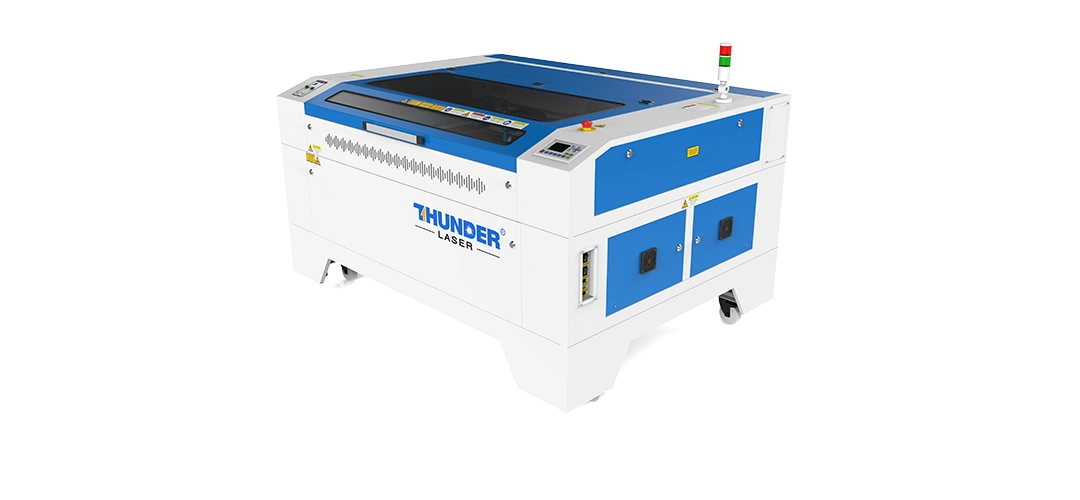
Desktop vs Cabinet Laser Considerations

Laser Cutting vs Laser Engraving MDF

When to Laser Cut MDF

Laser cutting is ideal when:

  • Creating shapes, letters, and components
  • Producing layered products
  • Precision edges are required

When to Laser Engrave MDF

Laser engraving is best for:

  • Logos
  • Text
  • Decorative patterns
  • Photo engraving (with darker MDF)

Key differences:

  • Cutting prioritises power and speed balance
  • Engraving prioritises contrast and depth control
  • Smoke residue is more noticeable during cutting

Real MDF Laser Cutting Settings (Starting Guidelines)

There is no universal setting for MDF. Results vary based on:

  • MDF composition
  • Thickness
  • Glue content
  • Laser tube power
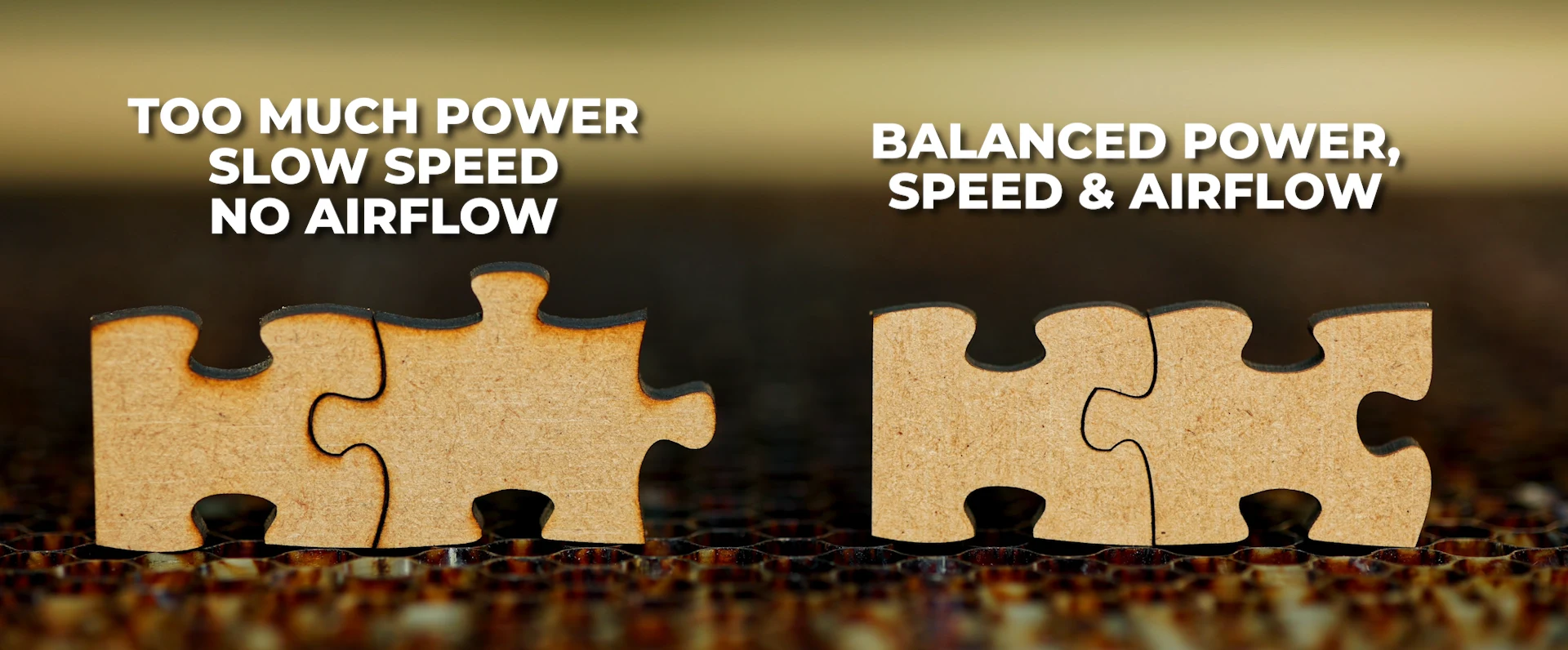
  • Machine optics and airflow

Power vs Speed Explained Simply

  • Higher power + slower speed = deeper cut
  • Lower power + faster speed = lighter cut or engraving

Safe Starting Guidelines

  • Always test on offcuts
  • Start slower and reduce power gradually
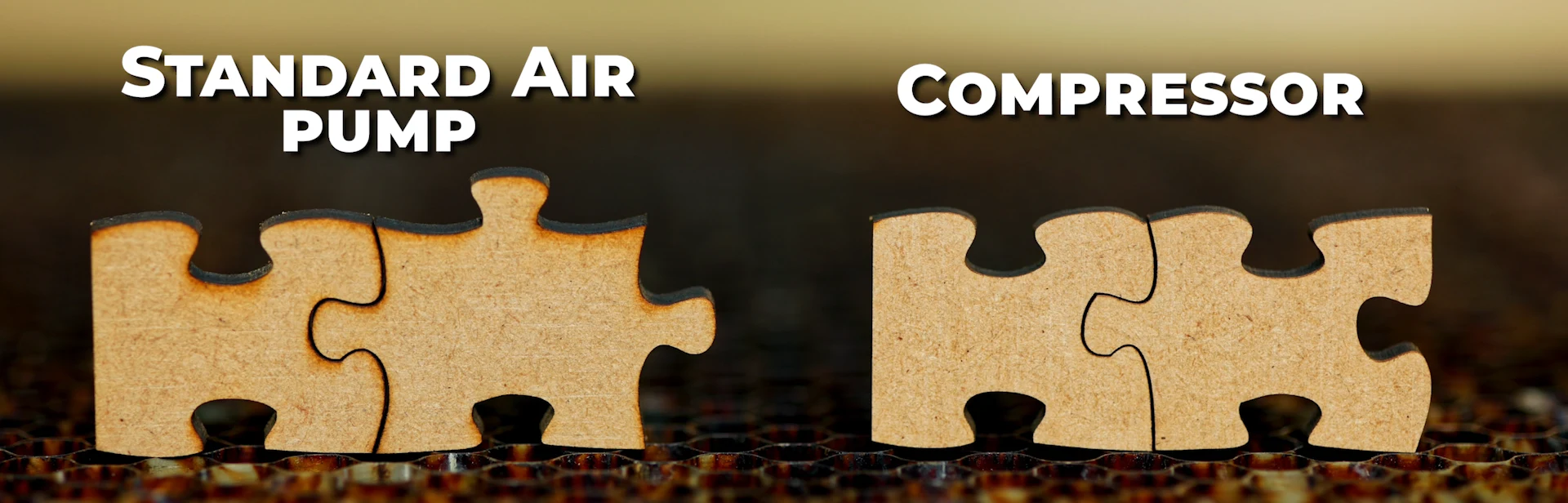
  • Adjust air assist to reduce charring

These are starting points only, not guaranteed settings.

Safety Considerations When Laser Cutting MDF

MDF safety is non-negotiable.

Key risks:

  • Glue and resin fumes
  • Fire hazards
  • Fine particulate smoke

Best practices:

  • Proper extraction and ventilation
  • Never leave MDF unattended
  • Keep a fire extinguisher nearby
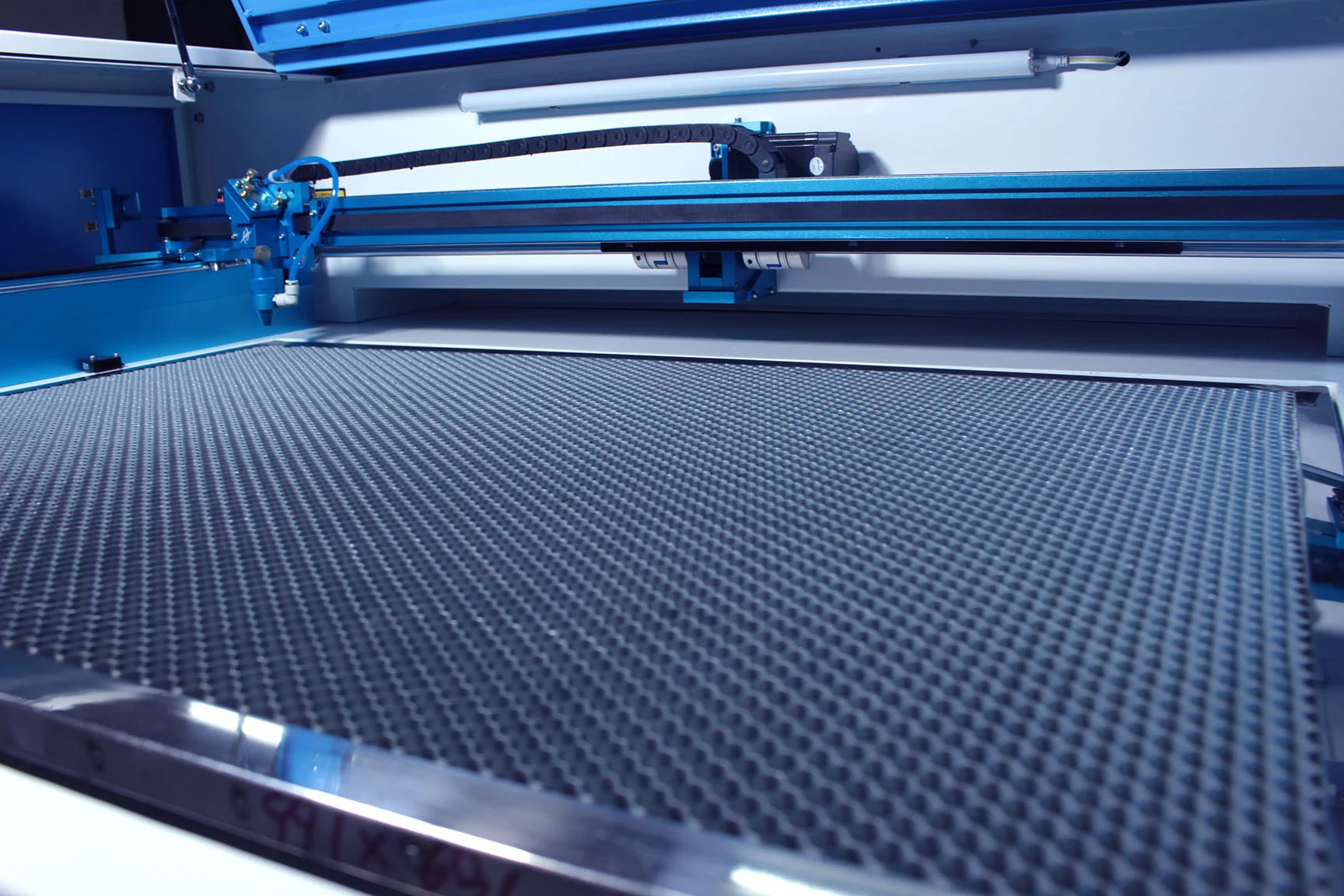
  • Clean honeycomb beds and scrap regularly

Common MDF Laser Cutting Mistakes (and How to Fix Them)

Burnt edges

  • Reduce power
  • Increase speed
  • Improve airflow

Incomplete cuts

  • Slow down
  • Check focus
  • Ensure material flatness

Excessive smoke

  • Improve extraction
  • Avoid moisture-resistant MDF

Poor engraving contrast

  • Use darker MDF
  • Adjust DPI and speed

Dirty edges

  • Choose higher pine MDF
  • Seal or sand edges after cutting

Which Laser Machines Are Best for Cutting MDF

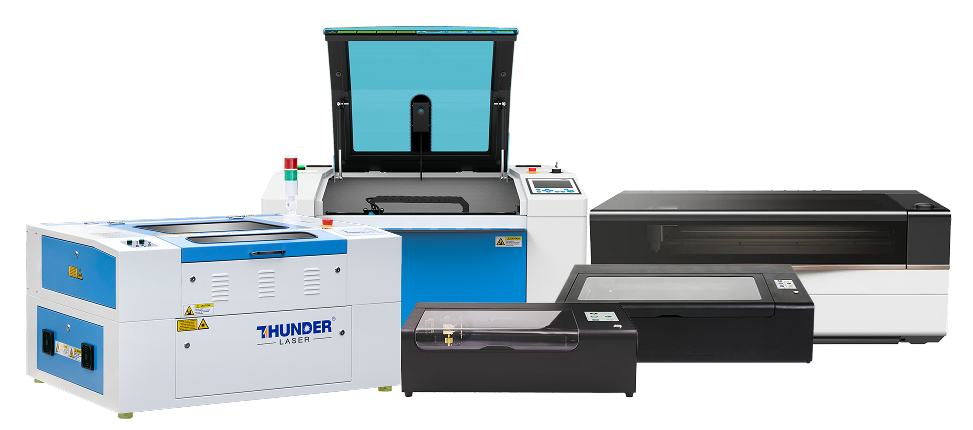
CO₂ laser cutters are the best choice for MDF.

Why:

  • Efficient interaction with wood fibres
  • Clean cuts and engravings
  • Broad material compatibility

Considerations:

  • Desktop vs cabinet size
  • Entry-level vs production volume
  • Power requirements based on thickness

Beginners should prioritise reliability, support, and training, not just wattage.

MDF & Veneered MDF Products You Can Make and Sell

Standard MDF products:

  • Painted signage
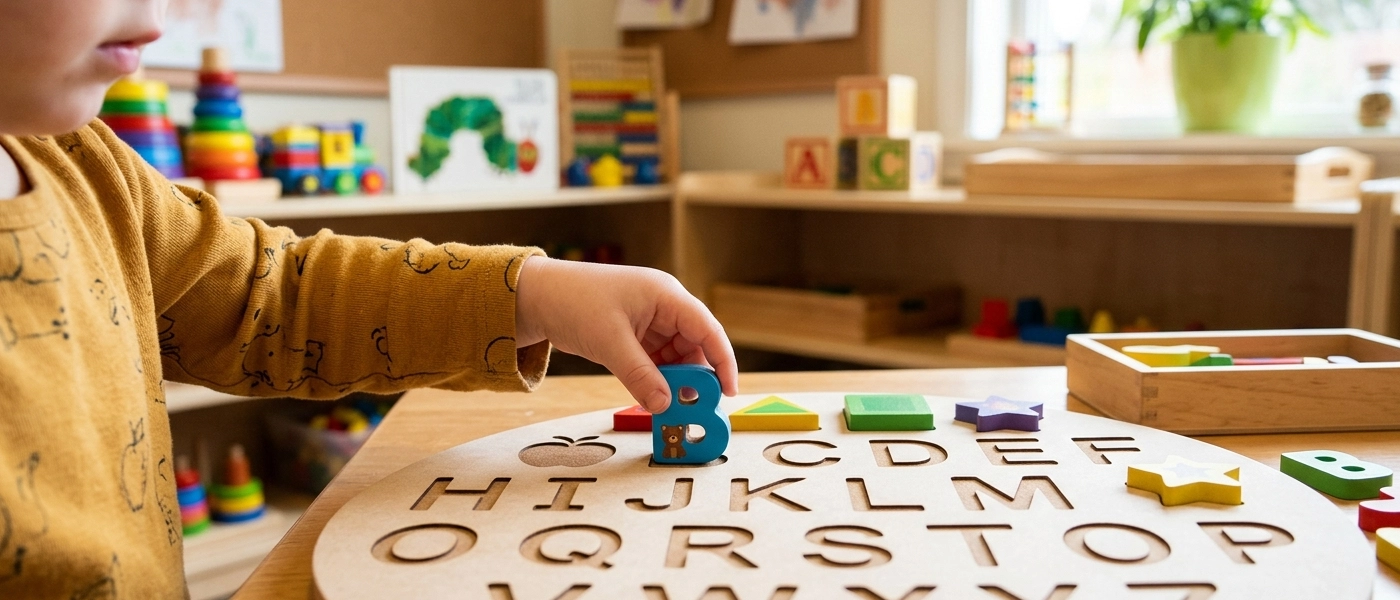
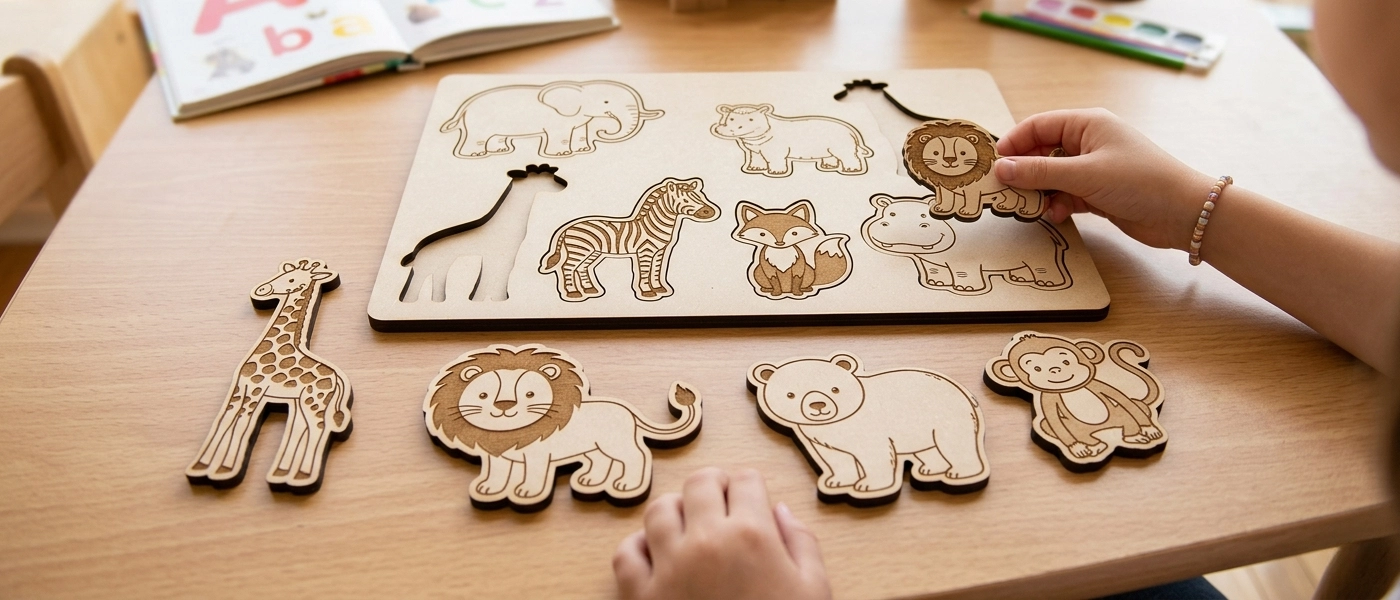
  • Kids puzzles
  • Craft kits
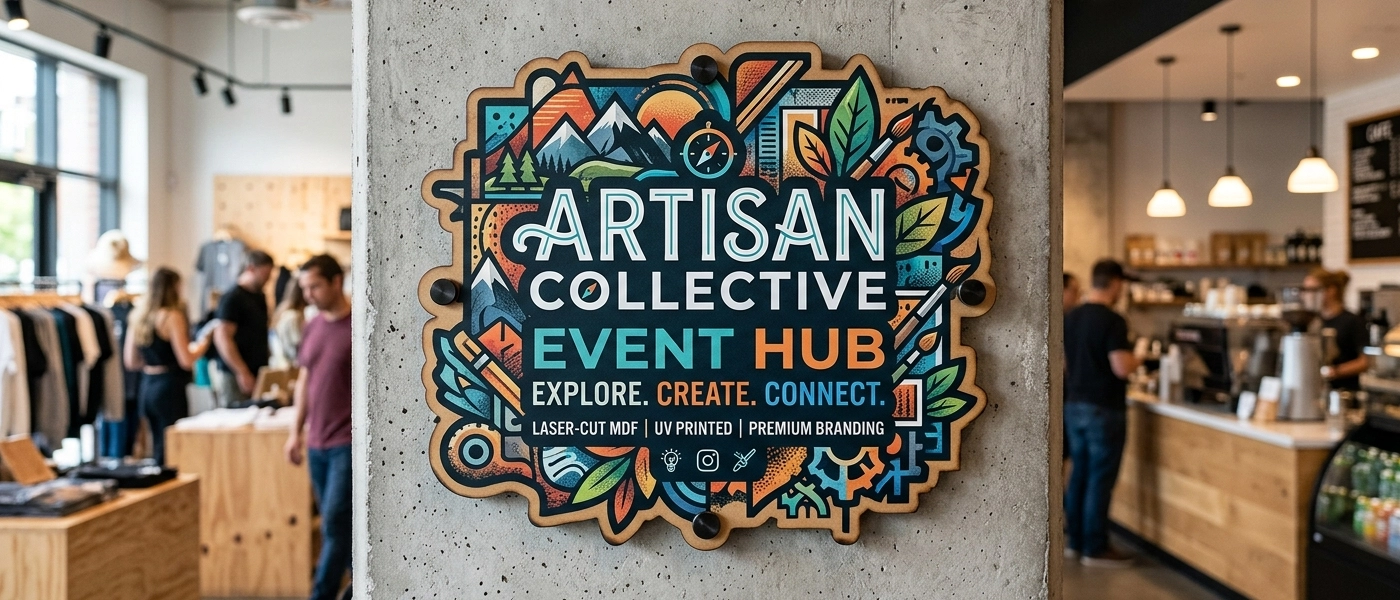
  • Wall décor

Engraved MDF products:

  • Branded boards
  • Educational items
  • Custom gifts

Veneered MDF products:

  • Premium signage
  • Interior décor
  • Corporate branding

Many businesses start with standard MDF and scale up as their skills and client base grow.

If you’re looking for practical, beginner-friendly product ideas, we’ve also put together a guide on profitable MDF products you can make with a laser, showing real examples of items that businesses sell every day.

Why Training & File Prep Matter More Than the Material

Even the best MDF will produce poor results with bad files.

Key factors:

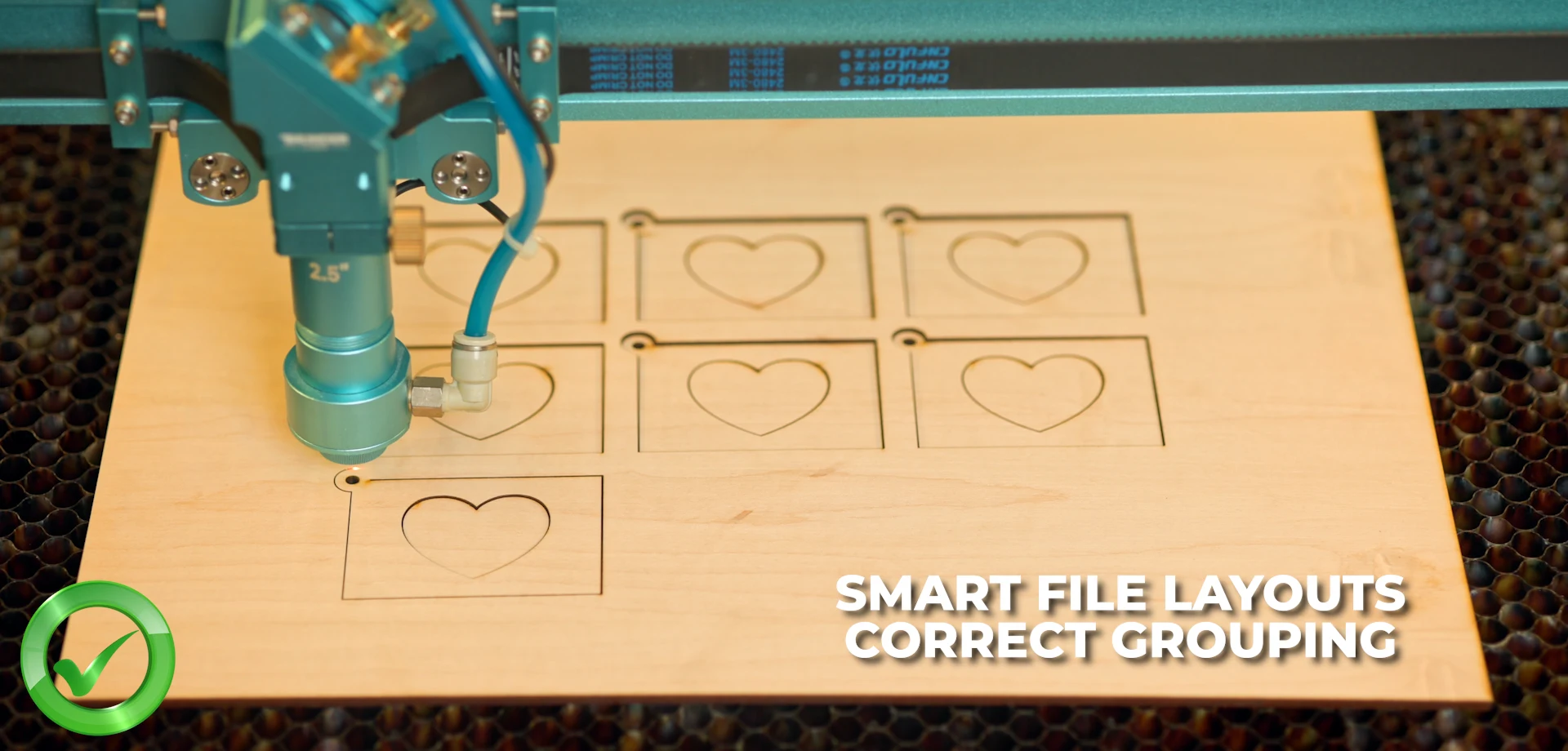
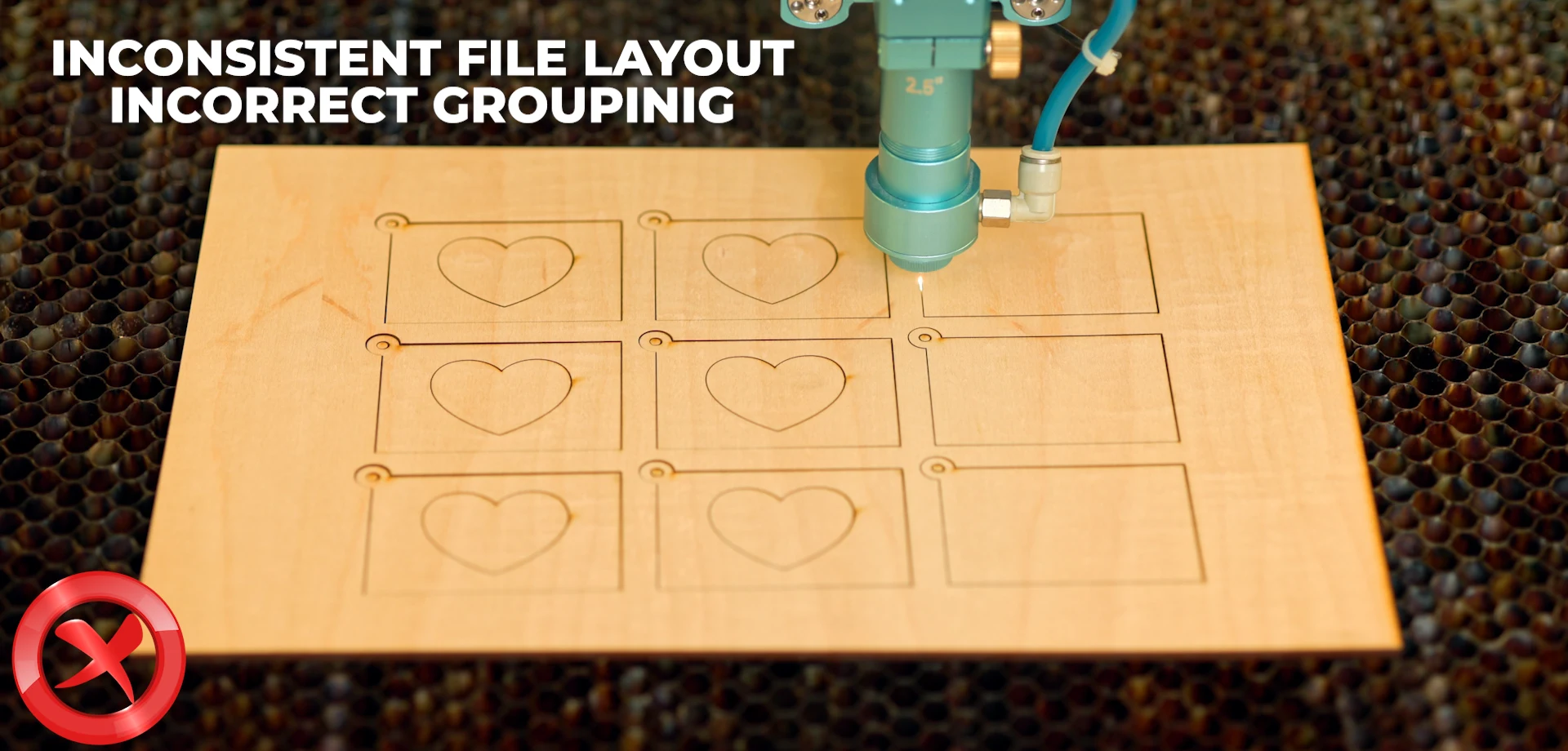
  • Clean vectors
  • Correct layer separation
  • Proper line weights
  • Controlled engraving depth

Training reduces:

  • Material waste
  • Setup time
  • Customer complaints

Structured learning shortens the path to profitability.

Frequently Asked Questions About Laser Cutting MDF Board

Most standard MDF boards can be laser cut, but results vary depending on fibre composition, glue content, and density. Standard MDF and high-density MDF work best. Moisture-resistant MDF is generally not recommended due to excessive smoke, poor cut quality, and safety concerns.

Engraving contrast depends largely on MDF composition. Darker or grey MDF boards (with lower pine content) tend to engrave with higher contrast. Lighter or yellow MDF boards engrave lighter and with less definition, even when using the same laser settings.

MDF boards with higher pine content usually cut cleaner and produce less soot on the edge. Boards with lower pine content often leave darker residue on cut edges, which may require cleaning, sealing, or sanding after cutting.

Veneered MDF is not better in all cases — it is simply different. Standard MDF is ideal for painted, sealed, or cost-sensitive products. Veneered MDF is a premium option that creates a natural wood look and allows for higher-priced products, but it requires more care when engraving.

Deep engraving on veneered MDF is not recommended. Veneer layers are thin, and aggressive engraving can burn through the veneer and expose the MDF core. Veneered MDF works best for light engraving, logos, and surface detail.

For beginners, 3mm to 6mm MDF is ideal. These thicknesses cut reliably on most entry-level and mid-range CO₂ laser machines and allow for faster testing, less material waste, and easier handling.

No. MDF laser cutting settings can vary significantly between suppliers due to differences in fibre composition, glue, density, and moisture content. Always test new MDF batches on offcuts before production.

MDF can be laser cut indoors only if proper extraction and ventilation are installed. MDF contains resins and adhesives that produce harmful fumes when burned. MDF should never be cut without active extraction, and the machine should never be left unattended.

Incomplete cuts are usually caused by:

  • Incorrect focus
  • Cutting too fast
  • Insufficient laser power

Variations in MDF density or flatness
Slowing down slightly and ensuring correct focus often solves the issue.

CO₂ laser cutting machines are the best choice for MDF. Desktop machines work well for thin MDF and small products, while cabinet machines are better suited for thicker MDF and higher production volumes.

Get Started with MDF Laser Cutting at MaxLaser

MDF is one of the best materials to learn laser cutting and engraving on—but results depend on understanding the material, the machine, and the workflow.

MaxLaser supports you with:

  • Expert guidance on machine selection
  • Real-world training
  • Local support and after-sales service

Whether you are starting small or scaling a production business, the right knowledge makes all the difference.

Book a demo

Access training and ongoing support