3D Printers – Professional 3D Printing Machines in South Africa

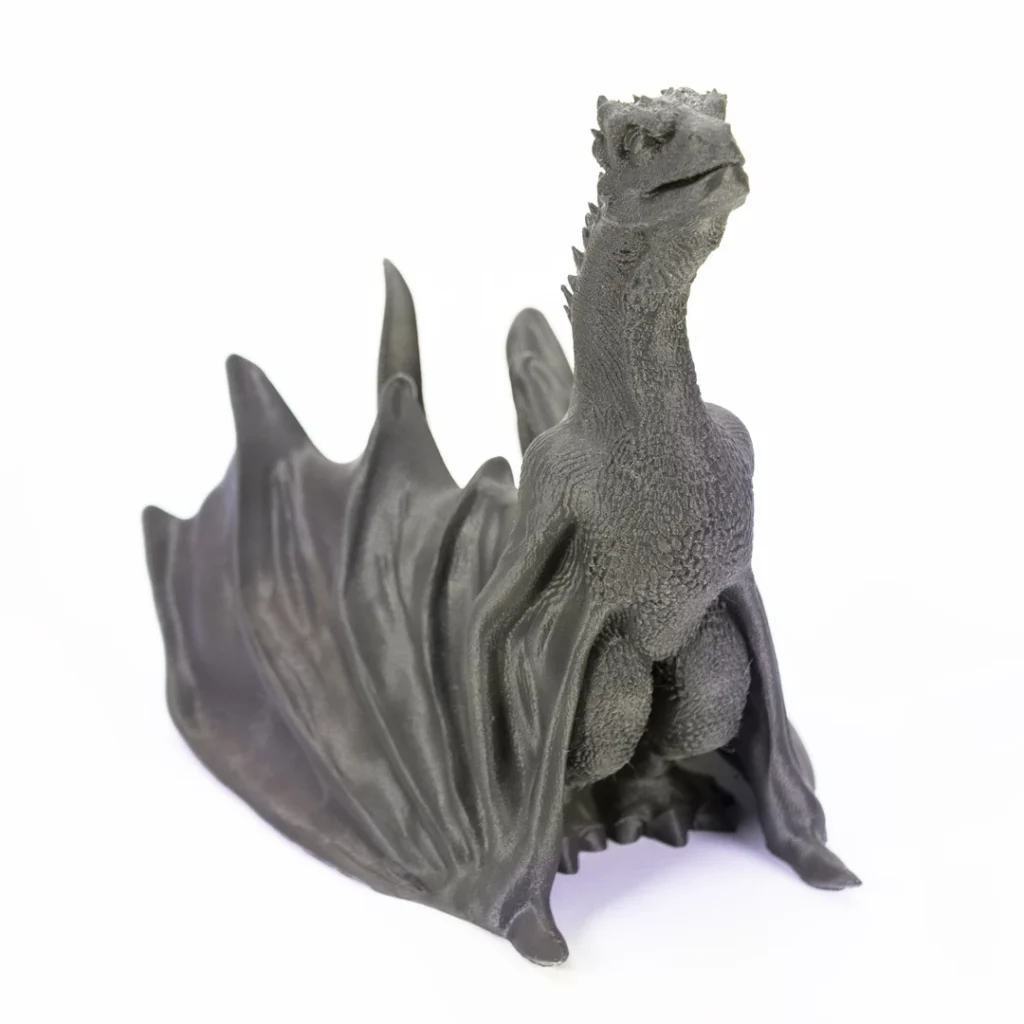
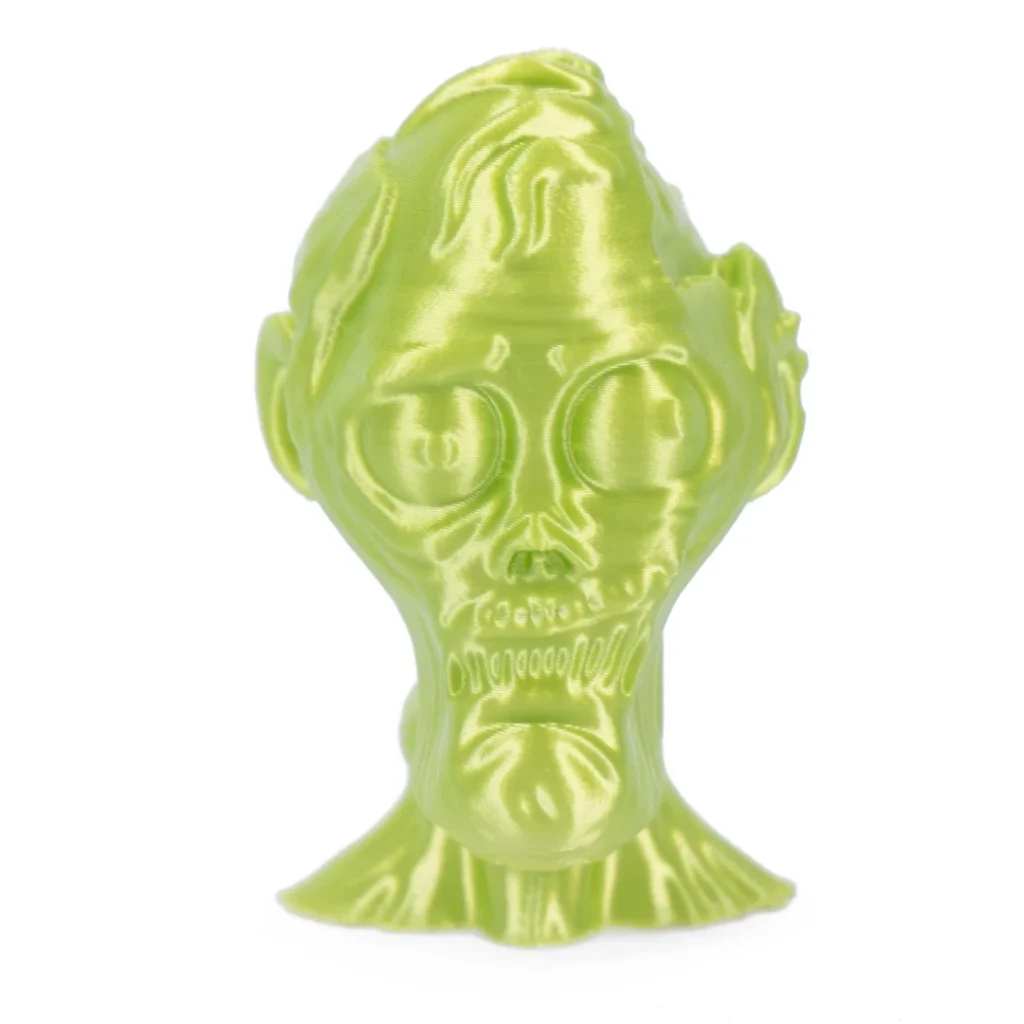
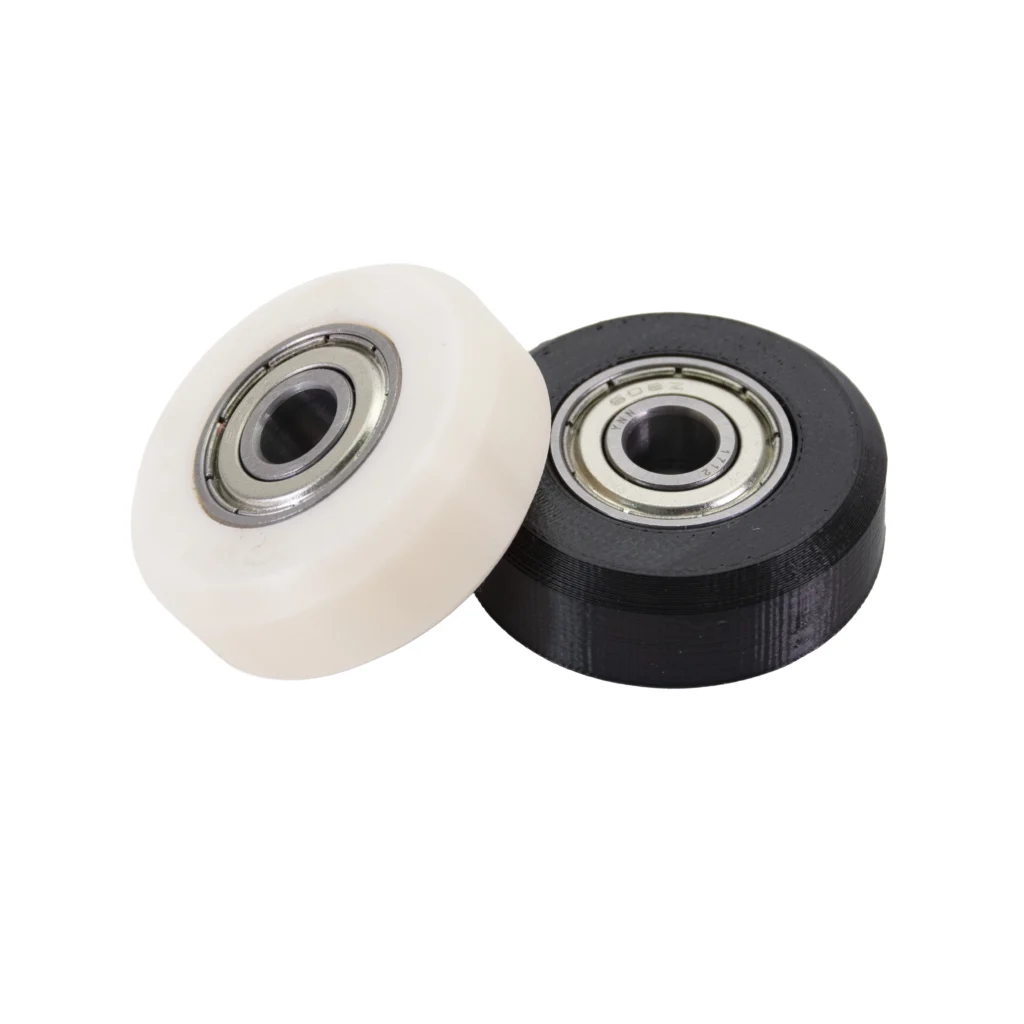
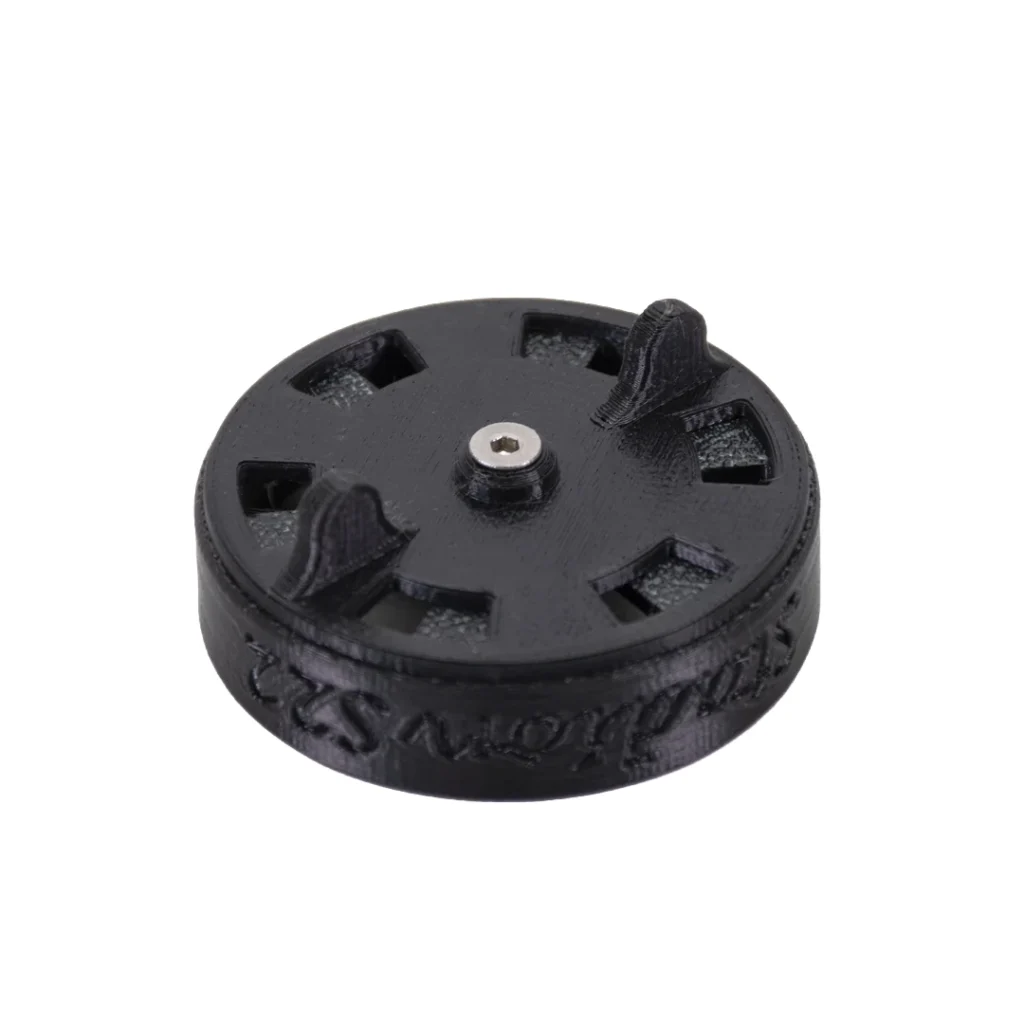
3D printers turn digital designs into physical objects, from prototypes and models to functional parts, jigs, fixtures and finished products. MaxLaser supplies professional 3D printers in South Africa for businesses, product developers, engineers, educators, makers and anyone bringing ideas into the physical world.

Talk to a 3D Printing Specialist Explore Our 3D Printers
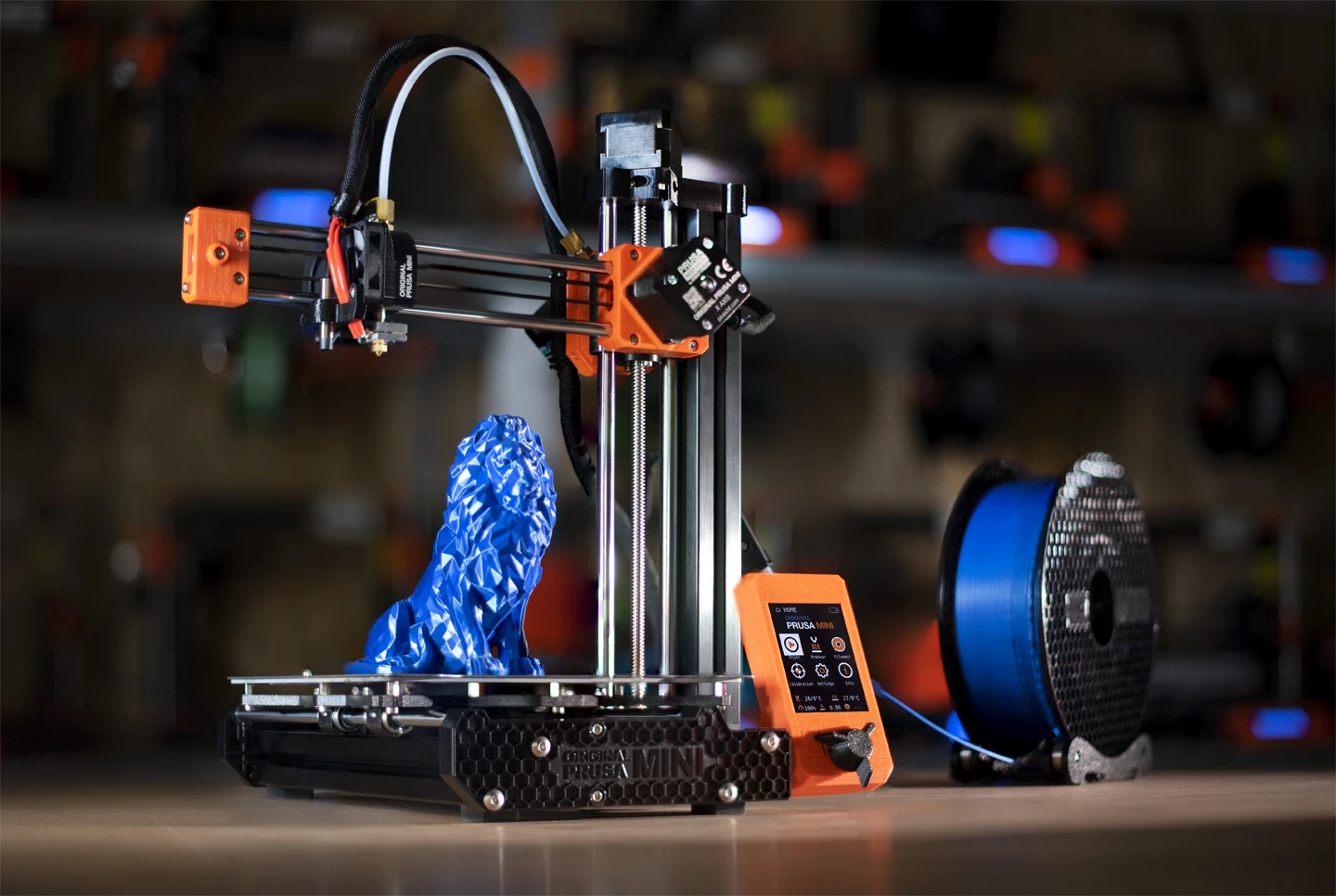
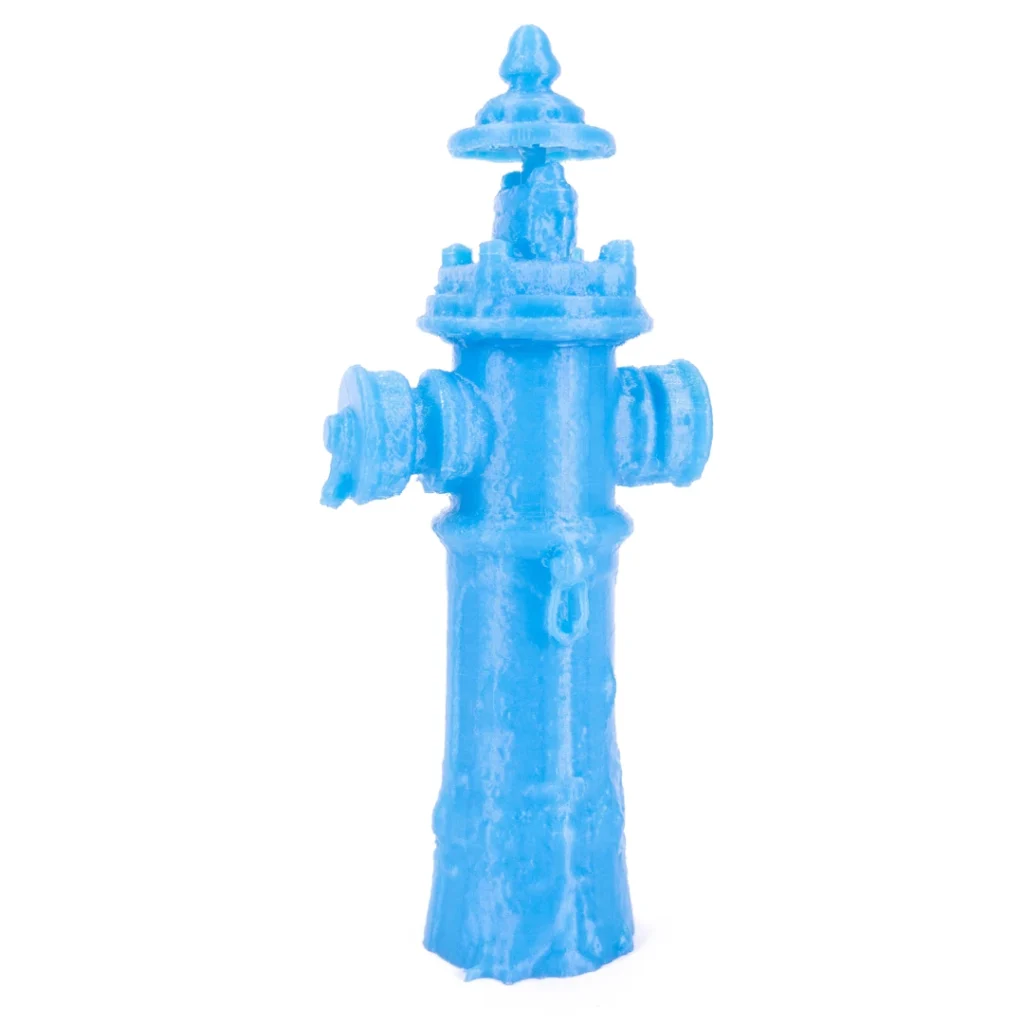
Original Prusa MINI+ FDM 3D printer producing a blue model using thermoplastic filament from a spool.
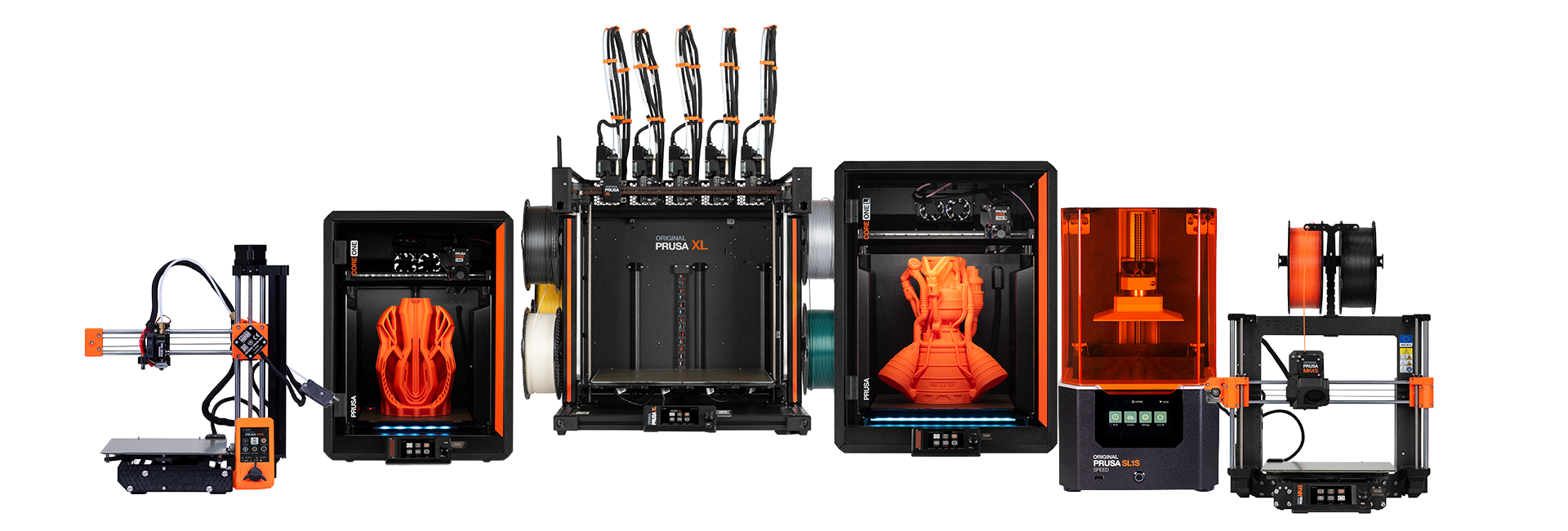
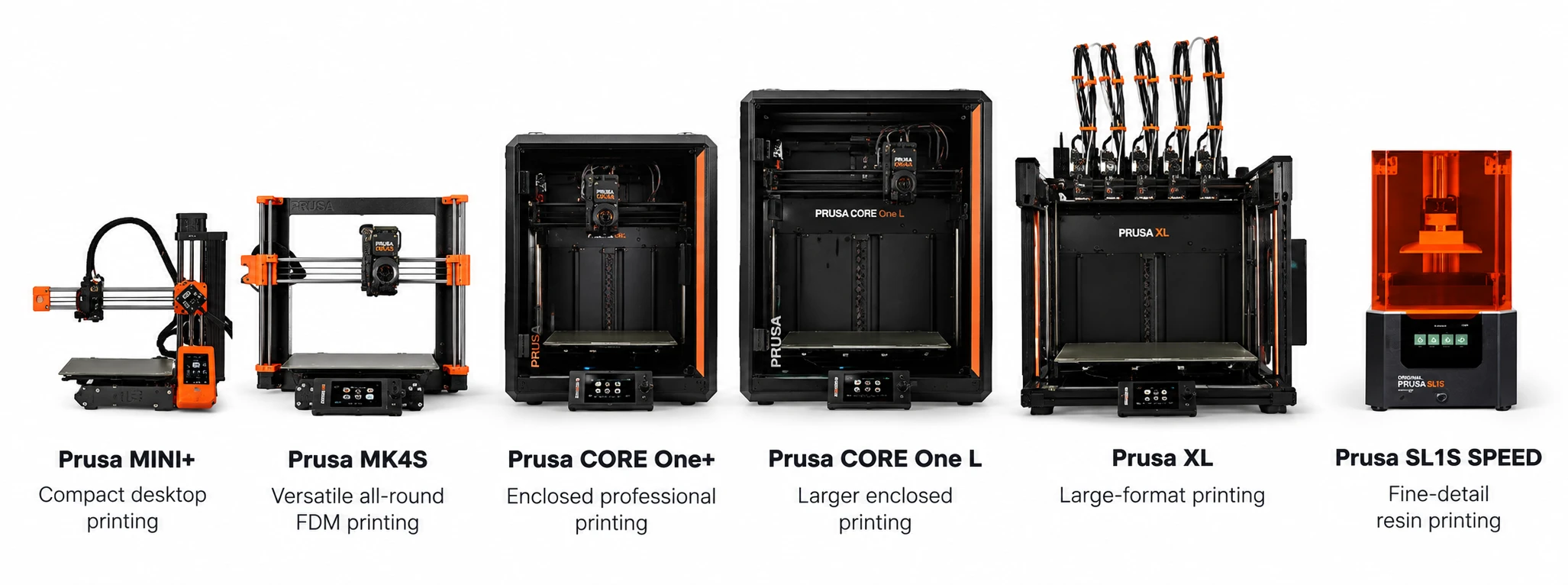
Range of Prusa 3D printers including compact, enclosed, large-format, multi-tool and resin models.

Explore Our Professional 3D Printer Range

MaxLaser is an authorised Prusa dealer in South Africa, supplying professional 3D printers for applications ranging from desktop prototyping and product development to functional manufacturing, large-format printing and detailed resin production.

Our Prusa 3D printer range includes compact FDM/FFF machines, enclosed CoreXY systems, large-format multi-tool printers and high-detail resin printing technology.

Whether you’re creating prototypes, manufacturing custom components, producing engineering parts or developing new products, the right 3D printer depends on your required materials, build volume, level of detail and production workflow.

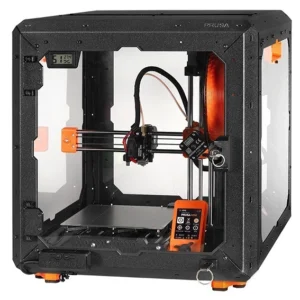
Original Prusa MINI+ semi-assembled with enclosure bundle

Prusa MINI+ Semi-Assembled - Enclosure

R25,000.00 Inc Vat

A compact, high-quality 3D printer bundle designed for precision printing and everyday creativity. The Original Prusa MINI+ combines reliable FDM printing with a protective enclosure for a more controlled printing environment. Ideal for producing prototypes, custom parts, models and functional components, it’s perfect for hobbyists, designers and small businesses.

Best for
  • Hobbyists & Small Business
  • Prototyping & Product Development
Product features
  • 180 × 180 × 180 mm Build Volume
  • High-Speed Printing & Protective Enclosure
  • 3D Printing Technology: FDM/FFF
  • Build Volume: 180 x 180 x 180 mm
  • Layer Height: 0.05 - 0.25 mm
  • Filament Diameter: 1.75 mm
  • Nozzle Diameter: 0.4 mm

Finance from R1,917 /month

12 months R5,000 down payment

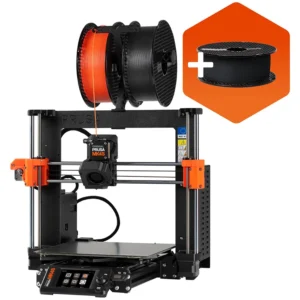
Original Prusa MK4S 3D Printer Kit

Prusa MK4S 3D Printer Kit

R27,000.00 Inc Vat

A high-performance 3D printer kit designed for precision printing, rapid prototyping and creative production. The Original Prusa MK4S features high-speed printing, automatic first-layer calibration and reliable filament handling. Ideal for producing functional parts, detailed models and custom products, it’s perfect for hobbyists, designers and businesses seeking professional 3D printing capabilities.

Best for
  • Hobbyists & Small Business
  • Prototyping & Product Development
Product features
  • 250 × 210 × 220 mm Build Volume
  • High-Speed Printing & Auto Calibration
  • 3D Printing Technology: FDM/FFF
  • Build Volume: 250 x 210 x 220 mm
  • Layer Height: 0.05 - 0.30 mm
  • Filament Diameter: 1.75 mm
  • Nozzle Diameter: 0.4 mm

Finance from R2,108 /month

12 months R5,000 down payment

Original Prusa MK4S 3D Printer

Prusa MK4S

R34,000.00 Inc Vat

A high-performance, fully assembled 3D printer designed for precision printing, rapid prototyping and professional applications. The Original Prusa MK4S features high-speed printing, automatic first-layer calibration and reliable filament handling. Ideal for producing functional parts, detailed models and custom products, it’s perfect for designers, businesses and makers seeking professional 3D printing.

Best for
  • Hobbyist & Small Business
  • Prototyping & Product Development
Product features
  • Fully Assembled & Ready to Print
  • High-Speed Printing & Auto Calibration
  • 3D Printing Technology: FDM/FFF
  • Build Volume: 250 x 210 x 220 mm
  • Layer Height: 0.05 - 0.30 mm
  • Filament Diameter: 1.75 mm
  • Nozzle Diameter: 0.4 mm

Finance from R2,779 /month

12 months R5,000 down payment

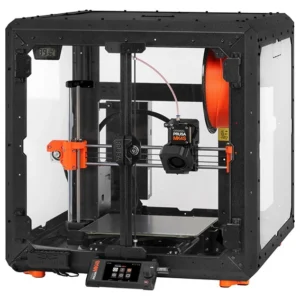
Original Prusa MK4S 3D Printer Enclosure Bundle

Prusa MK4S - Enclosure

R45,000.00 Inc Vat

A professional enclosed 3D printer bundle designed for precision printing, rapid prototyping and reliable production. The Original Prusa MK4S combines high-speed printing, automatic first-layer calibration and a protective enclosure for improved temperature stability. Ideal for producing functional parts, detailed models and engineering prototypes, it’s perfect for manufacturers and businesses seeking consistent, high-quality 3D printing ability.

Best for
  • Professional Prototyping & Engineering
  • Functional Parts & Small Business Jobs
Product features
  • Protective Enclosure Included
  • High-Speed Printing
  • 3D Printing Technology: FDM/FFF
  • Build Volume: 250 x 210 x 220 mm
  • Layer Height: 0.05 - 0.30 mm
  • Filament Diameter: 1.75 mm
  • Nozzle Diameter: 0.4 mm

Finance from R2,382 /month

18 months R10,000 down payment

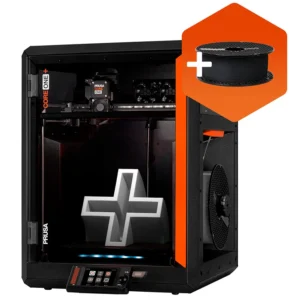
Original Prusa Core One+ 3D Printer

Prusa Core+

R39,000.00 Inc Vat

A professional enclosed 3D printer designed for precision printing, rapid prototyping and reliable production. The Original Prusa CORE One features a high-speed CoreXY system, automatic first-layer calibration and a temperature-controlled chamber for consistent results. Ideal for producing functional parts, detailed models and engineering prototypes, it’s perfect for designers, manufacturers and businesses seeking advanced 3D printing capabilities.

Best for
  • Engineering & Product Development
  • Professional Prototyping & Production
Product features
  • Enclosed CoreXY Printing System
  • Large Build Volume
  • 3D Printing Technology: FDM/FFF
  • Build Volume: 250 x 220 x 270 mm
  • Layer Height: 0.05 - 0.30 mm
  • Filament Diameter: 1.75 mm
  • Nozzle Diameter: 0.4 mm

Finance from R1,974 /month

18 months R10,000 down payment

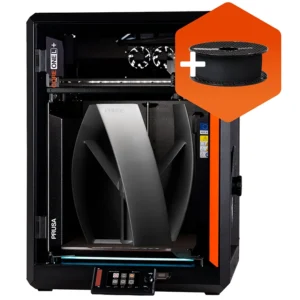
Prusa Core One L+ 3D Printer

Prusa Core One L+

R55,000.00 Inc Vat

A professional large-format enclosed 3D printer designed for precision printing, engineering and commercial production. The Original Prusa CORE One L+ combines high-speed CoreXY technology with a spacious build area and temperature-controlled chamber for consistent results. Ideal for producing larger prototypes, functional components and custom products, it’s perfect for engineers, designers and businesses requiring greater printing capacity.

Best for
  • Large-Format Prototyping & Engineering
  • Professional Manufacturing & Production
Product features
  • High-Speed Printing
  • Temperature-Control Chamber
  • 3D Printing Technology: FDM/FFF
  • Build Volume: 300 x 300 x 300 mm
  • Layer Height: 0.05 - 0.30 mm
  • Filament Diameter: 1.75 mm
  • Nozzle Diameter: 0.4 mm

Finance from R3,063 /month

18 months R10,000 down payment

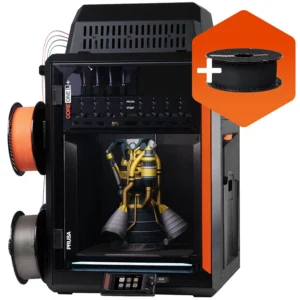
Prusa Core One L+ INDX 4-Tool change

Prusa Core One L+ INDX 4-Tool

R70,000.00 Inc Vat

A professional large-format 3D printer designed for precision printing, multi-material prototyping and commercial production. The Original Prusa CORE One L+ INDX combines high-speed CoreXY technology with a four-tool changing system for versatile 3D printing. Ideal for producing complex prototypes, functional components and multi-colour models, it’s perfect for engineers, designers and businesses requiring advanced manufacturing capabilities.

Best for
  • Multi-Material Prototyping & Engineering
  • Professional Manufacturing & Production
Product features
  • INDX 4-Tool Changing System
  • Large-Format Enclosed CoreXY Printing
  • 3D Printing Technology: FDM/FFF
  • Build Volume: 300 x 300 x 300 mm
  • Layer Height: 0.05 - 0.30 mm
  • Filament Diameter: 1.75 mm
  • Nozzle Diameter: 0.4 mm

Finance from R2,979 /month

24 months R15,000 down payment

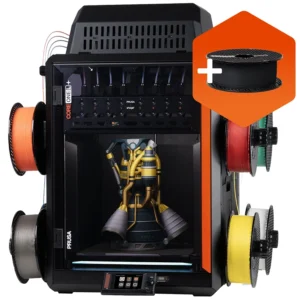
Prusa Core One L+ INDX 8-Tool 3D Printer

Prusa Core One L+ INDX 8-Tool

R78,000.00 Inc Vat

A professional large-format 3D printer designed for precision printing, advanced prototyping and commercial production. The Original Prusa CORE One L+ INDX combines high-speed CoreXY technology with an eight-tool changing system for versatile multi-material and multi-colour printing. Ideal for producing complex prototypes, functional components and detailed models, it’s perfect for engineers, designers and businesses requiring advanced 3D printing.

Best for
  • Multi-Material Prototyping & Engineering
  • Advanced Manufacturing & Production
Product features
  • INDX 8-Tool Changing System
  • Large-Format Enclosed CoreXY Printing
  • 3D Printing Technology: FDM/FFF
  • Build Volume: 300 x 300 x 300 mm
  • Layer Height: 0.05 - 0.30 mm
  • Filament Diameter: 1.75 mm
  • Nozzle Diameter: 0.4 mm

Finance from R3,413 /month

24 months R15,000 down payment

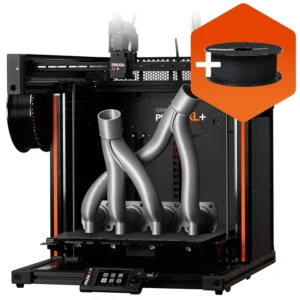
Prusa XL Single-Tool 3D Printer

Prusa XL Single-Tool

R55,000.00 Inc Vat

A professional large-format 3D printer designed for precision printing, advanced prototyping and commercial production. The Original Prusa XL features a spacious build volume, high-speed CoreXY technology and automatic first-layer calibration for reliable printing. Ideal for producing larger prototypes, functional components and detailed models, it’s perfect for engineers, designers, manufacturers and businesses requiring professional 3D printing capabilities.

Best for
  • Large-Format Prototyping & Engineering
  • Professional Manufacturing & Production
Product features
  • 360 × 360 × 360 mm Build Volume
  • High-Speed CoreXY & Auto Calibration
  • 3D Printing Technology: FDM/FFF
  • Build Volume: 360 x 360 x 360 mm
  • Layer Height: 0.05 - 0.30 mm
  • Filament Diameter: 1.75 mm
  • Nozzle Diameter: 0.4 mm

Finance from R2,167 /month

24 months R15,000 down payment

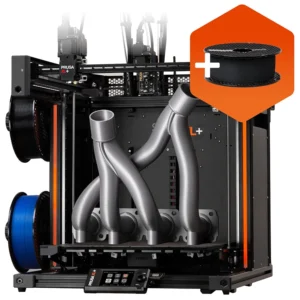
Prusa XL Dual-Head 3D Printer

Prusa XL Dual-Head

R62,000.00 Inc Vat

A professional large-format 3D printer designed for precision printing, multi-material prototyping and commercial production. The Original Prusa XL combines high-speed CoreXY technology with a dual-tool changing system for versatile multi-material and multi-colour printing. Ideal for producing complex prototypes, functional components and detailed models, it’s perfect for engineers, designers and businesses requiring advanced 3D printing capabilities.

Best for
  • Multi-Material Prototyping & Engineering
  • Professional Manufacturing & Production
Product features
  • Dual-Tool Changing Print head
  • 360 × 360 × 360 mm Large Build Volume
  • 3D Printing Technology: FDM/FFF
  • Build Volume: 360 x 360 x 360 mm
  • Layer Height: 0.05 - 0.30 mm
  • Filament Diameter: 1.75 mm
  • Nozzle Diameter: 0.4 mm

Finance from R2,546 /month

24 months R15,000 down payment

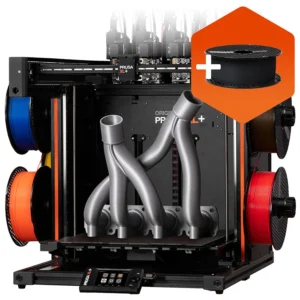
Prusa XL Five-Head 3D Printer

Prusa XL Five-Head

R80,000.00 Inc Vat

A professional large-format 3D printer designed for precision printing, advanced prototyping and commercial production. The Original Prusa XL combines high-speed CoreXY technology with a five-tool changing system for versatile multi-material and multi-colour printing. Ideal for producing complex prototypes, functional components and detailed models, it’s perfect for engineers, designers and businesses requiring advanced 3D printing capabilities.

Best for
  • Multi-Material Prototyping & Engineering
  • Advanced Manufacturing & Production
Product features
  • Advanced 5-Tool Changing System
  • 360 × 360 × 360 mm Large Build Volume
  • 3D Printing Technology: FDM/FFF
  • Build Volume: 360 x 360 x 360 mm
  • Layer Height: 0.05 - 0.30 mm
  • Filament Diameter: 1.75 mm
  • Nozzle Diameter: 0.4 mm

Finance from R3,521 /month

24 months R15,000 down payment

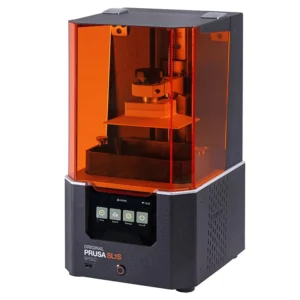
Prusa SL1S Speed 3D Printer

Prusa SL1S Speed 3D Printer

R62,000.00 Inc Vat

A professional resin 3D printer designed for exceptional detail, precision printing and rapid prototyping. The Original Prusa SL1S SPEED features high-resolution MSLA technology and fast layer curing for producing intricate models with smooth surface finishes. Ideal for creating jewellery prototypes, detailed miniatures and precision components, it’s perfect for designers, engineers and businesses requiring high-quality resin printing capabilities.

Best for
  • Jewellery Design & Detailed Miniatures
  • Precision Prototyping & Model Making
Product features
  • High-Resolution MSLA Resin Printing
  • Fast Layer Curing & Fine Detail Printing
  • 3D Printing Technology: MSLA (RESIN)
  • Build Volume: 127 x 80 x 150 mm
  • Layer Height: 0.025 - 0.1 mm
  • Layer Exposure Time: 1.3 - 2.4s

Finance from R2,546 /month

24 months R15,000 down payment

Which 3D Printer Should You Choose?

Choose a 3D printer based on the size of your parts, required materials, printing technology and expected production volume. Compact FDM printers suit smaller projects, enclosed CoreXY printers are useful for demanding materials, large-format printers accommodate bigger components, and resin printers are particularly suited to fine-detail printing.

Compare Our Professional 3D Printers

Compare the build volume and typical applications of the six Prusa machines in the MaxLaser range.

These technologies differ in the printing process and the work they are best suited to.

3D Printer

Build Volume

Best Suited To

Technology

Main Advantage

Original Prusa MINI+ (MINI+)

180 × 180 × 180 mm

Compact desktop printing

FDM / FFF

Compact printing

Original Prusa MK4S (MK4S)

250 × 210 × 220 mm

Versatile all-round printing

FDM / FFF

Versatile all-round printing

Prusa CORE One+ (Gen 2) (CORE One+ (Gen 2))

250 × 220 × 270 mm

Enclosed professional printing

Enclosed CoreXY

Controlled professional printing

Prusa CORE One L+ (CORE One L+)

300 × 300 × 330 mm

Larger enclosed printing

Enclosed CoreXY

Larger enclosed build volume

Prusa XL+ (XL+)

360 × 360 × 360 mm

Large-format and multi-tool printing

FDM / FFF toolchanger

Large-format and multi-tool capability

Original Prusa SL1S SPEED (SL1S SPEED)

127 × 80 × 150 mm

High-detail resin printing

MSLA resin

Fine-detail printing

Not Sure Which 3D Printer You Need?

Tell us what you want to manufacture, the approximate dimensions of your parts, the materials you intend to use and your expected production requirements.

The MaxLaser team can help you compare the available Prusa 3D printers and identify a suitable machine for your application.

Talk to a 3D Printing Specialist Explore Our 3D Printers

Which Prusa 3D Printer Is Best for Your Application?

Choosing the right 3D printer depends on what you want to manufacture, the materials you intend to use, the size of your components and the level of detail required.

A compact desktop 3D printer may be suitable for smaller prototypes and everyday printing, while an enclosed CoreXY machine can provide a more controlled environment for certain engineering materials. Large-format 3D printers offer additional build space, multi-toolhead systems allow advanced multi-material printing, and resin printers are particularly useful for producing small objects with fine detail.

The best machine is not necessarily the largest or most expensive. It is the printer that meets your application requirements while providing the features and production capacity you actually need.

Recommended 3D Printer: Original Prusa MINI+

Main Advantage: Small footprint for smaller projects

Recommended 3D Printer: Original Prusa MK4S

Main Advantage: Versatile FDM/FFF printing

Recommended 3D Printer: Prusa CORE One+ (Gen 2)

Main Advantage: Controlled printing environment

Recommended 3D Printer: Prusa CORE One L+

Main Advantage: Larger enclosed build volume

Recommended 3D Printer: Prusa XL+ Single-Tool

Main Advantage: Large build area

Recommended 3D Printer: Prusa XL+ Dual-Head

Main Advantage: Two independent toolheads

Recommended 3D Printer: Prusa XL+ Five-Head

Main Advantage: Up to five independent toolheads

Recommended 3D Printer: Original Prusa SL1S SPEED

Main Advantage: Detailed MSLA resin printing

Important: These are general recommendations. The final machine choice should also consider material compatibility, part geometry, printer configuration and production requirements.

What Should You Look for When Buying a 3D Printer?

When comparing 3D printers, it is important to look beyond the purchase price or advertised printing speed.

The right machine should be capable of manufacturing your intended parts using suitable materials, at the required quality and within an acceptable production time.

The following factors should guide your decision.

A 3D printer’s build volume determines the maximum dimensions of an object that can fit within the printer’s available X, Y and Z printing area.

Larger build volumes allow bigger components to be manufactured in a single print and can also accommodate multiple smaller objects on the build plate.

However, a larger printer is not always necessary. If most of your components are relatively small, a compact or mid-sized machine may provide sufficient capacity.

MaxLaser Pro Tip: Measure the largest part you realistically expect to manufacture, including any necessary supports or printing clearance. Choose a build volume that accommodates your requirements rather than simply buying the largest available machine.

Different 3D printing materials have different mechanical, thermal and environmental properties.

For example, PLA is widely used for models and prototypes, PETG is useful for many functional components, TPU provides flexibility, and materials such as ASA and PC Blend can be suitable for more demanding applications.

Some engineering and fibre-reinforced filaments may require specific nozzle types, operating temperatures, build surfaces or an enclosed printing environment. Resin printing uses a completely different material and printing process.

Before purchasing, consider whether the printer supports the materials required for your intended application.

MaxLaser Pro Tip: Start with the properties your finished component needs, such as strength, flexibility, heat resistance or outdoor durability. Then select a suitable material and a printer capable of processing it.

An open-frame 3D printer provides easy access to the build area and can be suitable for many common printing materials.

An enclosed 3D printer surrounds the printing area, helping to maintain a more stable environment around the object during printing.

This can be particularly useful for certain engineering materials that are sensitive to drafts or uneven cooling.

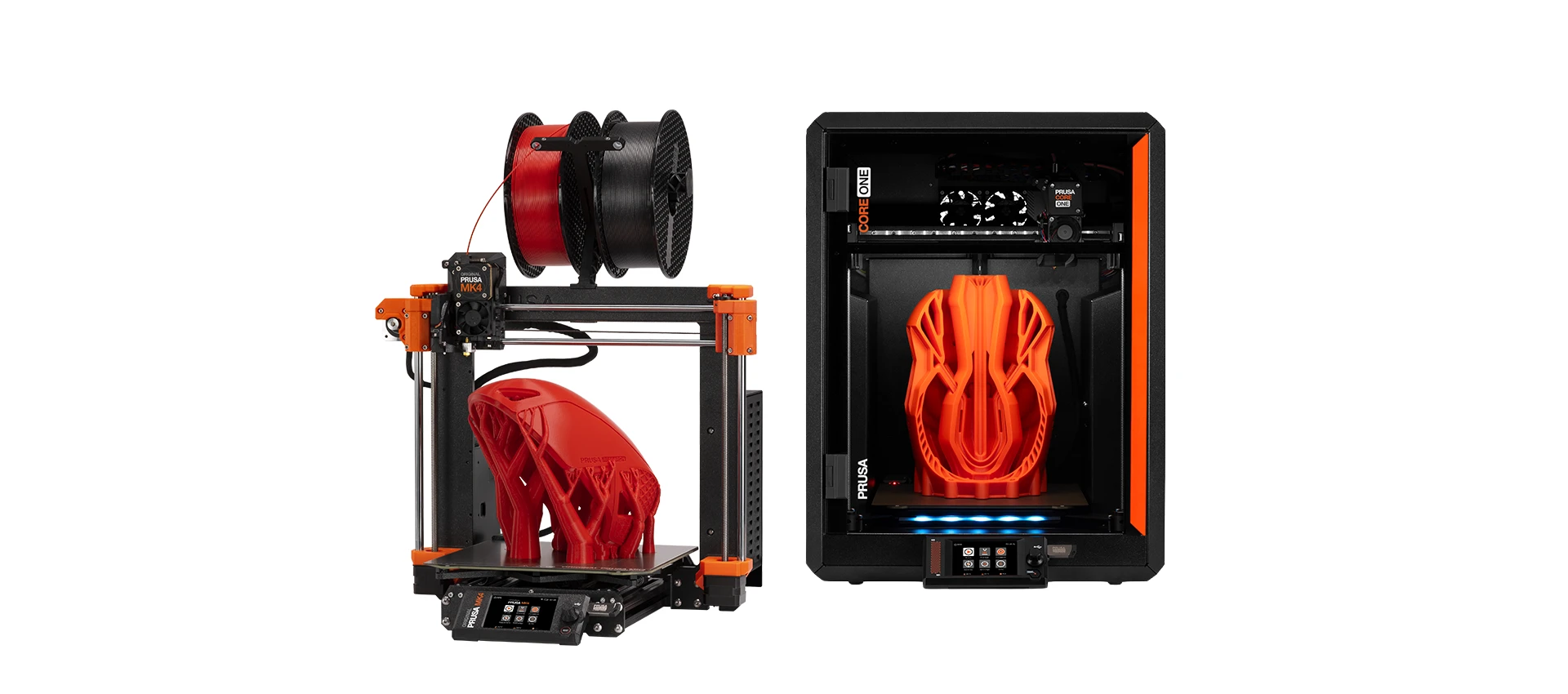
In the MaxLaser range, the MK4S is an example of an open-frame printer, while the CORE One+ (Gen 2) and CORE One L+ feature integrated enclosed designs. We compare these configurations in more detail below.

Print speed becomes increasingly important when a 3D printer is used for regular production or repeated prototyping.

However, advertised maximum printing speeds do not necessarily represent the time required to manufacture a particular component.

Actual print time depends on factors such as part geometry, material, layer height, infill, supports, nozzle size and the required print quality.

Businesses should also consider how many usable parts a printer can produce over a working day rather than focusing only on maximum movement speeds.

The required level of detail can influence both the printer technology and printing settings.

FDM/FFF printers can manufacture accurate functional parts and detailed models, while resin printers are particularly useful when very small features and fine surface detail are priorities.

Layer height, nozzle diameter, part orientation, material and printer calibration can all influence the final appearance of an FDM print.

For buyers producing small, intricate components, resin printing may offer advantages over conventional filament printing.

Many 3D printing applications only require one material or colour.

However, some products benefit from combining multiple colours, different compatible materials or specialised support materials in the same print.

The Prusa XL+ offers independent toolheads in Single-Tool, Dual-Head and Five-Head configurations.

This allows customers to choose a machine according to the complexity of their printing requirements.

For example, a Dual-Head XL+ can be useful when printing a component with a separate support material, while the Five-Head configuration provides additional flexibility for more complex multi-material applications.

Multiple toolheads are not automatically necessary for every professional printing application.

A professional 3D printer should be capable of producing consistent results without requiring unnecessary manual intervention. Features such as automatic calibration, first-layer setup, filament monitoring and suitable material profiles can help simplify the printing process. The updated Prusa Plus-generation machines also incorporate improvements to selected mechanical and printer-preparation systems. For business applications, the objective should be to produce repeatable, usable components, rather than simply selecting a machine with the longest specification list.

Most 3D printing workflows involve creating or obtaining a digital model, preparing it in slicing software and sending the resulting instructions to the printer. Prusa printers work with PrusaSlicer, which allows users to prepare models, select material profiles, configure printing settings and generate print instructions. It is important to distinguish between CAD software and slicing software. CAD or 3D modelling software is used to create the digital object, while slicing software prepares that object for manufacturing on the 3D printer.

A 3D printer is a machine that requires appropriate materials and routine maintenance throughout its operating life.

Before buying, consider the availability of compatible filament or resin, nozzles, build sheets, maintenance products, spare parts and technical assistance.

MaxLaser supplies Prusa 3D printers together with a range of materials and accessories, online and video-based training resources, remote training options and local technical support.

Open vs Enclosed 3D Printers – What’s the Difference?

An open-frame 3D printer operates without a fully enclosed chamber surrounding the printing area.

An enclosed 3D printer provides a more controlled environment around the object, reducing exposure to drafts and sudden changes in ambient temperature.

Neither design is universally better. The most appropriate configuration depends on the materials being used and the printing requirements.

Swipe sideways on mobile to compare the machines.

Feature

Open 3D Printer

Enclosed 3D Printer

Access to print area

Easy access

Access through doors or panels

PLA printing

Well suited

Also suitable with appropriate settings

PETG printing

Well suited

Also suitable with appropriate settings

Temperature stability

More exposed to room conditions

More controlled environment

Engineering filaments

Depends on material and printer

Often advantageous for temperature-sensitive materials

Typical applications

Prototypes, models, general-purpose parts

Functional parts and demanding materials

MaxLaser examples

MINI+, MK4S

CORE One+ (Gen 2), CORE One L+

An enclosed printer is particularly useful when working with materials that benefit from stable printing temperatures.

Some engineering thermoplastics are more susceptible to warping, cracking or dimensional problems when exposed to uneven cooling. An enclosure can help reduce these problems by creating a more consistent printing environment.

The Prusa CORE One+ (Gen 2) and CORE One L+ are examples of enclosed CoreXY machines suited to professional applications.

Not necessarily.

Many PLA and PETG applications can be printed successfully using an open-frame 3D printer.

For PLA in particular, adequate cooling and ventilation of the printing area are important, and an excessively warm chamber may cause printing problems.

The decision to use an enclosure should therefore depend on the material manufacturer’s recommendations, the printer and the intended application.

A beginner-friendly 3D printer should provide a straightforward printing workflow, dependable first-layer setup and access to suitable material profiles, documentation and support.

For users starting with filament-based printing, a compact machine such as the Original Prusa MINI+ can be suitable for smaller projects and general-purpose applications.

The Original Prusa MK4S offers additional build space and a versatile platform for users who expect to move into larger prototypes or functional components.

For beginners who already know they intend to work with materials that benefit from an enclosed printing environment, the Prusa CORE One+ (Gen 2) may also be worth considering.

The best beginner printer depends on the intended applications and budget rather than simply choosing the least expensive machine.

Quick answer: What is the best 3D printer for beginners? Look for a machine with straightforward setup, reliable calibration, accessible software and good documentation. The Prusa MINI+ is worth considering for compact printing, while the MK4S offers a versatile platform for users with broader requirements.

Businesses use 3D printers for applications including rapid prototyping, product development, manufacturing jigs, fixtures, replacement components and low-volume production.

The best machine depends on the size and complexity of the parts, the required materials and the number of components that need to be manufactured.

For general-purpose professional printing, the Original Prusa MK4S provides a versatile platform.

For enclosed engineering-material applications, the Prusa CORE One+ (Gen 2) or larger CORE One L+ may be more appropriate.

Businesses requiring larger components or advanced multi-material workflows can consider the Prusa XL+, while the Original Prusa SL1S SPEED is suited to applications where fine resin-printing detail is a priority.

Should a Business Buy One Large 3D Printer or Multiple Smaller Printers?

This depends on the manufacturing requirements.

A larger printer is useful when individual components exceed the build volume of smaller machines.

However, when a business needs to produce repeated batches of smaller parts, operating multiple printers can provide additional production flexibility.

A group of 3D printers operating together is often referred to as a 3D printer farm.

Multiple machines can allow different jobs to run simultaneously and reduce dependence on one printer, although they also introduce additional maintenance and operational requirements.

MaxLaser Pro Tip: If production volume is your main requirement, calculate how many usable parts you need to manufacture per day. The best production solution may involve multiple printers rather than simply purchasing the machine with the largest build volume.

Use these five questions to narrow your requirements before comparing configurations.

  1. What do you want to manufacture?
    Prototypes, models, functional parts, production tools or finished products?
  2. How large are your parts?
    Consider the maximum dimensions of the objects you intend to print.
  3. What materials will you use?
    Think about strength, flexibility, heat resistance, outdoor exposure and detail.
  4. How many parts do you need to produce?
    Occasional prototypes and regular production require different capacity.
  5. Do you need specialised features?
    Enclosed printing, large-format capability, multiple toolheads or resin detail?

The running cost of a 3D printer depends on the material being used, the size and complexity of the object, print duration, electricity consumption, maintenance requirements and any additional consumables or post-processing.

For filament-based FDM/FFF printing, material consumption is often one of the easiest costs to estimate. Slicing software such as PrusaSlicer can calculate the approximate amount of filament required before a print begins.

However, the cost of the filament alone does not represent the total cost of manufacturing a component.

Quick answer: How much does it cost to run a 3D printer? Running costs depend on material consumption, electricity, machine time, maintenance, failed prints and consumables. For filament printing, the approximate material cost can be calculated by multiplying the amount of filament used in grams by the cost per gram.

How to Calculate the Filament Cost of a 3D Print

A simple starting point is to calculate the cost of filament per gram.

Filament cost per gram = spool price ÷ spool weight in grams.

Material cost per print = filament used in grams × cost per gram.

Example: Calculate the Cost of a 3D Print

If a 1 kg spool of filament costs R600, the material cost per gram is R0.60.

A component requiring 100 g of filament would therefore have an estimated material cost of R60. This is an illustrative material-only example, excluding electricity, failed prints, maintenance and labour.

What Other Costs Should You Consider?

The total cost of 3D printing may include:

  • Electricity: Power used by the printer during operation.
  • Machine time: The time the equipment is occupied manufacturing the part.
  • Support material: Additional material required to support certain geometries.
  • Failed prints: Material and time lost when a print is unsuccessful.
  • Post-processing: Cleaning, support removal, finishing or resin curing.
  • Maintenance: Replacement nozzles, build surfaces and other wear items.
  • Labour and overheads: Particularly relevant when manufacturing products commercially.

Businesses should include these costs when calculating production costs or setting selling prices.

Electricity consumption varies according to the printer, material, heated-bed temperature, chamber conditions and print duration.

A small desktop printer producing a PLA component may have different power requirements from a larger enclosed machine printing engineering materials.

The most accurate way to determine electricity costs is to measure the printer’s actual energy consumption during a representative print.

How to Calculate 3D Printer Electricity Costs

Electricity cost = kWh consumed × electricity tariff per kWh.

For example, if a print consumes 1.5 kWh and electricity costs R3 per kWh, the electricity cost would be R4.50. This is an illustrative calculation, not a measured electricity-consumption figure for a particular Prusa printer.

MaxLaser Pro Tip: When calculating production costs, measure electricity consumption over an actual print rather than assuming the printer operates at its maximum rated power throughout the job.

For businesses, additive manufacturing can shorten the feedback loop between digital design, testing and improvement. In-house printing can support rapid prototyping, jigs, fixtures, inspection aids, tool holders, workshop organisers, customised components and suitable low-volume work.

Bringing suitable work in-house can improve iteration speed and production timing, but 3D printing does not automatically reduce cost. The outcome depends on the part, quantity, material and manufacturing process.

Is an enclosed 3D printer better? An enclosed 3D printer provides a more controlled printing environment and can be advantageous for certain engineering materials. However, open-frame printers remain suitable for many professional applications, particularly when printing commonly used materials such as PLA and PETG.

Need Help Choosing the Right 3D Printer?

Choosing a 3D printer becomes much easier when you know what you want to manufacture.

As an authorised Prusa dealer in South Africa, MaxLaser can help you compare available machines according to your applications, material requirements, build volume and production needs.

Whether you are considering a compact MINI+, versatile MK4S, enclosed CORE One+ (Gen 2), larger CORE One L+, multi-tool XL+ or high-detail SL1S SPEED, our team can help you identify an appropriate 3D printing solution.

Talk to a 3D Printing Specialist Explore Our 3D Printers
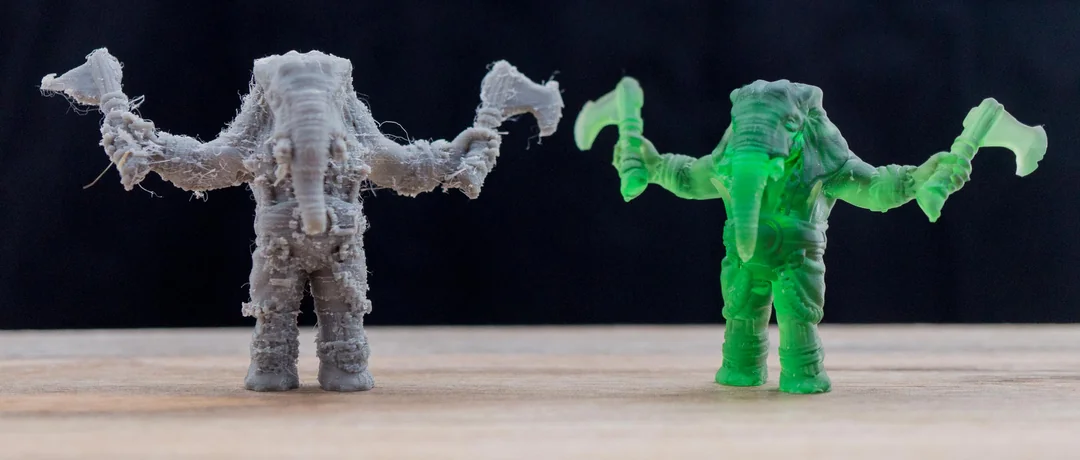
Two 3D printed models showing differences in surface finish and detail between FDM and resin 3D printing.

Filament vs Resin 3D Printing

Filament and resin 3D printers have different operating requirements, so the total cost of producing a component can vary significantly.

FDM/FFF printers use thermoplastic filament, while resin printers use liquid photopolymer resin and generally require additional washing and curing.

FDM / FFF Printing: Filament

Resin Printing: Liquid resin

FDM / FFF Printing: Based on filament weight

Resin Printing: Based on resin consumption

FDM / FFF Printing: May require additional filament

Resin Printing: May require additional resin

FDM / FFF Printing: Often support removal and finishing

Resin Printing: Washing and final curing generally required

FDM / FFF Printing: Nozzles, build sheets, maintenance items

Resin Printing: Washing consumables, tank films and other resin-processing items

FDM / FFF Printing: Supports, purging and failed prints

Resin Printing: Supports, residual resin losses and failed prints

FDM / FFF Printing: Broad material choice and functional parts

Resin Printing: Fine detail and small intricate objects

Is filament or resin 3D printing cheaper? Neither technology is automatically cheaper. The total cost depends on the part, material, printing time, consumables, post-processing and production requirements. Compare the complete manufacturing cost rather than the price of filament or resin alone.

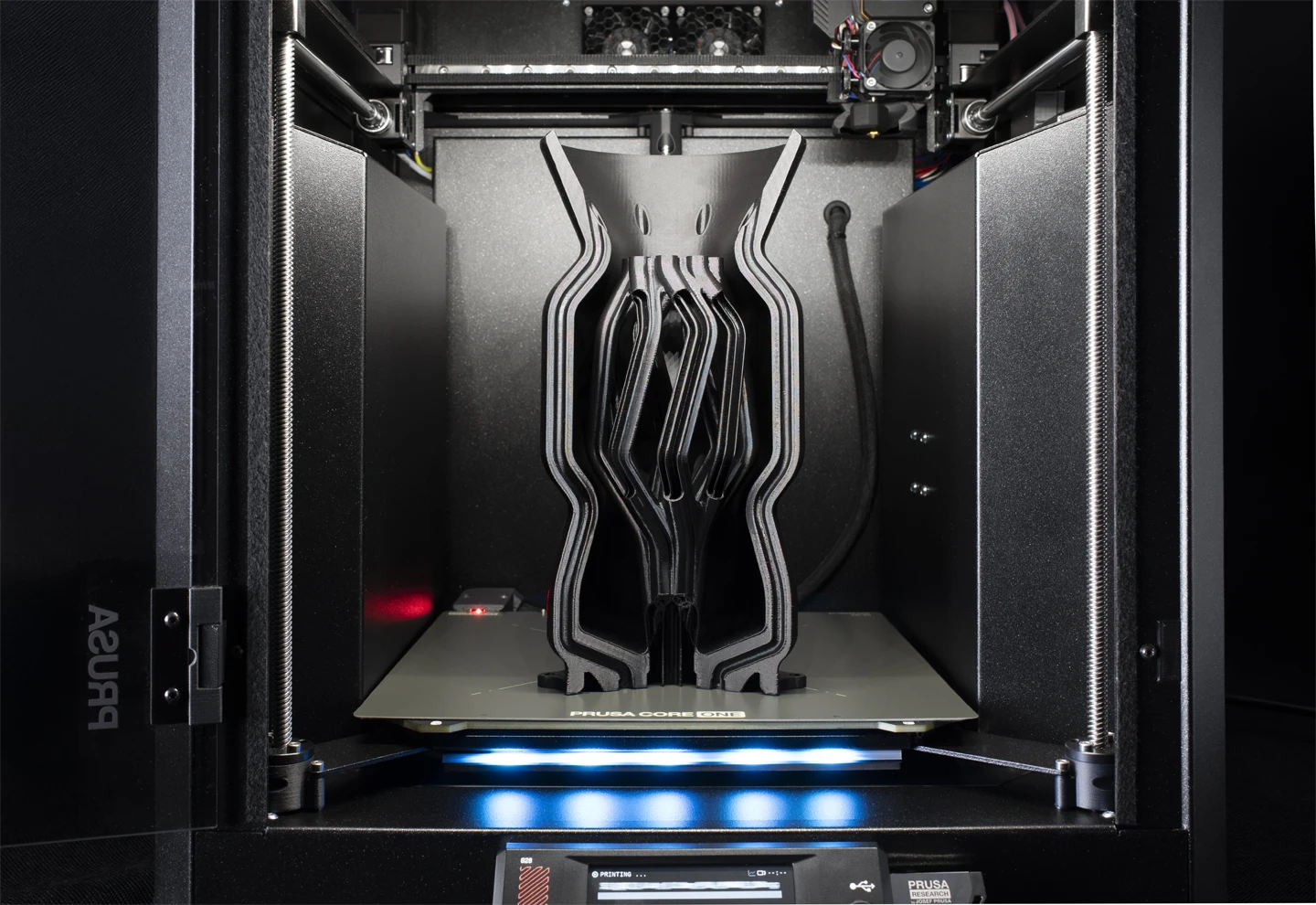
rusa enclosed FDM 3D printer building a large part layer by layer from thermoplastic filament.

What Is a 3D Printer?

A 3D printer creates a physical three-dimensional object from a digital model by building it layer by layer. This is called additive manufacturing because material is progressively added to make the finished part.

Depending on the printer, the material may be thermoplastic filament, liquid resin or another specialised printing material. An FDM/FFF printer heats and deposits filament in controlled layers. A resin printer uses light to selectively cure liquid photopolymer resin. These processes can produce models, prototypes, functional components, tooling, jigs, fixtures, replacement parts and customised products.

Swipe sideways on mobile to compare the machines.

3D Printing / Additive Manufacturing

Traditional Subtractive Manufacturing

Start with a digital design

Start with a block or sheet of material

Add material layer by layer

Cut or remove material

Produce the finished 3D object

Produce the finished component

The key difference is simple: additive manufacturing builds an object by adding material, while subtractive manufacturing creates a part by removing material from a larger piece.

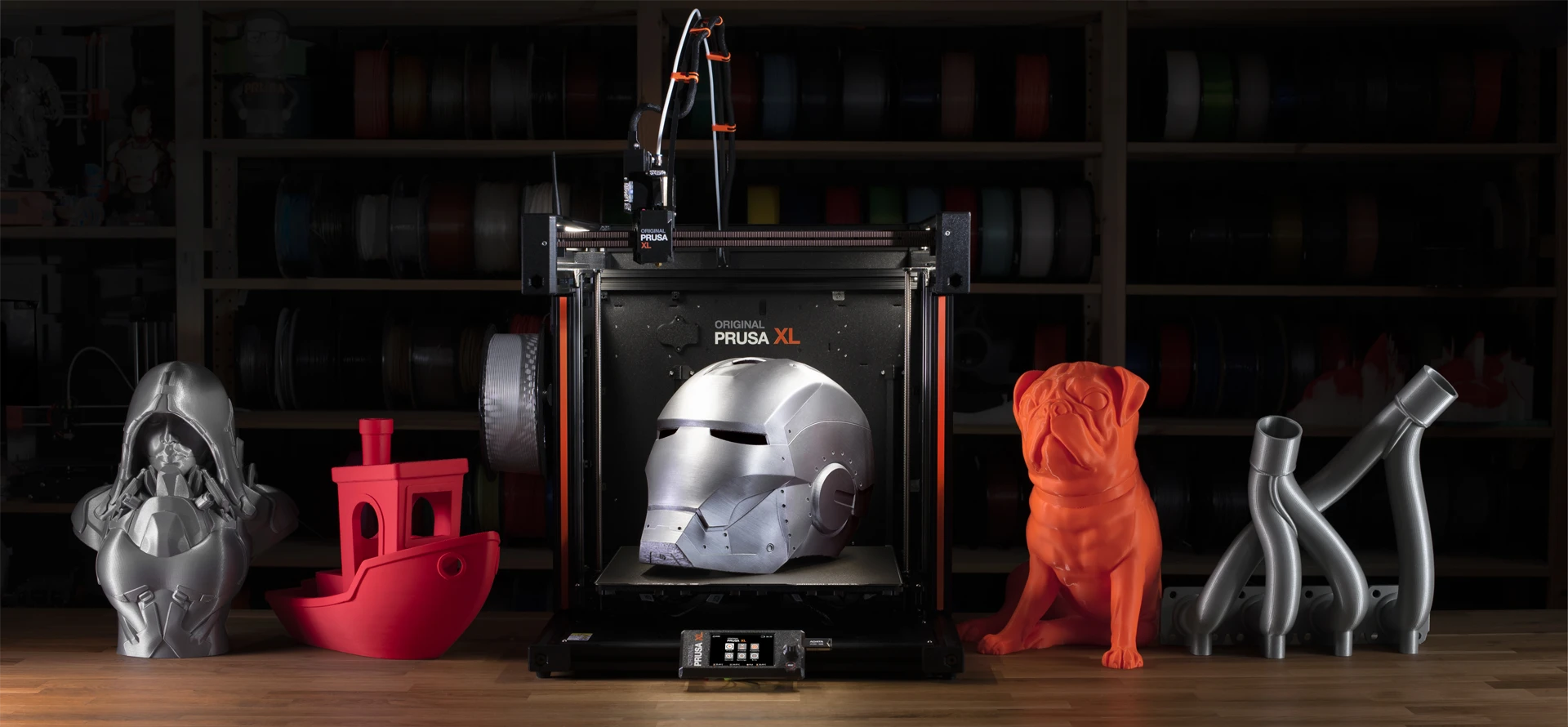
Original Prusa XL 3D printer on a workshop bench surrounded by finished 3D prints, including a metallic helmet, red boat, silver bust, orange dog and curved grey models.

Most 3D printing workflows begin with a digital 3D model and convert it into instructions the printer can follow.

1. Create or Download a 3D Model

The process begins with a digital 3D model. You can create it in CAD or 3D-modelling software, generate it from a 3D scan or download it from an online model library.

2. Prepare the Model in Slicing Software

Slicing software divides the model into individual layers and creates the instructions needed to manufacture it. Layer height, infill, supports, print orientation and material profile can be configured at this stage. PrusaSlicer is commonly used to prepare models for Prusa 3D printers.

3. Prepare the Printer and Material

For FDM/FFF printing, load a compatible filament such as PLA or PETG. For resin printing, prepare the appropriate liquid photopolymer resin in the printer’s resin tank.

4. Build the Object Layer by Layer

An FDM/FFF printer heats and deposits filament along controlled paths. A resin printer selectively cures sections of liquid resin with light. Both processes progressively form the object one layer at a time.

5. Remove and Finish the Printed Part

Remove the completed part once printing finishes. Depending on the process and application, finishing can include support removal, cleaning, light sanding or other finishing work. Resin prints generally require washing and final curing.

3D model → Slice the model → Prepare material → Print layer by layer → Finished part

rusa enclosed FDM 3D printer building a large part layer by layer from thermoplastic filament.

FDM/FFF and resin printing are two widely used 3D-printing categories. More specialised technologies, including SLS and metal additive manufacturing, serve specific industrial applications. The right choice depends on the part, material, required detail, size and intended use.

Quick answer: FDM/FFF printers melt and deposit thermoplastic filament layer by layer. Resin printers use light to cure liquid photopolymer resin and are particularly useful for fine detail. Technologies such as SLS and metal printing serve more specialised manufacturing applications.

Original Prusa MINI+ FDM 3D printer producing a blue model using thermoplastic filament from a spool.

FDM / FFF 3D Printers

Fused Deposition Modelling (FDM), also called Fused Filament Fabrication (FFF), uses thermoplastic filament. A filament spool feeds material into the hotend, where it is heated and extruded through a nozzle. The printer deposits softened material in controlled paths until the complete part is formed.

FDM/FFF is used for rapid prototypes, functional components, replacement parts, jigs, fixtures, workshop tools, housings, brackets, models, education, customised products and low-volume production. Compatible material options vary by printer and setup, and can include PLA, PETG, TPU, ASA, polycarbonate-based materials and fibre-reinforced composites.

Most Prusa machines in the MaxLaser range use FDM/FFF technology: Original Prusa MINI+, Original Prusa MK4S, Prusa CORE One+ (Gen 2), Prusa CORE One L+ and Prusa XL+.

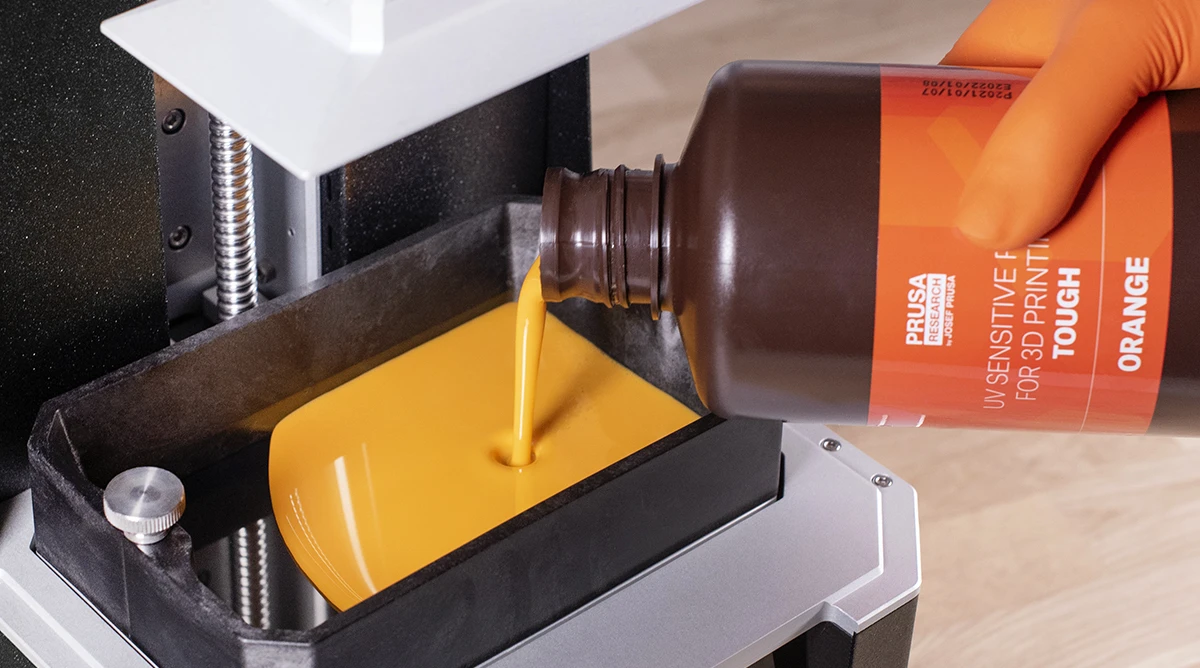
Orange liquid photopolymer resin being poured into the resin tank of a Prusa 3D printer.

Resin 3D Printers

Resin printers create objects from liquid photopolymer resin that hardens when exposed to light. Rather than depositing melted filament, the printer cures thin resin layers to form the part. Resin printing is particularly useful when fine detail, small features and smooth surface quality matter.

Typical applications include detailed prototypes, miniatures, visual models, fine-detail components and specialised functional parts where an appropriate engineering resin is available. The Original Prusa SL1S SPEED represents resin technology in the MaxLaser range. Resin prints require washing and final curing; always follow the resin manufacturer’s handling and safety instructions.

View Original Prusa SL1S SPEED

Other 3D Printing Technologies

Selective Laser Sintering (SLS) uses a laser to fuse powdered material, commonly nylon, layer by layer. Surrounding powder supports complex geometry, making SLS useful for functional prototypes, complex components and low-volume manufacturing.

Metal additive manufacturing uses metal powders and processes such as selective laser melting or related powder-bed fusion. It is used for specialised engineering components, tooling, aerospace, medical and industrial applications. MaxLaser will only link to a metal offering when that technology is commercially active.

Other specialised processes include binder jetting and material jetting. They are selected for specific materials and production requirements rather than as a general substitute for FDM/FFF or resin printing.

Swipe sideways on mobile to compare the machines.

Feature

FDM / FFF 3D Printers

Resin 3D Printers

Material

Thermoplastic filament

Liquid photopolymer resin

Process

Heated filament deposited through a nozzle

Light selectively cures resin

Detail

Good to excellent, depending on machine and settings

Particularly suited to very fine detail

Typical strengths

Functional parts, prototypes and broad material choice

Fine features and detailed, smooth surfaces

Post-processing

Often relatively straightforward

Washing and final curing are generally required

Typical applications

Prototypes, functional parts, jigs, fixtures and models

Detailed prototypes, models and fine components

Two 3D printed models showing differences in surface finish and detail between FDM and resin 3D printing.

Choose FDM/FFF when material choice, functional parts, larger objects or general-purpose printing are priorities. Consider resin when very fine detail, small features and surface finish are especially important. Neither process is universally better: the right choice depends on the object, material and required performance.

For many first-time users, filament-based FDM/FFF printing offers a simpler daily workflow. Filament arrives on a spool and can be loaded into the printer without the washing and final-curing stages associated with resin.

Resin printing can produce exceptionally detailed parts, but liquid resin requires appropriate handling and additional post-processing equipment. Consider the complete workflow, not only the finished part.

3D Printer Filament, Resin & Accessories

MaxLaser supplies a range of Prusament filament, resin and 3D printing consumables to support general-purpose printing, prototyping and more demanding professional applications.

Using the correct material is essential to achieving the required strength, flexibility, appearance and durability of a finished component.

Our range also includes selected accessories, replacement components and maintenance products to support ongoing printer operation.

Many 3D printing filaments are hygroscopic, meaning they can absorb moisture from the surrounding air.

Excessive moisture can affect printing performance and may contribute to surface defects, inconsistent extrusion and reduced print quality.

Different filament materials have different storage requirements, and some engineering materials are particularly sensitive to moisture.

Storing filament in appropriate conditions can help preserve material quality between printing jobs.

What Is a Filament Drybox?

A filament drybox is a storage container designed to help protect filament from moisture in the surrounding environment.

Depending on its design, a drybox may also allow filament to feed directly into a printer while remaining in a protected storage environment.

A drybox is not necessarily the same as an active filament dryer. Filament that has already absorbed excessive moisture may require an appropriate drying process before use.

MaxLaser Pro Tip: If a filament that previously printed successfully begins producing inconsistent results, check the material’s storage conditions and possible moisture absorption before assuming the printer has developed a fault.

Yes. Regular maintenance helps maintain consistent print quality, reliable machine operation and the condition of wear components.

The exact maintenance requirements depend on the printer, materials, operating environment and frequency of use.

Common 3D Printer Maintenance Tasks

Swipe sideways on mobile to compare the machines.

Maintenance Area

What to Check

Build surface

Keep clean and inspect for wear or damage

Nozzle

Check for residue, blockages or excessive wear

Filament path

Inspect for debris or feeding problems

Moving components

Check according to the manufacturer’s maintenance schedule

Lubrication

Apply only where specified by the manufacturer

Filters

Inspect and replace where applicable

General cleaning

Remove filament debris and other contamination

Fibre-reinforced and other abrasive filaments can increase nozzle wear, making appropriate nozzle selection particularly important.

Important: Always follow the maintenance instructions for your specific Prusa printer. Cleaning methods, lubricants and service intervals can vary between models.

3D printers can use materials ranging from easy-to-print thermoplastics for models to flexible, heat-resistant and fibre-reinforced materials for functional applications. The available materials depend on the technology and the exact printer configuration. FDM/FFF printers use filament; resin printers use liquid photopolymer resin.

Common FDM/FFF materials include PLA, PETG, TPU, ASA, polycarbonate-based materials and fibre-reinforced composites. Resin printers use liquid photopolymer resins. Choose materials according to the required strength, flexibility, temperature resistance, environment and detail.

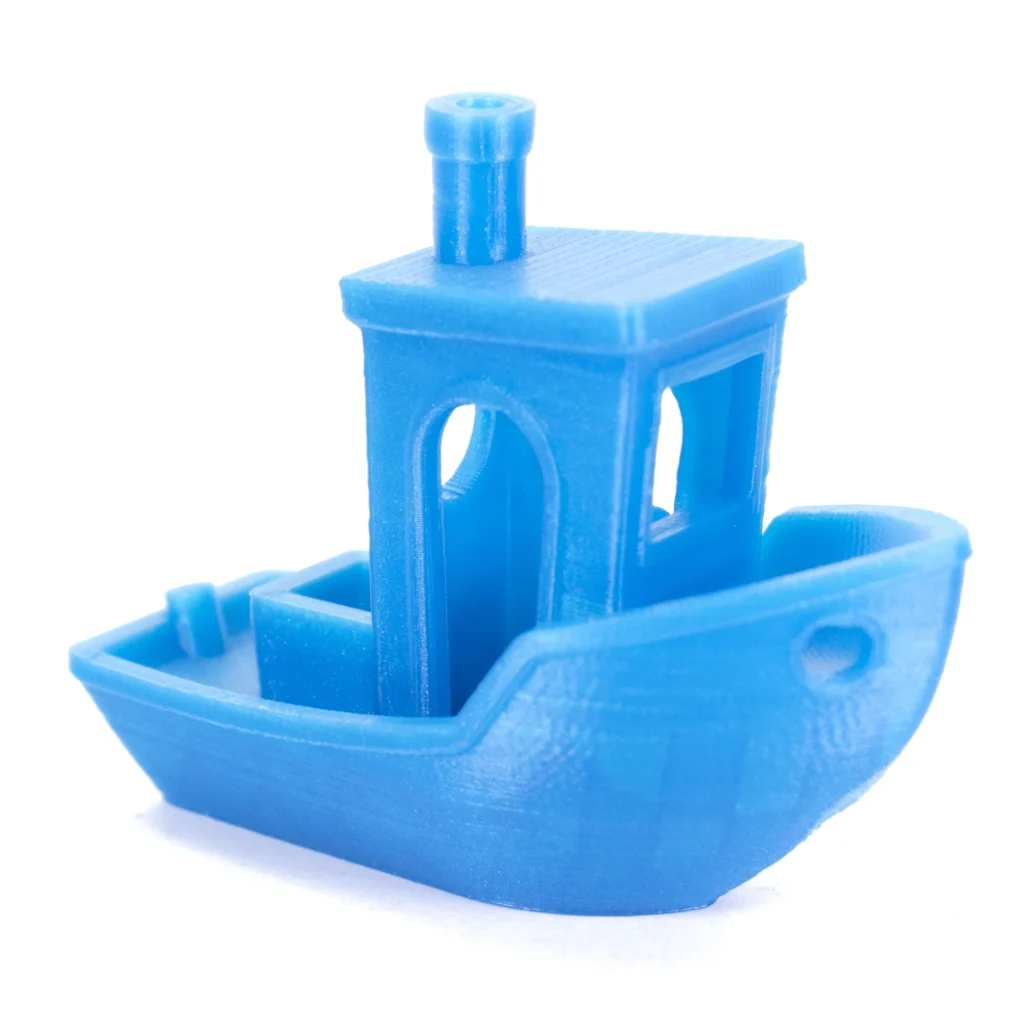
  • PLA: A general-purpose filament for models, prototypes, decorative objects, educational projects and many everyday prints.
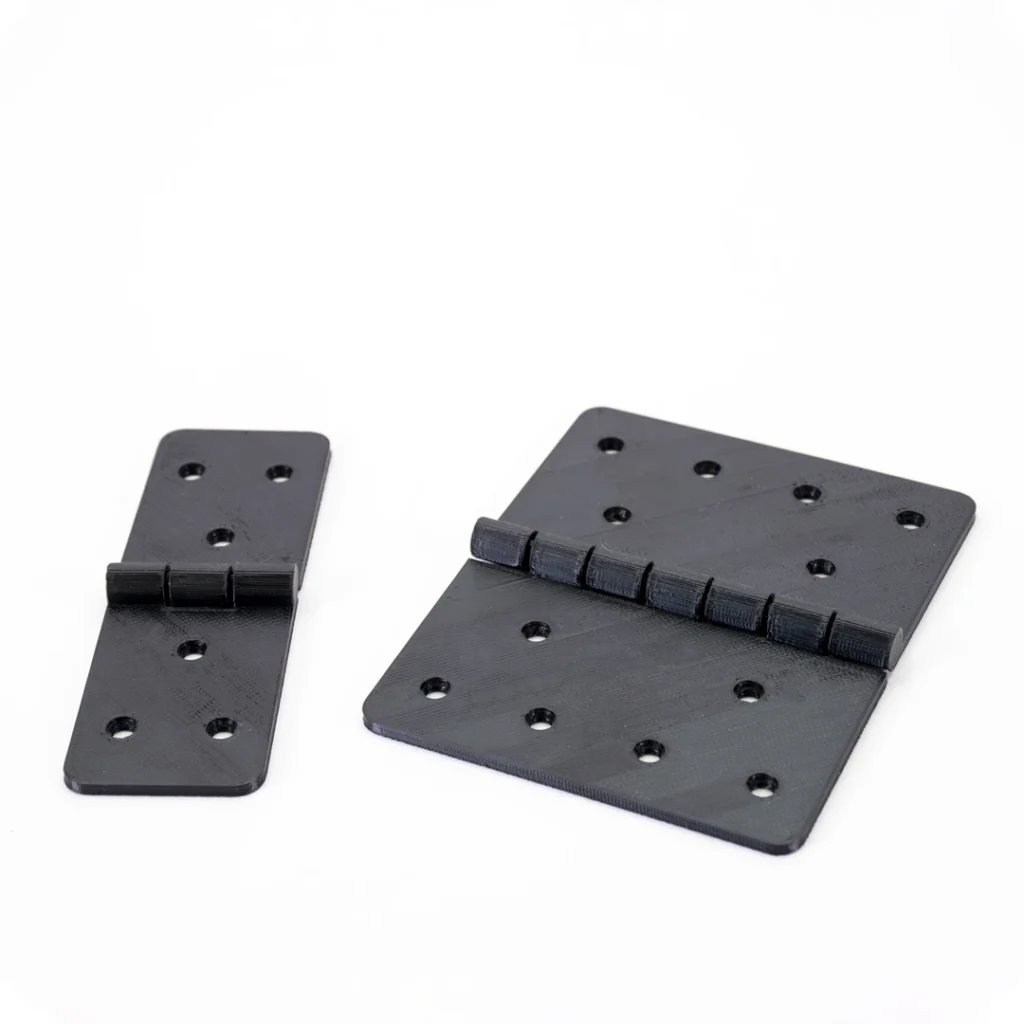
  • PETG: A tough, versatile filament for functional prototypes, brackets, housings and general-purpose functional parts.
  • TPU: A flexible material for grips, covers, bumpers, protective parts and components that need to bend or absorb impact.
  • ASA: A durable material often selected for suitable outdoor and functional parts. It can benefit from a stable printing environment for demanding prints.
  • PC Blend: A polycarbonate-based option for engineering prototypes, mechanical components, brackets, housings and other more demanding functional parts.
  • PP Carbon Fiber: A lightweight reinforced composite for specialised technical applications. Fibre-filled materials can be abrasive; confirm printer, nozzle and material compatibility before printing.
  • Resin: A liquid material for detailed models, fine prototypes and specialised parts. Resin formulation determines the final material characteristics.
  • PLA: A general-purpose filament for models, prototypes, decorative objects, educational projects and many everyday prints.
  • PETG: A tough, versatile filament for functional prototypes, brackets, housings and general-purpose functional parts.
  • TPU: A flexible material for grips, covers, bumpers, protective parts and components that need to bend or absorb impact.
  • ASA: A durable material often selected for suitable outdoor and functional parts. It can benefit from a stable printing environment for demanding prints.
  • PC Blend: A polycarbonate-based option for engineering prototypes, mechanical components, brackets, housings and other more demanding functional parts.
  • PP Carbon Fiber: A lightweight reinforced composite for specialised technical applications. Fibre-filled materials can be abrasive; confirm printer, nozzle and material compatibility before printing.
  • Resin: A liquid material for detailed models, fine prototypes and specialised parts. Resin formulation determines the final material characteristics.

Explore Our Prusa 3D Printers

Professional Prusa 3D Printers

Compare our range of compact FDM, enclosed CoreXY, large-format multi-tool and resin 3D printers.

Explore Our 3D Printers

Why Buy a 3D Printer From MaxLaser?

Choosing the right 3D printer involves more than comparing technical specifications.

As an authorised Prusa dealer in South Africa, MaxLaser supplies genuine Prusa 3D printers together with access to materials, accessories, training resources and local technical support.

Our goal is to help customers select a machine that suits their applications and provides a practical foundation for their 3D printing requirements.

Maxlaser installation and training

Installation & Training

Lifetime technical support

Lifetime Technical Support

Maxlaser Local South African Support, Stock & Spares

Local South African Stock & Spares


Maxlaser support: hands-on demo facility in Johannesburg

Hands-On Demo Facility

Maxlaser's real business setup guidance

Real Business Setup Guidance

MaxLaser warranty and after-sales

Warranty & After-Sales Backup

What Can You Make With a 3D Printer?

3D printing can manufacture physical objects directly from digital designs without first creating conventional tooling. It is useful for one-off components, prototypes, customised products and low-volume production.

Prototypes and product development: Print, assess, modify and reprint designs during development.

Functional parts: Produce purpose-designed brackets, housings, mounts, covers and components when material and design suit the application.

Jigs and fixtures: Create custom guides, positioning tools and workshop aids for production processes.

Replacement and custom components: Recreate or redesign suitable non-safety-critical components for a specific application.

Models and detailed objects: Produce miniatures, architectural models, display pieces and visual components.

Customised products: Personalise enclosures, organisers, display items and made-to-order products without new conventional tooling.

Education and STEM: Turn digital designs into physical objects for engineering, technology, robotics and product-development learning.

Low-volume production: Produce small batches where conventional tooling is not practical or economical; a printer farm can increase capacity.

Important: A replacement part should only be printed when the material, design and process suit the intended use. Safety-critical components require proper engineering consideration.

Frequently Asked Questions About 3D Printers

A 3D printer is a machine that creates physical objects from digital 3D models using a process known as additive manufacturing. Instead of cutting material away, most 3D printers build objects layer by layer using materials such as thermoplastic filament, photopolymer resin or industrial powders. 3D printers are used for prototyping, product development, manufacturing tools, functional components, models and customised products.

A 3D printer works by following instructions generated from a digital 3D model. The model is prepared in slicing software, which divides it into layers and generates the instructions needed to manufacture the object. FDM/FFF printers deposit melted filament through a nozzle, while resin printers use light to cure liquid photopolymer resin into solid layers.

FDM/FFF 3D printers use thermoplastic filament to manufacture objects, making them suitable for a broad range of prototypes, functional parts and general-purpose applications. Resin 3D printers use light-sensitive liquid resin and are particularly useful for smaller objects requiring fine details and smooth surfaces. The most appropriate technology depends on the intended application, required materials, component size and finishing requirements.

Yes. Many modern 3D printers are suitable for beginners, although learning to prepare models, select materials and adjust printing settings takes practice. Machines such as the Original Prusa MINI+ and MK4S are worth considering for users starting with filament printing. MaxLaser provides access to online and video-based training resources, with remote guidance and local technical support available. Explore MaxLaser Academy; access is linked to a MaxLaser machine purchase and registration.
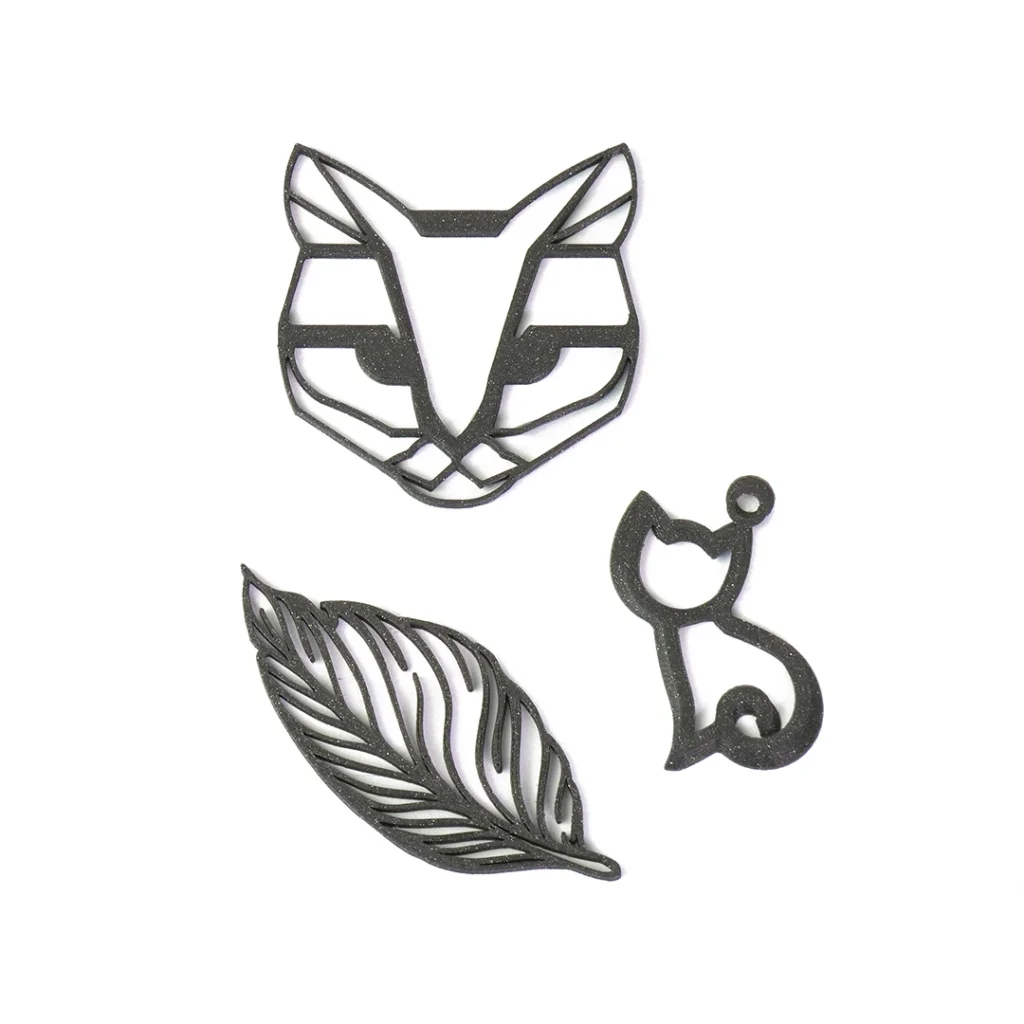
Filament-based 3D printers can use materials such as PLA, PETG, TPU, ASA, PC Blend and certain fibre-reinforced composites, depending on the machine and its configuration. Resin printers use compatible photopolymer resins with different properties, including formulations intended for detailed models or flexible components. Not every printer supports every material, so compatibility should always be checked before use.

Yes. 3D printers can manufacture functional components such as brackets, housings, jigs, fixtures and prototypes. The strength and durability of a printed part depend on the material, design, printing orientation, settings and intended operating conditions. Components intended for safety-critical or heavily loaded applications should be appropriately engineered and tested before use.

Printing time depends on the size and complexity of the object, printing technology, material, layer height and selected settings. Small components may take relatively little time, while larger or more detailed prints can require many hours. Slicing software such as PrusaSlicer provides estimated print times before manufacturing begins.

Not always. Open-frame 3D printers are suitable for many applications, particularly when using commonly available materials such as PLA and PETG. Enclosed printers provide a more controlled printing environment, which can be beneficial for certain engineering materials. The Prusa CORE One+ (Gen 2) and CORE One L+ are examples of enclosed CoreXY printers available in the MaxLaser range.

Yes. Some 3D printers support multi-colour or multi-material printing through specialised filament-changing systems or independent toolheads. The Prusa XL+ is available with Single-Tool, Dual-Head and Five-Head configurations. The Dual-Head and Five-Head versions can use separate toolheads for different compatible colours, materials or nozzle configurations within the same print.

Yes. Businesses use 3D printers for rapid prototyping, product development, custom components, production jigs, fixtures and low-volume manufacturing. 3D printing can be particularly useful when products require customisation, frequent design changes or relatively small production quantities. For larger production volumes, businesses should compare the cost and production time of 3D printing with alternative manufacturing methods.
Running costs depend on the material used, electricity consumption, print duration, consumables, maintenance and labour. For filament printing, the approximate material cost can be calculated by multiplying the filament consumed in grams by the cost per gram. Businesses should also account for machine time, failed prints and other production expenses when calculating the total manufacturing cost.

Yes. Routine maintenance helps maintain consistent printing performance and reliable machine operation. Typical tasks include cleaning build surfaces, inspecting nozzles, checking filament paths and maintaining moving components according to the manufacturer’s instructions. Maintenance requirements vary between printer models, materials and operating conditions.

Start 3D Printing With MaxLaser

Whether you need a compact desktop printer for smaller prototypes, an enclosed CoreXY system for engineering applications, a large-format multi-tool printer or a high-detail resin machine, choosing the right solution starts with understanding what you want to manufacture.

MaxLaser can help you compare available Prusa 3D printers according to your intended applications, material requirements, part dimensions and production needs.

Tell us what you want to make, and we’ll help you identify an appropriate machine.

Talk to a 3D Printing Specialist Explore Our 3D Printers