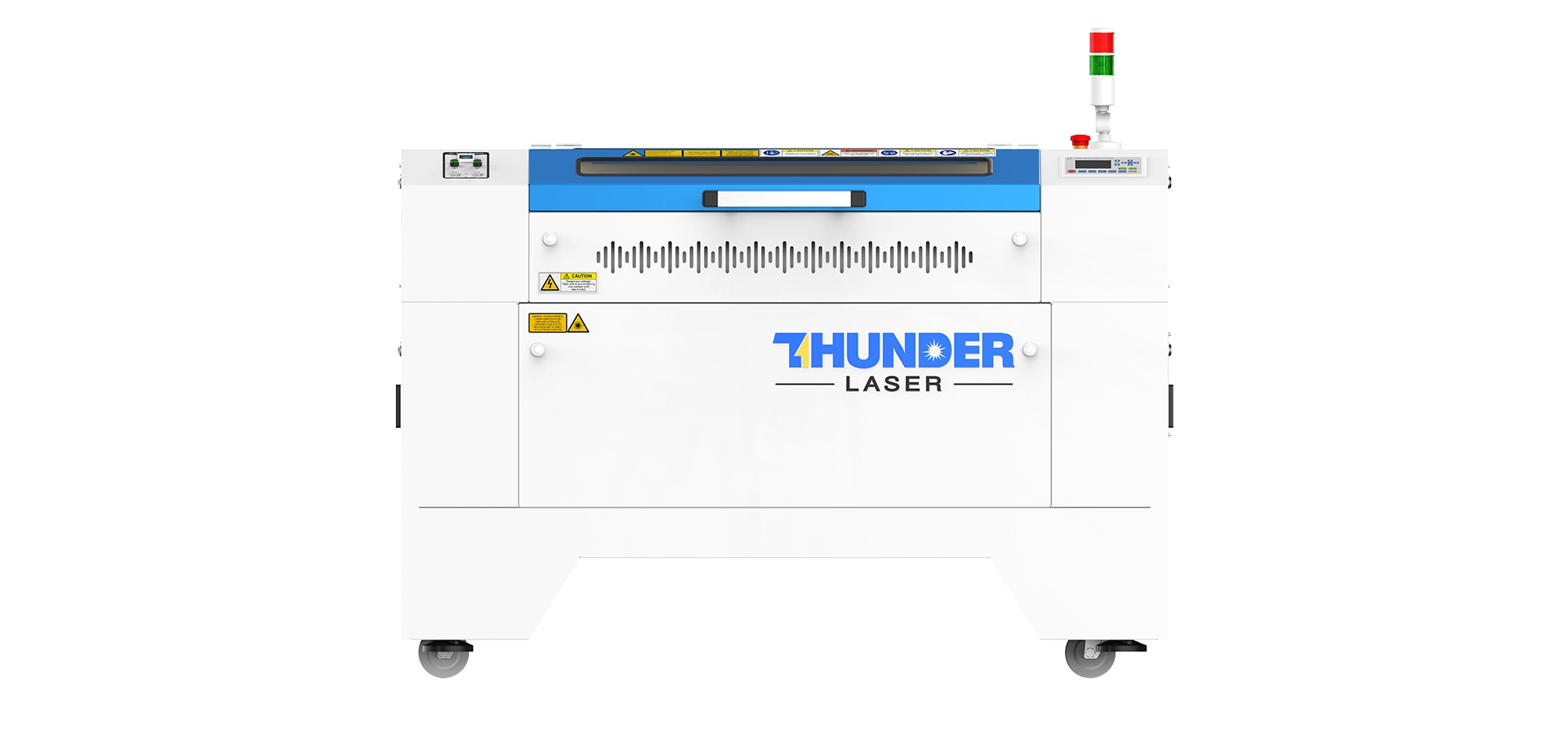
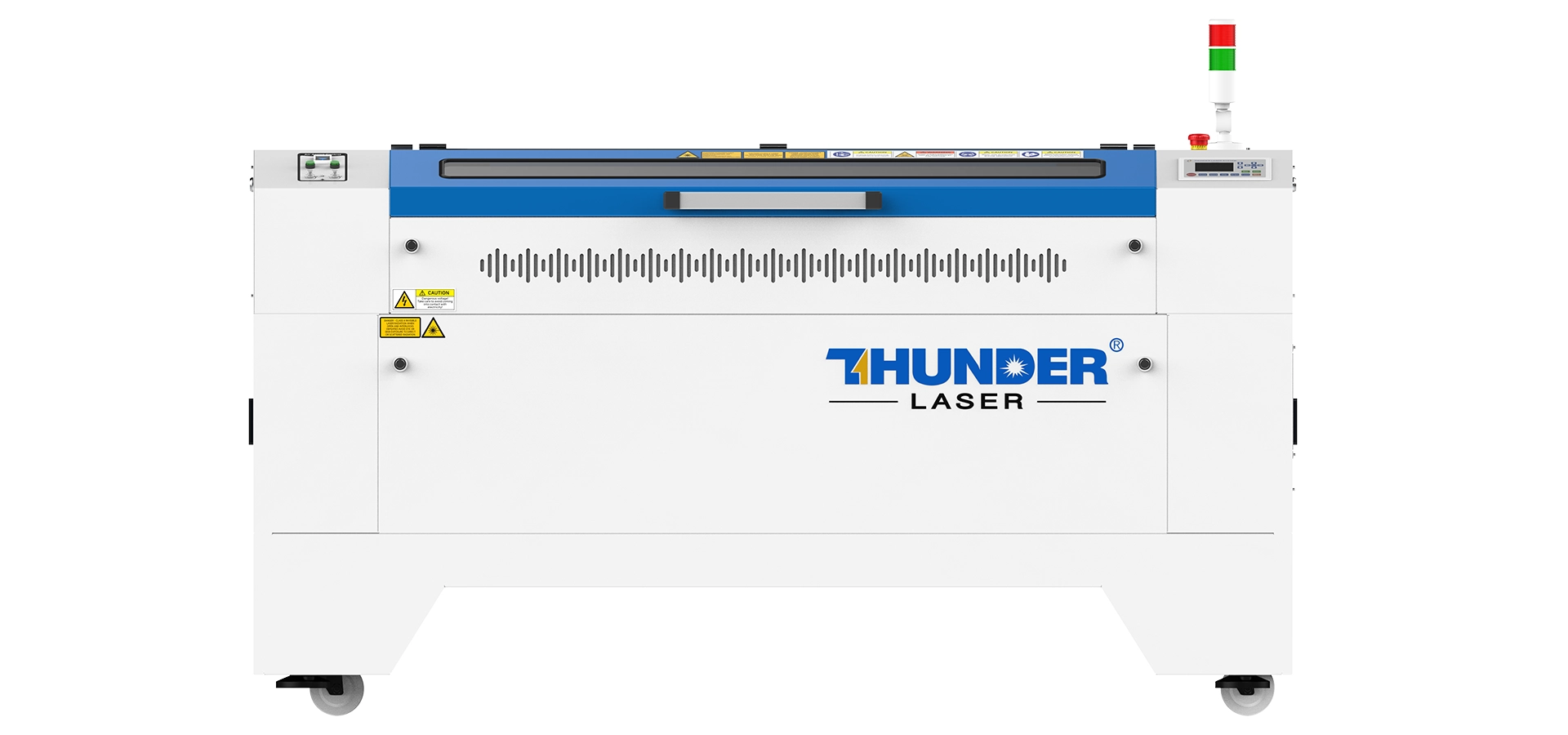
Laser Engraving Leather: How to Create Professional Personalised Leather Products

Turn Handwritten Memories into Permanent Leather Engravings

Laser engraving leather is one of the most rewarding applications for a CO2 laser engraving machine. From personalised wallets and journals to corporate gifts and premium leather accessories, laser engraving allows you to create unique products with incredible precision and lasting sentimental value.

In this workshop, we wanted to create something truly personal. Rather than engraving a logo or standard design, we took a handwritten note drawn by my little girl, scanned it into the computer, cleaned it up in CorelDRAW and permanently engraved it onto a genuine leather wallet.

Along the way, we discovered several important techniques that significantly improved the final result, including using the camera system on the Thunder Laser Nova Plus 35 for accurate positioning, engraving in two lighter passes instead of one heavy pass, and conditioning the leather afterwards to make the engraving stand out beautifully.

If you’re looking to engrave leather wallets, journals, belts or personalised gifts, this guide will walk you through the complete process while sharing practical workshop tips we’ve learned through real-world testing.

Workshop Tested Camera Alignment Demonstrated Real Customer Workflow Lifetime Technical Support
Watch Our Leather Engraving Workshop

Rather than showing generic settings, this project demonstrates an entire production workflow from scanning an original handwritten message to creating a professionally engraved leather wallet.

You’ll see how we:

  • Scan the original handwriting.
  • Clean the artwork in CorelDRAW.
  • Use the Nova Plus camera system for perfect alignment.
  • Engrave using workshop-tested settings.
  • Complete the project with leather conditioner for a richer finish.
Book a Live Laser Engraving Demonstration

What You’ll Learn

Preserve Original Handwriting

Learn how to scan and prepare handwritten artwork while keeping every stroke authentic.

Perfect Positioning Every Time

See how the Thunder Laser Nova Plus camera system allows accurate placement on pre-made leather products like wallets.

Workshop-Tested Engraving Techniques

Discover why two lighter engraving passes produced a cleaner result than increasing the power.

Professional Finishing Tips

Learn why applying leather conditioner after engraving enhances contrast and gives the finished wallet a premium appearance.

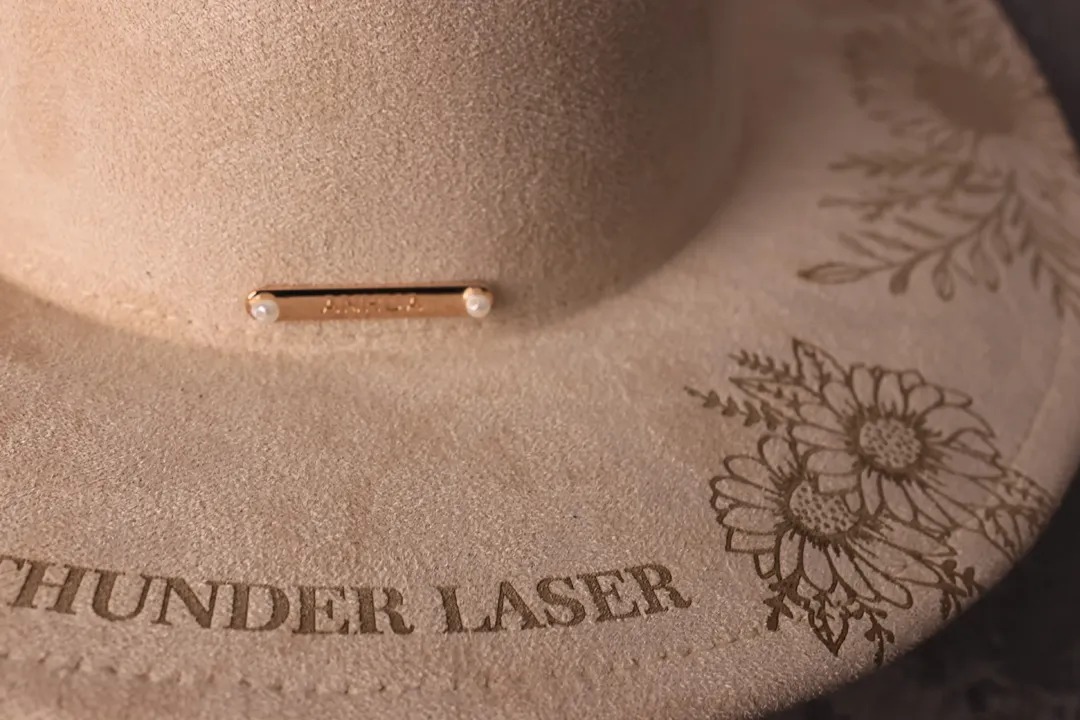
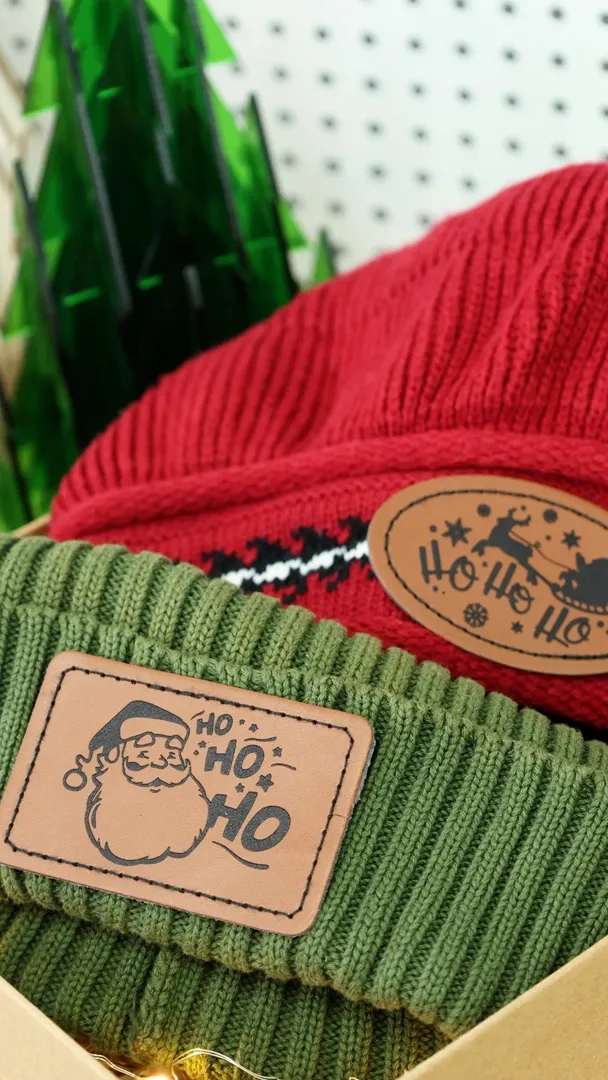
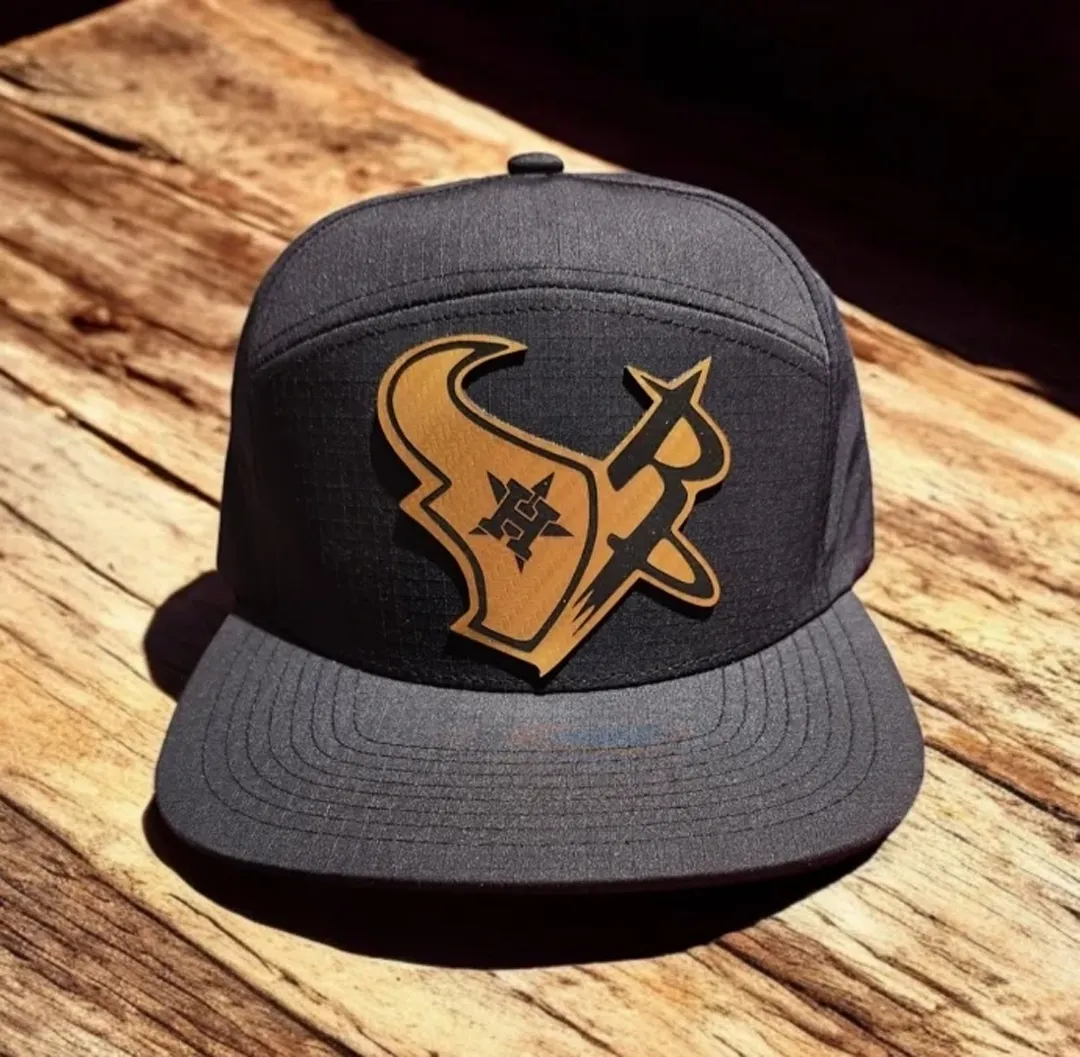
Leather hat engraved with floral artwork and text.

Why Laser Engraving Leather Is So Popular

Laser engraving has transformed the way personalised leather products are created. Instead of relying on stamps or manual tooling, a CO2 laser engraving machine can reproduce incredibly fine detail, including handwriting, sketches, signatures and intricate artwork.

Because the laser doesn’t require physical contact with the material, it can engrave consistently across a wide variety of leather products while maintaining excellent detail.

This makes laser engraving ideal for businesses producing personalised gifts, luxury accessories and corporate branding.

Why Personalised Leather Products Sell So Well

Consumers increasingly value products with a personal story behind them. A handwritten message from a child, a family signature or a meaningful date transforms an everyday wallet into a keepsake that cannot be replaced.

Unlike printed designs that may fade over time, laser engraving creates a permanent mark within the leather itself, making it an excellent choice for gifts intended to last for years.

Popular occasions include:

  • Father’s Day
  • Mother’s Day
  • Birthdays
  • Weddings
  • Anniversaries
  • Graduation gifts
  • Retirement gifts
  • Corporate appreciation gifts
  • Memorial keepsakes

By offering personalised leather engraving, businesses can create premium products that carry both emotional value and higher profit margins.

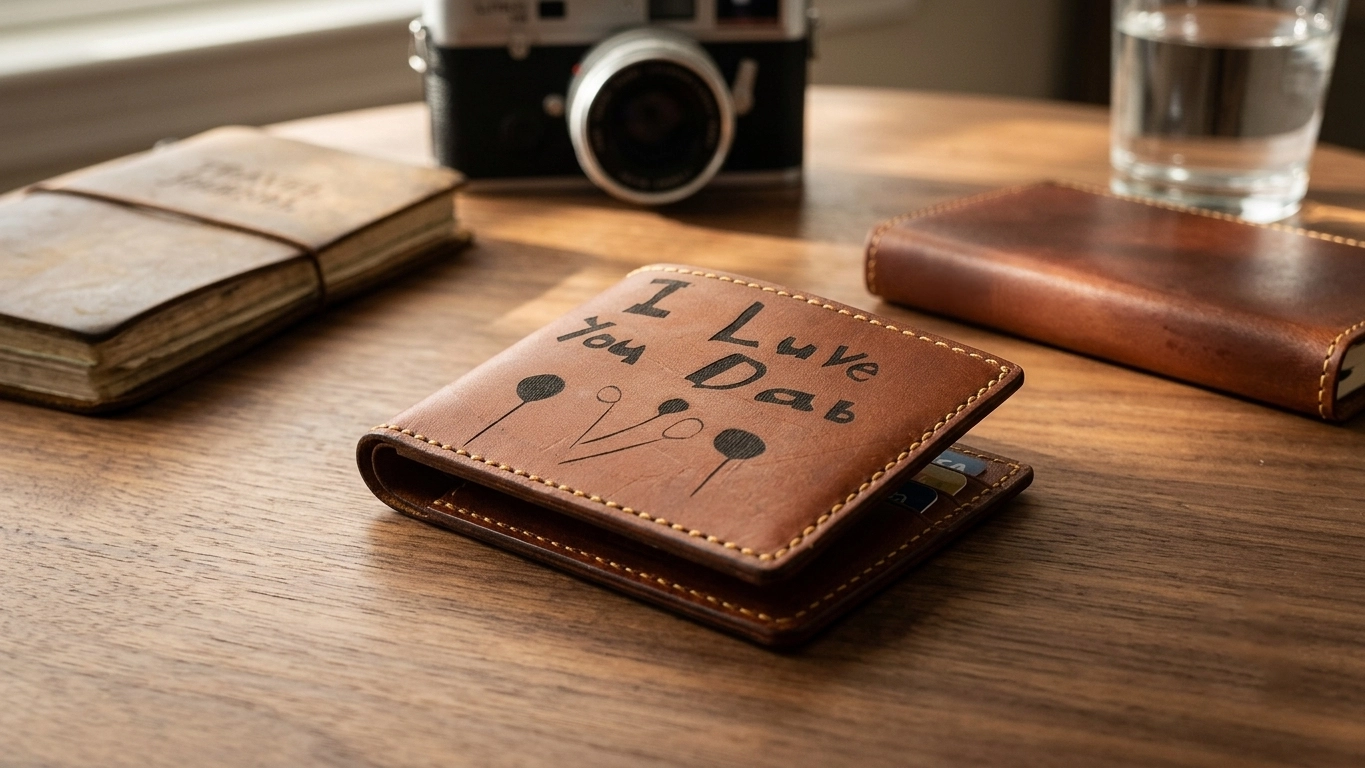
Laser engraved leather wallet with a custom message, ideal for personalised gifts, birthdays, anniversaries, and promotional products

Why We Chose a Wallet for This Project

For this workshop, we selected a genuine leather wallet because it presented several real-world challenges.

Unlike a flat sheet of leather, a finished wallet has seams, folds and slight variations in height. That makes accurate positioning and consistent engraving much more important.

It also allowed us to demonstrate how to engrave on a finished retail product rather than starting with raw material, making the workflow more relevant for gift businesses and personalisation shops.

The project also showcased one of the biggest advantages of the Thunder Laser Nova Plus 35. The built-in camera system, which made positioning the artwork accurately on the wallet quick and repeatable.

Our Workshop Guide: From Handwritten Note to a Permanently Engraved Leather Wallet

Turning a Child’s Handwriting into a Permanent Keepsake

For this project, we wanted to create something much more meaningful than a standard logo or monogram.

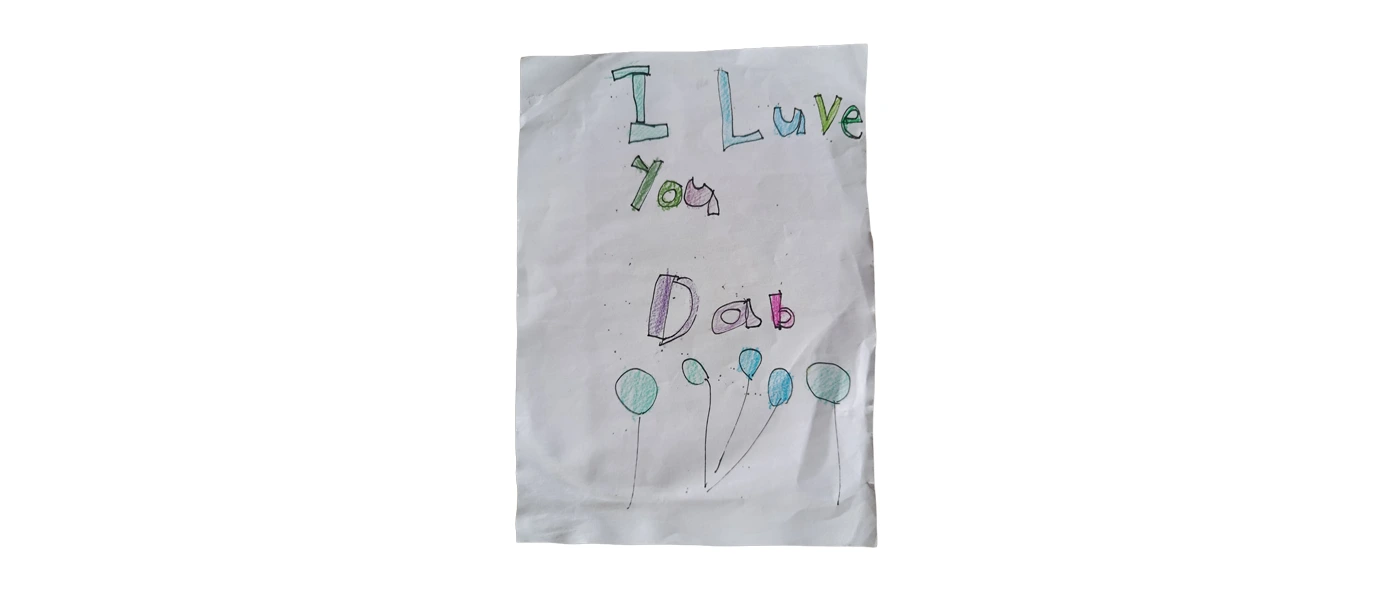
Instead of using a computer font, we engraved a handwritten note created by my little girl onto a genuine leather wallet. By preserving her original handwriting, every curve, every letter and every small imperfection remained exactly as she drew it, creating a truly one-of-a-kind keepsake.

Projects like this demonstrate why laser engraving has become so popular for personalised gifts. It allows memories to be preserved permanently in a way that simply isn’t possible with traditional printing methods.

Child’s handwritten “I Love You Dad” note on white paper, decorated with colourful lettering and balloon-like drawings.

The first step was capturing the original drawing.

Rather than recreating the writing digitally, we scanned the handwritten note using a smartphone to preserve every detail of the original message.

Using the original handwriting makes the finished product far more personal because it retains the natural character that would be lost if it were replaced with a standard font.

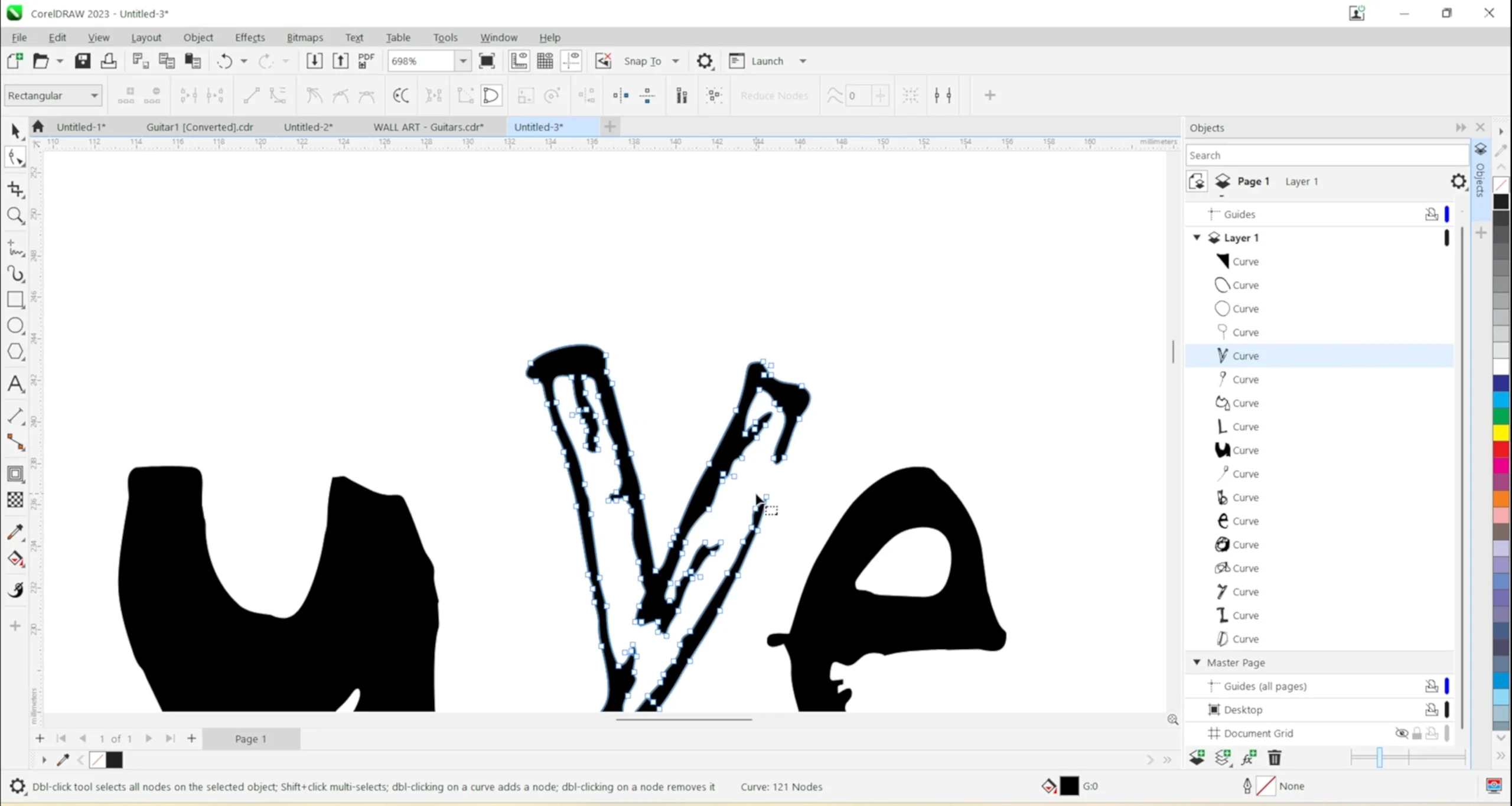
After importing the scan into CorelDRAW, we traced the handwriting and began cleaning up the artwork.

The objective wasn’t to redesign the writing.

Instead, we simply refined it by editing the nodes, smoothing rough edges and removing unwanted marks while keeping the original handwriting exactly as it was.

This small amount of preparation helps the laser engrave smoother curves and cleaner lettering without losing the authenticity of the original message.

Why We Use CorelDRAW

CorelDRAW allows precise editing of vector artwork before engraving.

For handwritten projects, this means you can:

  • Smooth rough lines.
  • Remove unwanted marks.
  • Refine curves.
  • Maintain the original handwriting.
  • Produce cleaner engraving results.
CorelDRAW editing vector nodes in handwritten artwork before leather engraving.
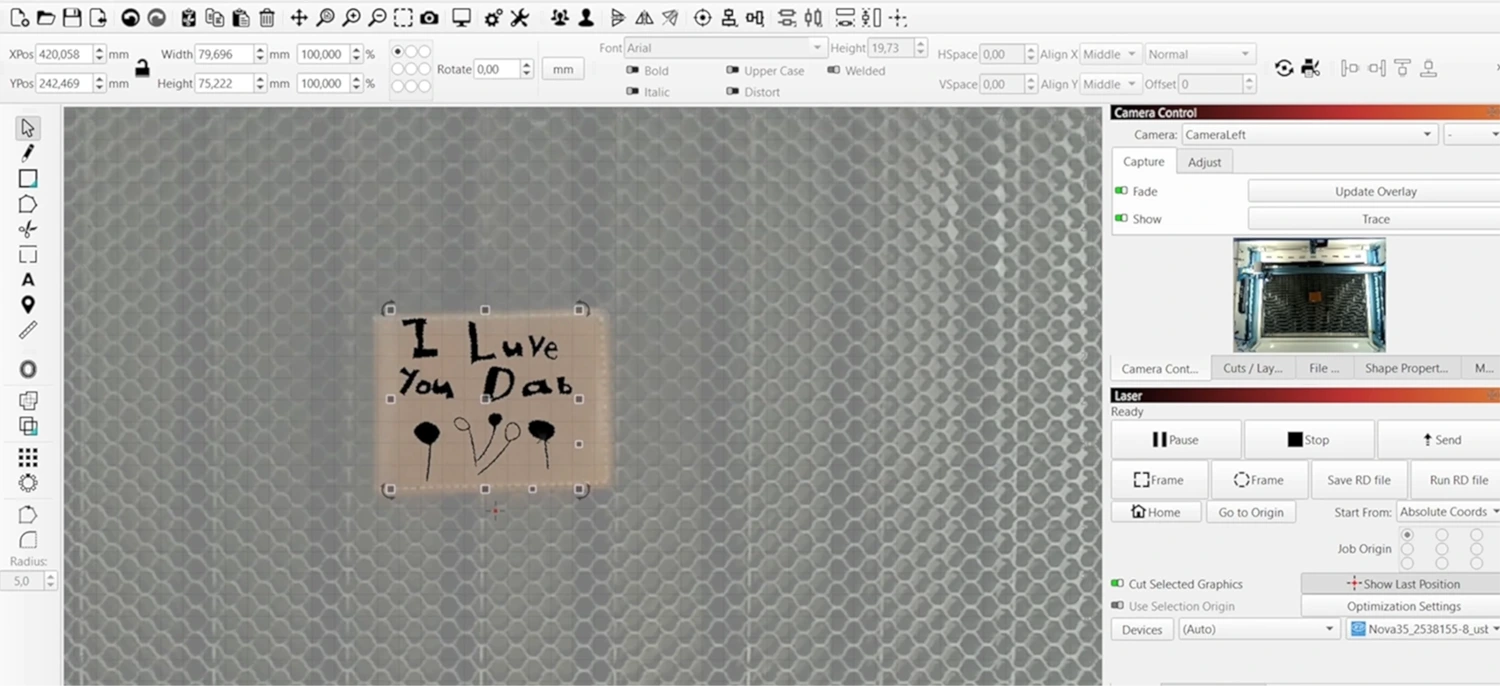
LightBurn camera view positioning handwritten artwork on a leather wallet before engraving.

Once the artwork was ready, we positioned the wallet inside the Thunder Laser Nova Plus 35.

Instead of manually measuring the engraving position, we used the machine’s built-in camera system together with LightBurn.

After updating the camera overlay, we could see the wallet directly on the computer screen and position the artwork exactly where we wanted it before starting the engraving.

This greatly reduced setup time while giving us confidence that the engraving would be accurately aligned.

For finished products such as wallets, journals, belts and passport holders, camera positioning is one of the most valuable workflow features available.

With the artwork positioned, we began engraving using our workshop settings.

Workshop Settings

Machine

Thunder Laser Nova Plus 35

Material

Genuine Leather Wallet

Software

LightBurn

Speed

1000 mm/s

Power

10%

These settings produced a clean engraving while minimising the risk of excessive scorching.

Please note: Leather varies significantly depending on the tanning process, finish and colour. Always perform a small test on similar material before engraving your final product.

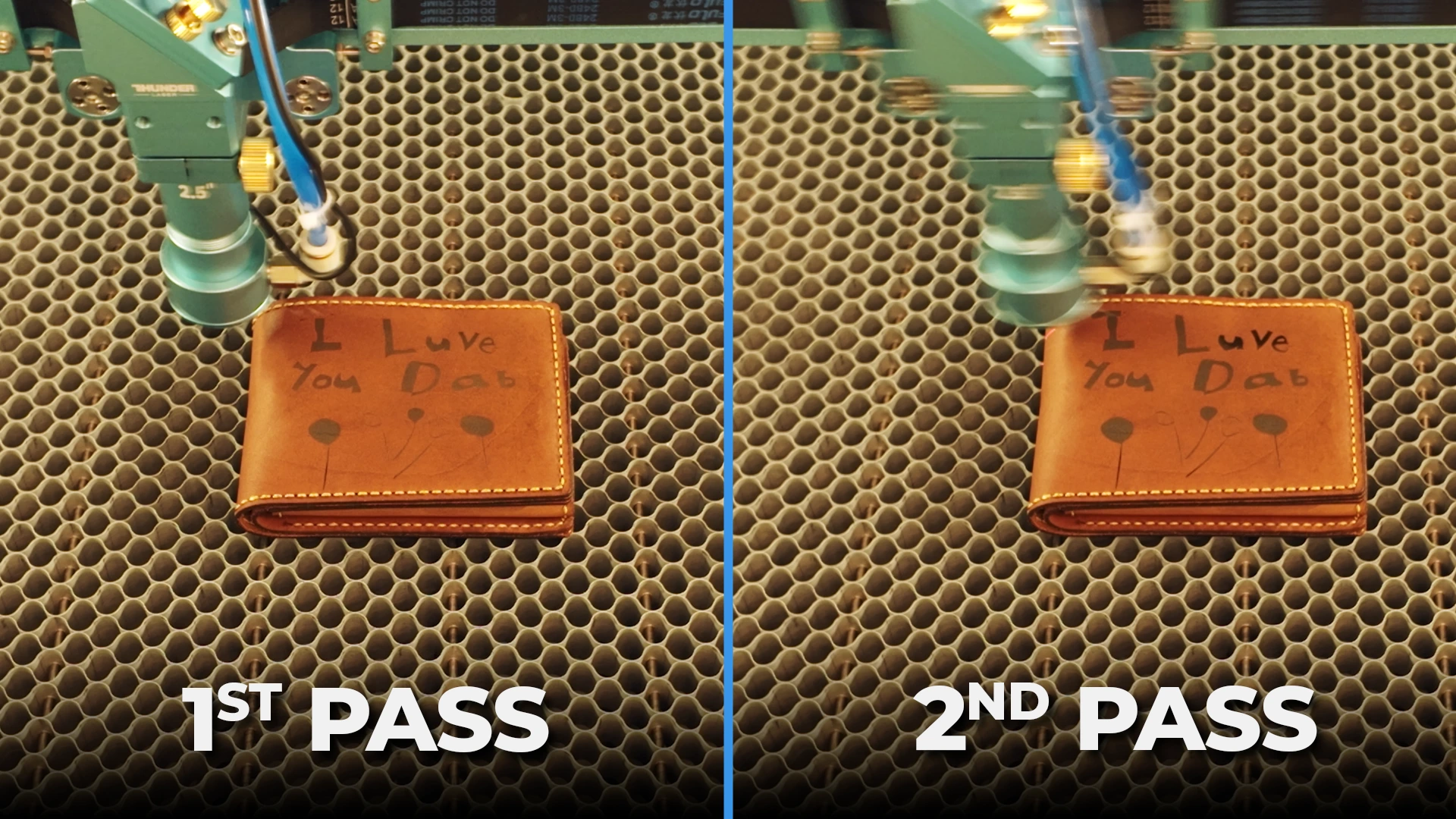
Leather wallet under a laser head showing the first and second engraving passes.

One of the biggest lessons from this project came during the engraving itself.

The wallet wasn’t perfectly flat.

One side sat slightly higher than the other.

Instead of increasing the laser power to compensate, we chose to engrave the design in two lighter passes.

This approach reduced the risk of over-burning the higher sections while allowing the engraving to develop evenly across the entire design.

The final result was cleaner, more consistent and maintained the natural appearance of the leather.

Workshop Observation

If a finished leather product isn’t perfectly flat, consider using two lighter engraving passes rather than increasing the power. It provides more control and reduces the chance of scorching.

After the engraving was complete, the project still wasn’t finished.

We cleaned and conditioned the leather using a suitable leather conditioner.

This simple finishing step enhanced the natural colour of the leather while making the engraved handwriting stand out much more clearly.

The wallet immediately looked richer, more premium and professionally finished.

Many beginners stop after the engraving process, but conditioning the leather is often the finishing touch that transforms a good engraving into an exceptional one.

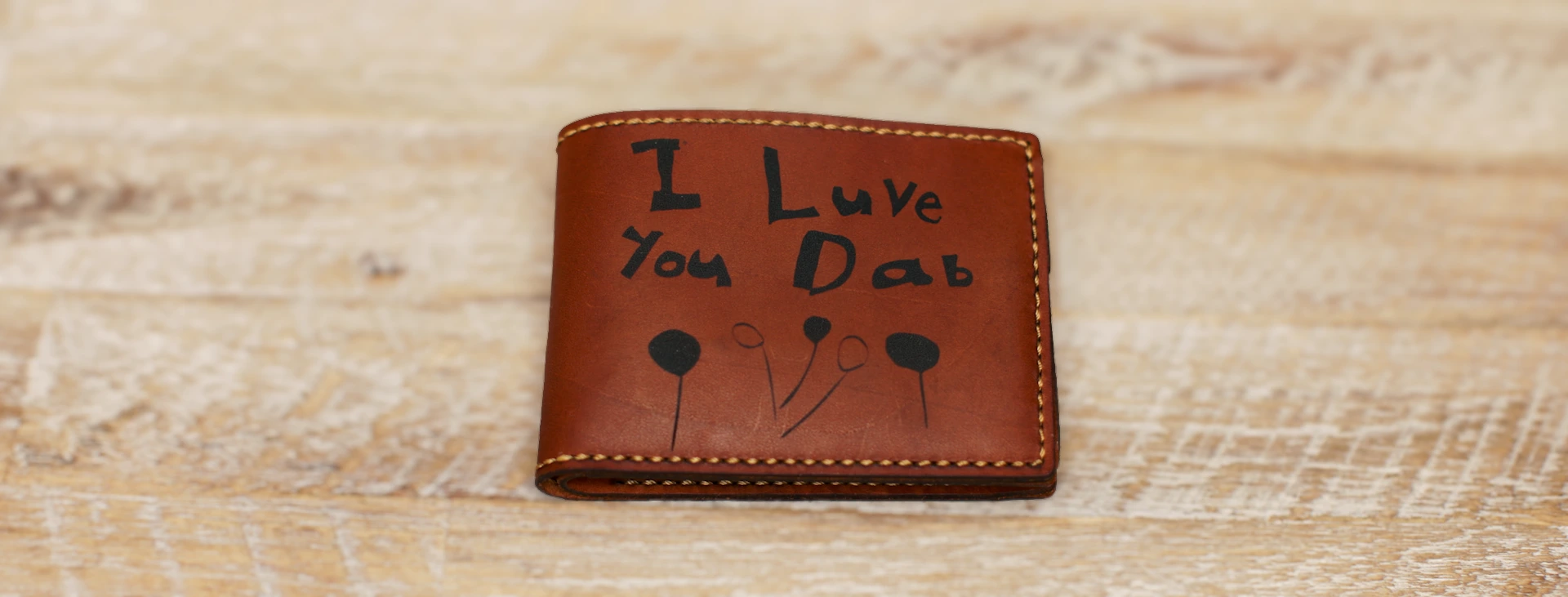
Finished leather wallet engraved with a child’s handwritten message and drawing.

The Finished Result

After completing the workflow, we had exactly what we were hoping to achieve: a permanently engraved leather wallet that preserved a child’s original handwritten message.

The project demonstrated that creating premium personalised leather products isn’t only about choosing the correct speed and power settings.

Success also depends on:

  • Preparing quality artwork.
  • Accurate camera positioning.
  • Testing your engraving settings.
  • Understanding the material.
  • Applying the correct finishing process.

When these elements work together, you can consistently produce professional-quality personalised leather products that customers will treasure for years.

Workshop Tips

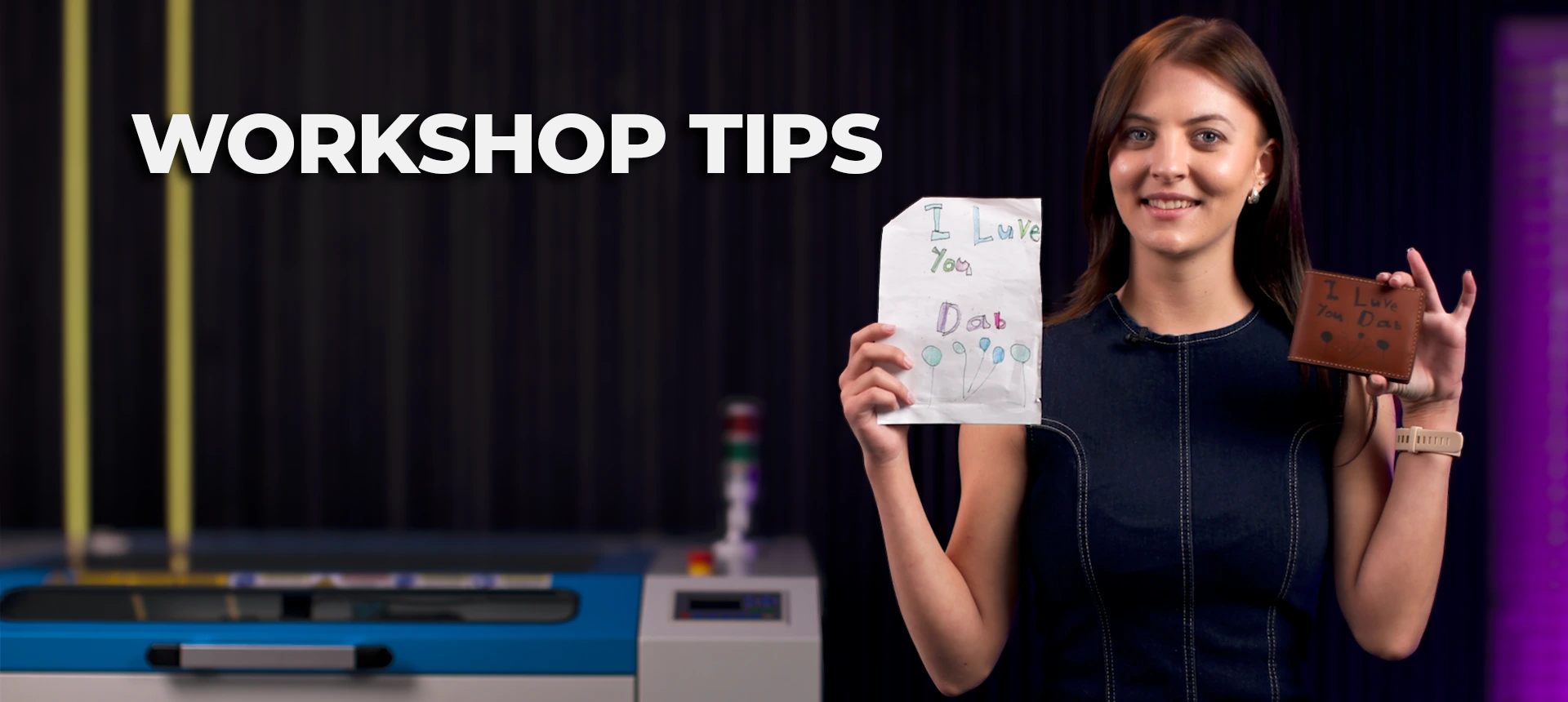
Presenter holding the original handwritten note beside the finished engraved leather wallet.

Workshop Note #1

The biggest advantage of scanning the original handwriting is preserving the personality of the writing. Every small imperfection tells part of the story.

Workshop Note #2

The built-in camera system on the Nova Plus 35 made positioning the engraving quick, accurate and stress-free. For finished leather products, it’s a feature you’ll quickly appreciate.

Workshop Note #3

Engraving isn’t always the final step. Conditioning the leather afterwards made one of the biggest visual improvements to the finished wallet and gave it a premium appearance.

Expert Tips for Laser Engraving Leather

Choosing the Right Leather for Laser Engraving

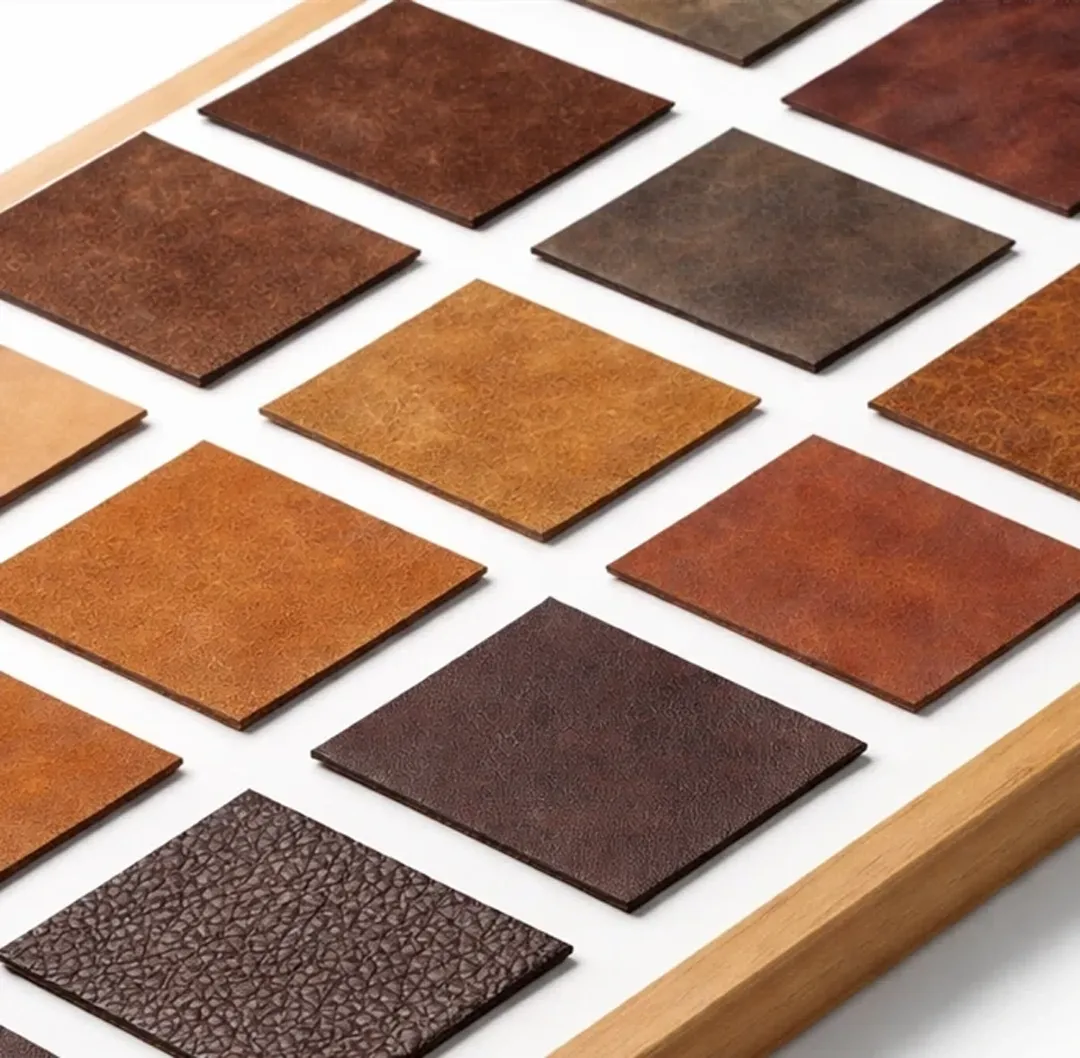
Not all leather engraves the same. The type of leather you choose has a significant impact on the appearance, contrast and consistency of the finished engraving.

For the best results, genuine vegetable-tanned leather generally produces the cleanest and most consistent engravings. Chrome-tanned and coated leathers can also engrave well, but because different manufacturers use different dyes, coatings and finishes, the appearance may vary from one product to another.

If you’re engraving premium products such as wallets, journals or belts, always test on a similar offcut before engraving the final item.

Assorted leather samples in different colours, finishes and textures arranged for comparison.

How to Achieve a Clean, Professional Engraving

Many people assume that increasing the laser power will produce a darker engraving.

In reality, excessive power often creates unnecessary scorching, rough edges and a burnt appearance.

Instead, focus on finding the right balance between speed and power. A cleaner engraving usually produces a more premium result than one that is simply darker.

During our workshop, we achieved excellent results using relatively low power while allowing the laser to engrave cleanly and consistently.

Why Accurate Positioning Is So Important

Finished leather products such as wallets, journals and passport holders leave very little room for error.

Unlike engraving a flat sheet of material, you cannot simply reposition the artwork if it’s slightly misaligned.

That’s why camera positioning systems are such a valuable feature on professional laser engraving machines.

Using the built-in camera on the Thunder Laser Nova Plus 35 allowed us to position the artwork precisely before starting the engraving, reducing setup time while improving repeatability.

Benefits of Camera Alignment

  • Faster setup.
  • Accurate positioning.
  • Less material waste.
  • Greater confidence when engraving expensive products.
  • Ideal for production environments.

Common Mistakes When Laser Engraving Leather

Avoid these common mistakes to improve your engraving quality and reduce waste.

Using Too Much Power

Higher power doesn’t always mean a better engraving. Excessive power can burn the leather and reduce detail.

Skipping a Test Engraving

Leather varies between manufacturers and colours.

Always test your settings before engraving the final product.

Forgetting to Clean the Artwork

Poor-quality artwork produces poor-quality engravings.

Spend a few extra minutes cleaning vectors and smoothing nodes before sending the job to the laser.

Incorrect Positioning

Small positioning errors become very obvious on finished products such as wallets.

Use the camera system whenever possible.

Skipping the Finishing Process

Cleaning and conditioning the leather after engraving dramatically improves the appearance of the finished product.

Recommended Machines for Laser Engraving Leather

Selecting the right machine depends on the type of products you want to create and your production requirements.

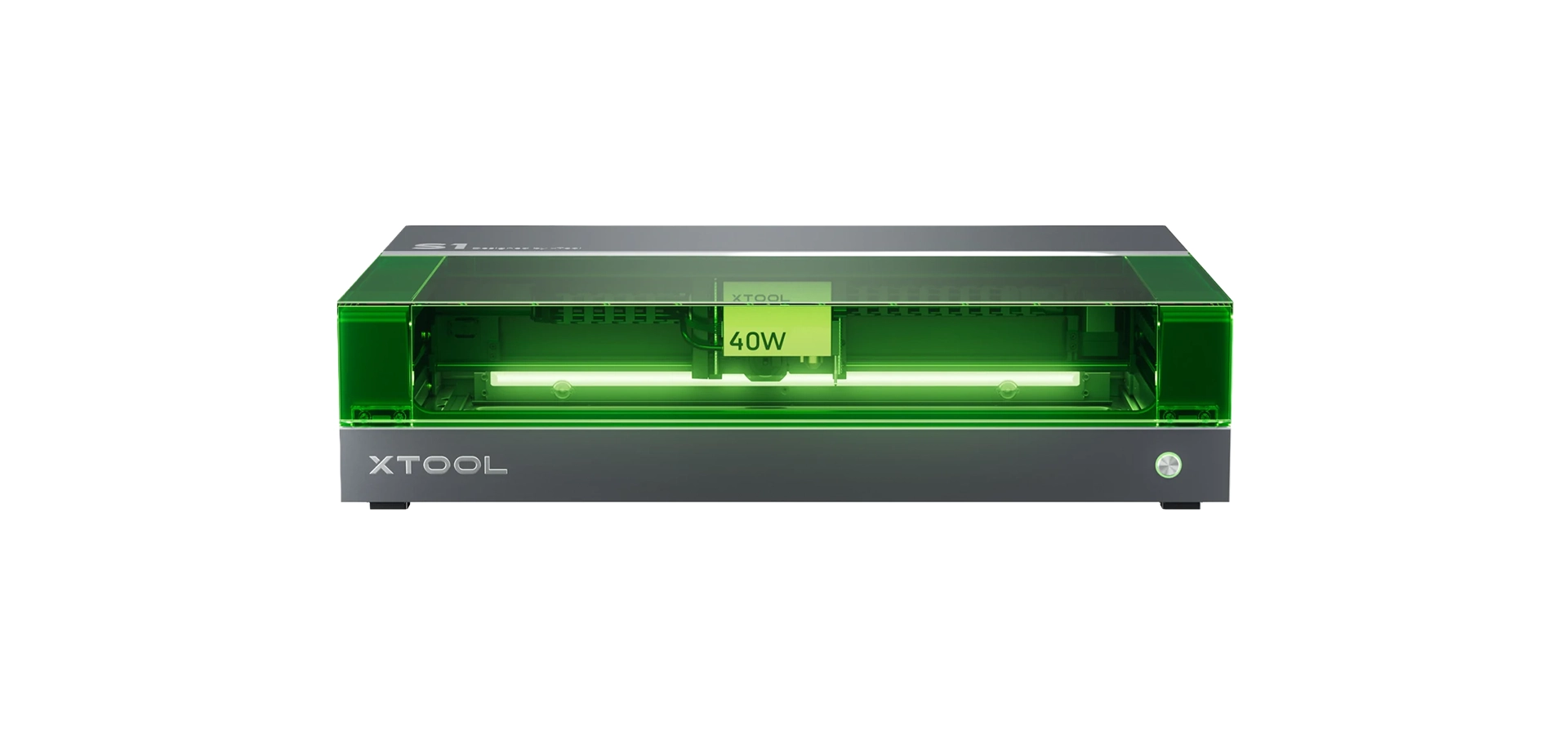
xTool S1 enclosed diode laser cutting and engraving machine

xTool S1

Category: Hobby Laser Machine

A fully enclosed diode laser cutter and engraver for hobbyists, makers, schools and creative businesses.

Working area: 498 x 319mm

Laser type: Diode Laser

Best for: arts and crafts, personalised gifts, home decor, educational projects and creative makers.

From R71 100 incl. VAT

OR
R2460 per month over 36 months with a R10 000 down payment.

View Machine Request Quote

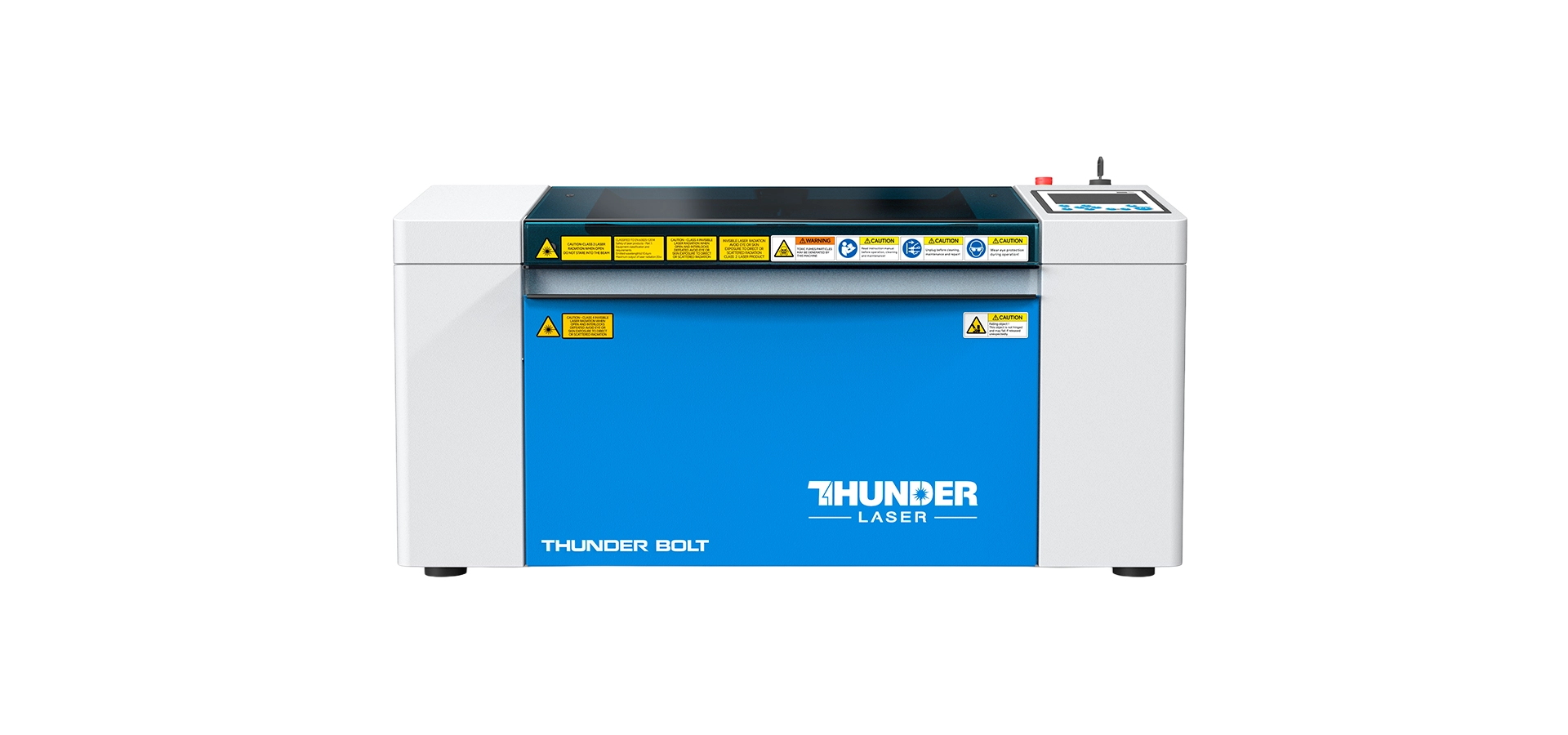
Thunder Bolt professional desktop CO2 laser cutter and engraver

Thunder Bolt

Category: Professional Desktop Laser Machine

A compact professional laser cutter and engraver featuring an RF metal laser tube for detailed engraving and reliable desktop production.

Working area: 508 x 305mm

Laser type: RF Metal CO2

Best for: premium engraving, awards, leather products, acrylic, personalised gifts and more.

From R137 500 incl. VAT

OR
R3572 per month over 60 months with a R15 000 down payment

View Machine Request Quote

Thunder Nova Plus 35 professional laser cutting machine

Thunder Nova Plus 35 Plus

Category: Professional Laser Cutting Machine

A premium laser cutting and engraving machine featuring an RF metal laser tube for businesses that demand exceptional engraving quality, precise cutting and reliable daily commercial production. This 900 x 600mm size is machine is a great all rounder.

Working area: 900 x 600mm

Laser type: RF Metal CO2

Best for: signage, personalised products, awards, acrylic fabrication, MDF and commercial manufacturing.

From R194 250 incl. VAT

OR
R4730 per month over 72 months with R15000 down payment

View Machine Request Quote

Thunder Nova Plus 51 premium large format laser cutting machine

Thunder Nova Plus 51

Category: Premium Large Format Laser Machine

A premium large-format laser cutting and engraving machine combining an RF metal laser tube with a spacious 1300 × 900 mm working area for businesses that demand exceptional engraving quality, higher productivity and reliable daily commercial production.

Working area: 1300 x 900mm

Laser type: RF Metal CO2

Best for: large signage cutting, premium engraving, acrylic fabrication, commercial production and continued growth.

From R227 010 incl. VAT

OR
R5594 per month over 72 months with R15000 down payment

View Machine Request Quote

Workshop Summary

Throughout this project, we learnt that successful leather engraving isn’t determined by one setting alone. The best results come from combining quality artwork preparation, accurate positioning, careful testing, appropriate laser settings and proper finishing. By following this workflow, you can consistently produce premium personalised leather products that look professional and carry genuine emotional value.

Continue Learning with More Laser Engraving Guides

Once you’ve mastered laser engraving on leather, you’ll discover that many of the same techniques can be applied to other materials. Each material responds differently to the laser, and understanding those differences will help you expand your product range and improve your engraving skills.

Continue learning with these workshop-tested guides:

Laser Engraving Acrylic

Learn how to achieve a smooth white frosted finish on clear cast acrylic while eliminating visible scan lines through workshop-tested acrylic engraving settings.

Learn More

Laser Engraving Wood

Discover how different wood species respond to laser engraving wood, how to improve engraving contrast and how to achieve cleaner results on hardwoods and softwoods.

Learn More

Laser Engraving Machines

Explore our full range of Thunder Laser engraving machines, from compact desktop systems to professional production machines designed for businesses of every size.

Learn More

Laser Machine Maintenance Guide

Discover the laser machine maintenance routines that keep your laser engraving machine performing consistently, from cleaning optics to maintaining guide rails, airflow systems and extraction.

Learn More

Laser Cutting MDF

For MDF-specific machine guidance, use the verified Laser Cutting MDF guide until a dedicated engraving route exists.

Learn More

Frequently Asked Questions About Laser Engraving Leather

Yes. Genuine leather engraves exceptionally well with a CO2 laser, producing permanent, high-contrast markings that are ideal for personalised gifts, wallets, journals and corporate products.

Genuine leather generally produces the best results. Because different leathers are dyed and finished differently, always perform a small test before engraving your final product.

Absolutely. Leather wallets are one of the most popular personalised products. Using a camera alignment system helps position the artwork accurately on finished wallets.

The wallet wasn’t perfectly flat, so two lighter engraving passes produced a cleaner and more even result than using one heavier pass that could have scorched the leather.

We prepared the artwork in CorelDRAW before importing it into LightBurn for positioning and laser engraving.

The built-in camera on the Thunder Laser Nova Plus 35 allowed us to position the handwritten artwork precisely on the wallet, reducing setup time and improving accuracy.

Yes. Cleaning and conditioning the leather after engraving removes residue, restores the leather’s natural appearance and often makes the engraving stand out more clearly.

Yes. By scanning the original handwriting and converting it into vector artwork, you can permanently engrave authentic handwritten messages onto leather products.

Popular products include wallets, journals, belts, keyrings, passport holders, coasters, notebook covers, luggage tags, Bible covers, dog collars and corporate gifts.

For hobby businesses and personalised gifts, the Thunder Bolt is an excellent choice. For businesses producing leather products regularly, the Thunder Nova Plus 35 offers additional workflow features such as a built-in camera system, making it ideal for accurate positioning and higher production efficiency.

Why Choose MaxLaser?

Buying a laser engraving machine is only the first step. Learning how to use it confidently is what turns it into a profitable investment.

At MaxLaser, we combine premium laser engraving machines with practical training, real workshop experience and ongoing support to help you achieve professional results from day one.

Maxlaser installation and training

Delivery & Remote Training

Lifetime technical support

Lifetime Technical Support
Maxlaser Local South African Support, Stock & Spares

Local South African Stock & Spares


Maxlaser support: hands-on demo facility in Johannesburg

Hands-On Demo Facility

Maxlaser's real business setup guidance

Real Business Setup Guidance

MaxLaser warranty and after-sales

Warranty & After-Sales Backup

Whether you’re starting a personalised gift business or expanding an established engraving operation, our team is here to help you succeed.

Ready to Start Laser Engraving Leather?

Whether you’re creating personalised wallets, premium corporate gifts or meaningful keepsakes, the right laser engraving machine can help you produce professional-quality products with speed and consistency.

Book a live demonstration with the MaxLaser team and see how our Thunder Laser engraving machines handle leather, wood, acrylic and many other materials. We’ll guide you through the complete workflow, answer your questions and help you choose the best machine for your business.

Book a Live Laser Engraving Demonstration View Our Laser Engraving Machines